

Not everyone can afford to buy an Xbox console—but that doesn’t mean you have to miss out on the fun. Thanks to powerful Xbox 360 emulators, you can now enjoy some of the best Xbox games directly on your Windows PC—without spending hundreds of dollars on hardware. Whether you’re a casual gamer or a nostalgic fan of classics like Halo and Forza, these emulators can turn your PC into a full-fledged Xbox 360 experience.
In this guide, we’ll cover everything you need to know about Xbox 360 emulators, including their pros and cons, and the 10 best Xbox 360 emulators for PC you can download right now.
What is an Xbox 360 Emulator?
An Xbox 360 emulator is a piece of software that mimics the hardware of Microsoft’s Xbox console. It allows you to run Xbox-exclusive games on a PC without owning the physical console. While performance may vary depending on your system, these emulators make it possible to relive Xbox gaming on Windows, Linux, and even macOS.
Advantages of Using Xbox 360 Emulators
Pros:
- Completely free to use
- Delivers a Full HD gaming experience
- Offers immersive audio effects similar to Xbox
- Expands your game library without buying the console
Cons:
- Requires a powerful PC for smooth performance
- May cause overheating and lag in some cases
- Not all Xbox games are supported
Best Xbox 360 Emulators for PC (Guide 2025)
Using these emulators, you can enjoy mostly all the Xbox games on Windows PC. But there’s a drawback since they are not actual Xbox you will experience game lag or distorted visual gaming experience.
Now, without wasting any time, let’s learn about the best Xbox 360 emulators for PC.
1. CXBX Emulator – Top Xbox 360 Emulator
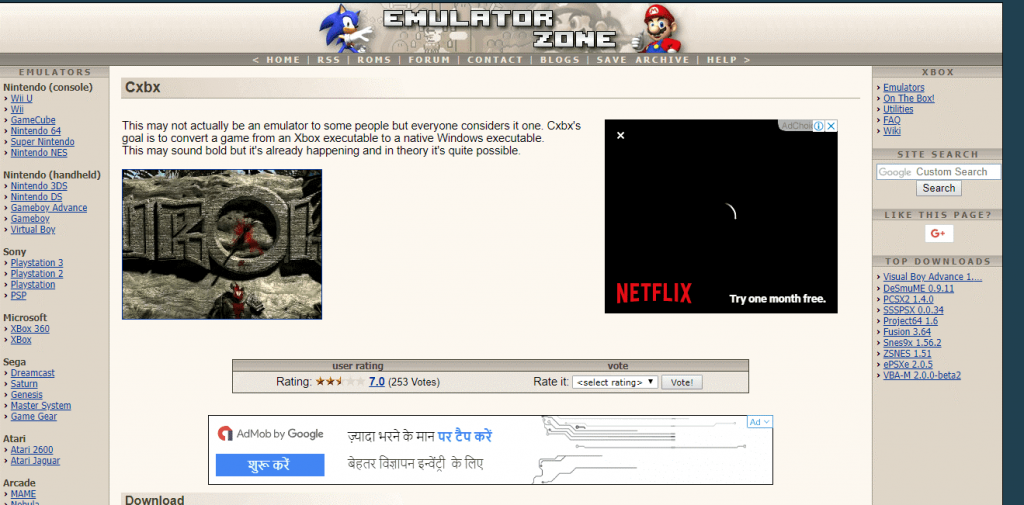
One of the best Xbox 360 emulators, you can find in the market is called CXBX. This emulator allows converting Xbox Games into executable files thereby giving you a lag-free gaming experience without creating any virtual environment.
Installing and using it is very simple so without giving it much thought download the CXBX Xbox emulator and enjoy your favorite games on Windows PC.
Pros
- Allows running Xbox Pixel Shaders.
- Capable of emulating Xbox SDK samples
- Offers Xbox Viewer for easy management and viewing of game files
Cons
- A good gaming PC with a higher configuration is required for running emulators
- Not all games are supported by emulators
2. Xeon Emulator

Another highly recommended emulator for Windows to run Xbox games is Xeon. Used by millions, this best Xbox 360 emulator supports a good number of Xbox One and Xbox 360 games.
Also, using it you can run games flawlessly, the best thing about this emulator is that it is available for both Windows and DoS.
Pros
- Comes with a tutorial that helps emulate games
- Create a backup using Xeon emulator
- Compatible with Windows and DoS.
Cons
- Xeon Xbox emulator can only emulate the NTSC version of the Halo.
- Updates will not be released any longer
3. Xenia Emulator
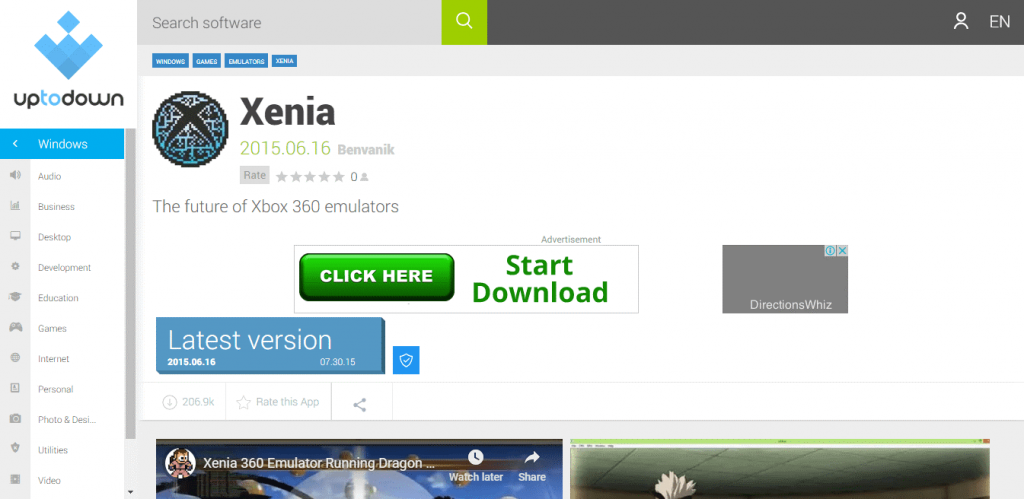
Xenia is another best Xbox 360 emulator for PC that helps run more than 50 Xbox One and Xbox 360 titles. This stable emulator receives regular updates and is trusted by millions of users.
Pros
- Developers are continuously working on it, this means gamers will get regular updates
- Supports more than 50 Xbox One titles
Cons
- Although updated regularly it’s still laggy
- Older versions have some bugs hence updating to the latest one is recommended
4. DXBX Emulator
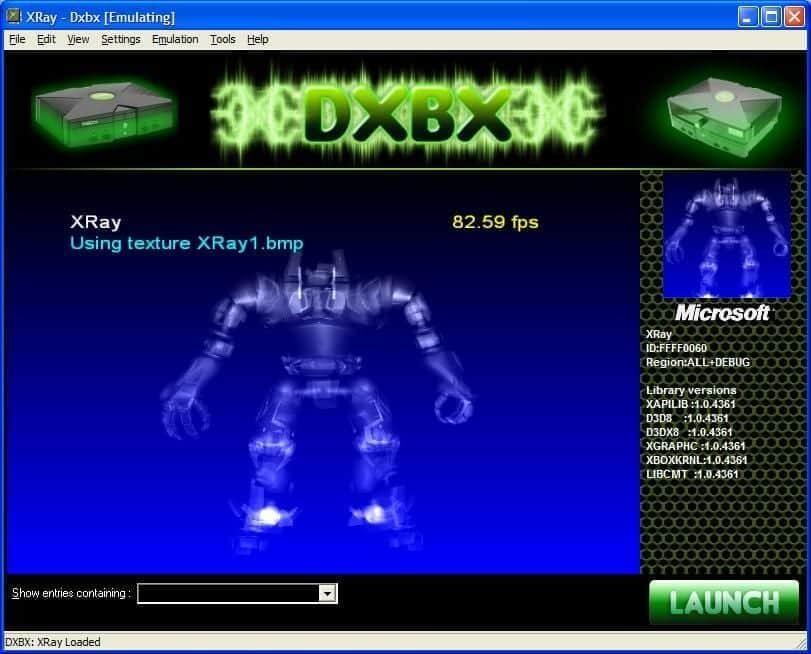
Made from the same source as CXBX, DXBX has a similar sounding name and functionality. But it has more advanced features and works perfectly with both Xbox 360 and Xbox One games.
This means DXBX is an emulator worth giving a shot.
Pros
- Loaded with the customizable symbol detection system.
- High-end graphics as it had an inbuilt Direct 3D engine
Cons
- Compatible only with the 32-bit version of Windows
5. EX360E Xbox 360 Emulator

Said that DXBX will not run on a 64-bit Windows machine? Well, don’t be when EX360E is here. This top Xbox emulator for Windows works well with both Xbox 360and Xbox One games. Like CXBX it too converts game files into executables thereby offering smoother gameplay.
Pros
- Smooth gameplay as it converts games files into executables
- Can play Xbox 360 and Xbox One games
Cons
- The user interface is not user friendly
6. HackiNations Emulator
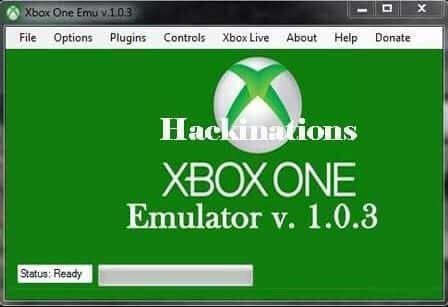
Looking for an emulator using which you can play Halo collection, Forza Horizon 3, and other popular games? Use HackiNations emulator and enjoy playing Gear of War 4 and other games without spending a cent. This Xbox emulator for Windows is just awesome.
To enjoy using this emulator head to the website, download it, and enjoy playing your favorite games.
Pros
- Allows you to use the keyboard
- HackiNation supports different Disc and ROM file formats
Cons
- To use HaciNation a high-end PC is a must
7. Box Emulator
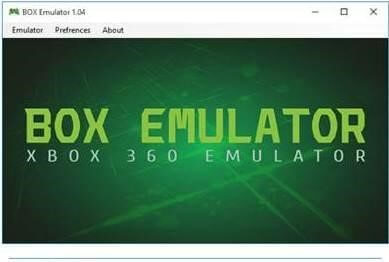
Used by millions of gamers worldwide, Box Emulator is a powerful Xbox emulator that delivers great graphics. Unlike other emulators, Box Emulator supports high FPS thereby offering a great visual experience.
Pros
- Compatible with Xbox One and Xbox 360
- Great user-interface
Cons
- Doesn’t support Live and pirated version of games
8. VR Box 360 Emulator

VR BOX 360 is the ultimate Xbox 360 PC Emulator that delivers a bug-free gaming experience. The Windows emulator supports Windows 10 and the older version. Moreover, it comes with stunning graphics and powerful Nvidia and Radeon cards.
Pros
- Free to use, Best emulator for Windows
- Supports all version of Windows from the latest to the oldest till XP
Cons
- New compared to other Xbox emulators
9. XQEMU Emulator

Play Xbox games on Linux, Windows, and macOS with XQEMU an open-source emulator. It allows downloading the software for later use and is popular among games. Moreover, it emulates BIOS and supports games like Serious Sam, Halo, Jet Set Radio Future.
Pros
- Clean and easy to use interface
- Launchable via the command-line interface, or through the XQEMU-Manager GUI.
Cons
- Only a handful number of games is supported
10. PCSX2

Compatible with both Windows and Linux, the PCSX2 emulator is open source and free to use. It lets gamers play a good number of games and it also supports external plugins & network play.
Pros
- Allows using any type of emulator
- Recording software for commentary
- Game and voice recording is comparatively easy
Cons
- Poor graphics
- A high-end system is required
Note: This emulator is discontinued.
FAQ – Xbox 360 Emulators for PC
1. What is an Xbox emulator?
It’s a program that mimics Xbox hardware, allowing PC users to run Xbox games.
2. Are Xbox emulators legal?
Yes, emulators are legal in the USA, but downloading copyrighted ROMs or games without ownership is illegal.
3. What’s the best Xbox 360 emulator?
Xenia is widely considered the best, followed by DXBX and CXBX.
4. How do I download Xbox emulators?
You can download them directly from their official websites or use the links provided in this article.
5. Is Xenia safe?
Yes, Xenia is safe if downloaded from its official source and used legally.
Conclusion
While nothing beats the feel of playing on a real Xbox 360 console, these emulators bring the next best thing—letting you relive the classics without breaking the bank. From Xenia’s reliability to HackiNations’ blockbuster support, every emulator on this list has something unique to offer.
If you’re ready to transform your PC into a gaming powerhouse, download one of these emulators and start playing today. Just remember: use them responsibly and stick to games you legally own.
And if you'd like to go a step further in supporting us, you can treat us to a virtual coffee ☕️. Thank you for your support ❤️!

We do not support or promote any form of piracy, copyright infringement, or illegal use of software, video content, or digital resources.
Any mention of third-party sites, tools, or platforms is purely for informational purposes. It is the responsibility of each reader to comply with the laws in their country, as well as the terms of use of the services mentioned.
We strongly encourage the use of legal, open-source, or official solutions in a responsible manner.
Comments