
In an era where digital privacy is under constant threat, using a reliable VPN has become essential—especially for Mac users who value both security and performance. Whether you’re looking to protect your data on public Wi-Fi, bypass geo-restrictions, or simply maintain anonymity online, a Virtual Private Network is your best ally. But with so many VPN options out there, how do you choose the right one for your macOS device? We’ve done the research for you. In this guide, we present the 17 best and fastest VPNs for Mac that not only offer top-tier encryption and privacy features but also deliver impressive speed and seamless streaming capabilities. Whether you’re working remotely, binge-watching Netflix abroad, or just browsing securely, these VPNs have you covered.
⚠️ Legal Disclaimer: This article is intended for informational and educational purposes only. VPNs are legal tools designed to enhance privacy and security online. We do not encourage the use of VPN services to bypass copyright restrictions or engage in illegal activities. Please use VPNs responsibly and in accordance with your local laws.
✅ Very important:
All the links in this article point to the official websites of each program mentioned.
1. ExpressVPN
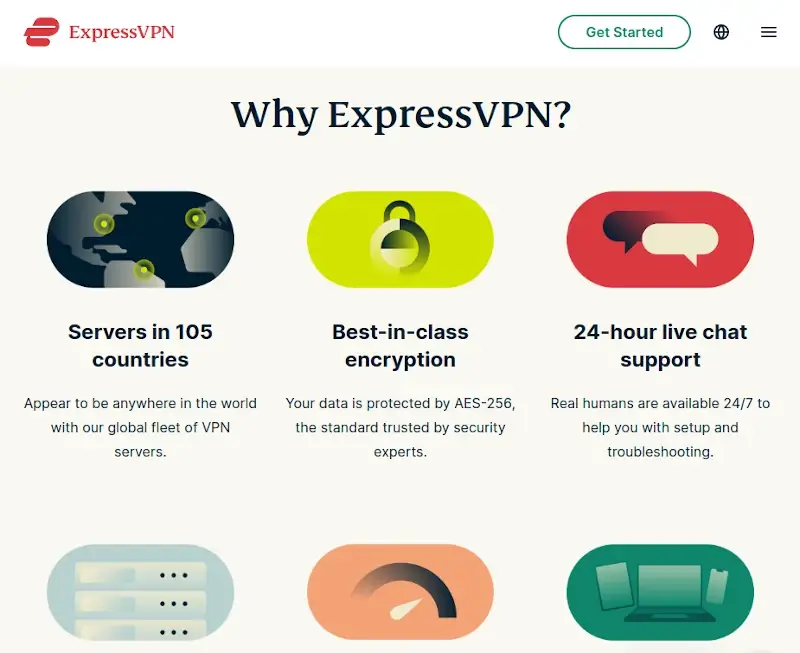
ExpressVPN exists to enable users to unblock sites and protect their identity online at the same time. It is ranked one of the best VPN services on any platform as it excels in both functionality and ease of use.
ExpressVPN Features:
- Superfast servers in 160 locations from 105 countries.
- Support for all modern platforms including iOS, macOS, Android, Windows, Linux, and router Operating Systems.
- 24/7 setup and troubleshooting support via live chat and email.
- Mask IP address.
- Online payments using Bitcoin.
- Dedicate .onion Tor site.
- AES-256 encryption.
- Zero-knowledge DNS.
- Unlimited bandwidth.
- Built-in speed test and ISP throttling bypass feature.
2. NordVPN
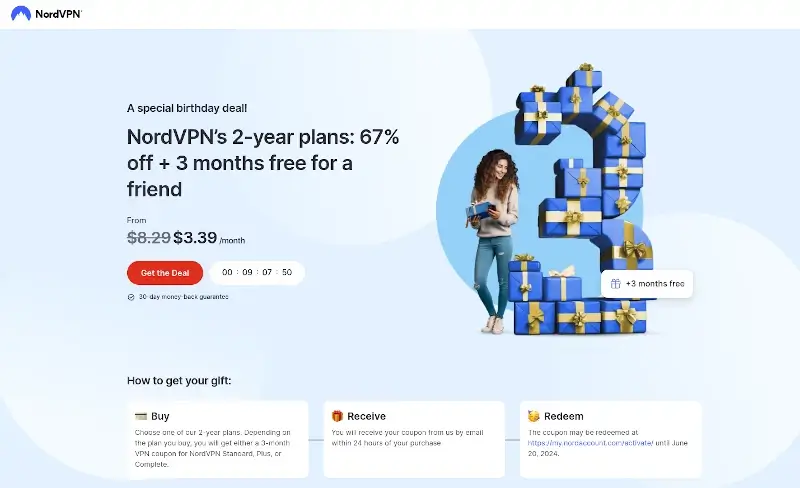
NordVPN allows users to securely surf the Internet using 6000+ servers in 61 countries. It is robust in functionality but is particularly hailed by movie streamers and P2P enthusiasts.
NordVPN Features:
- Anonymously browsing on public Wi-Fi networks.
- Install NordVPN on different platforms.
- Limitless bandwidth.
- No-log policy.
- Built-in test for connecting to the nearest best server.
- Surf the Internet without restrictions or bandwidth limits.
3. Private Internet Access VPN
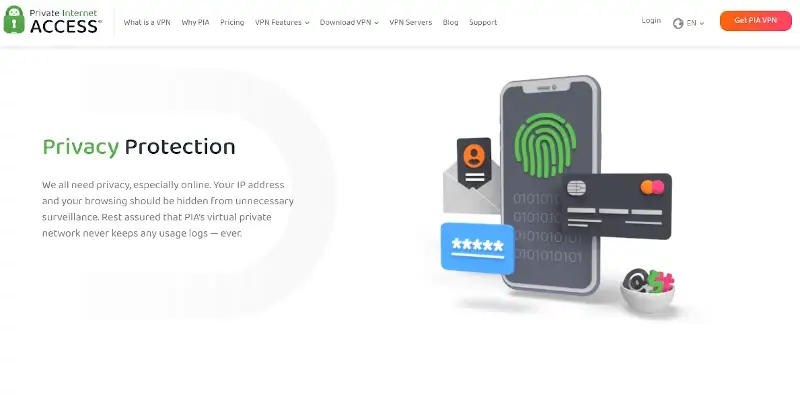
Private Internet Access VPN is a personal VPN service that supports several other VPN technologies such as PPTP and OpenVPN. It is one of the world’s leading VPNs and it is loved by Mac users for its no-log policy and encryption technology.
Private Internet Access VPN Features:
- Private IP address.
- Strong encryption.
- Unblock censorship filters.
- Multiple VPN gateways.
- Unlimited bandwidth.
- P2P support.
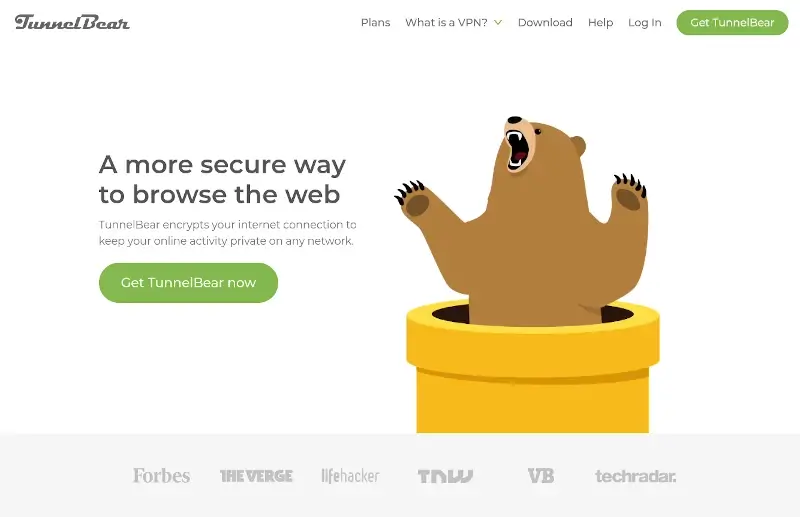
4. TunnelBear VPN
TunnelBear VPN aims to keep users’ online activity private by encrypting their Internet connection on any network. It is very user-friendly and works excellently on Apple platforms.
TunnelBear VPN Features:
- Easy to set up and use.
- Access censored sites and online content.
- Prevent IP-based tracking.
- Prevent password and data theft.
- Remain anonymous online.
- Fast speed with AES 256-bit encryption.
- Multiple servers in 22 countries.
5. CyberGhost
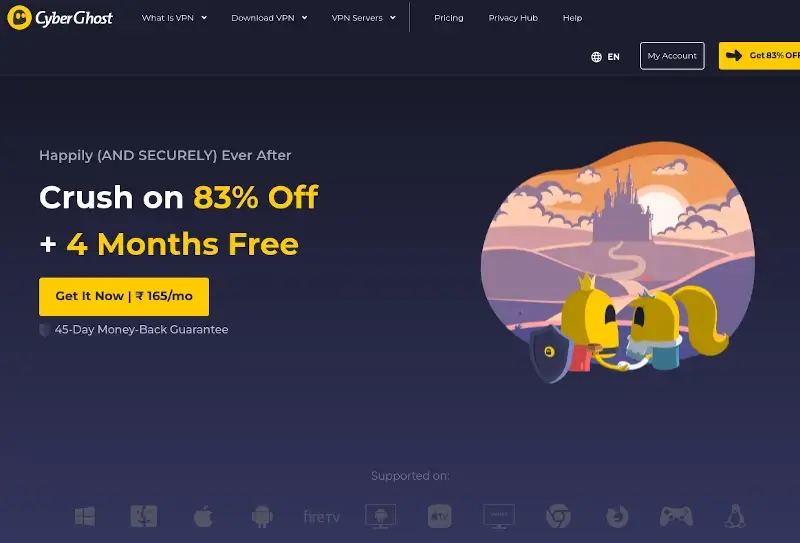
CyberGhost enables users to browse the Internet without any intrusive ads, geolocation restrictions, or activity logs. It offers a free but restricted service package based in Romania and charges a reasonable price for a premium account.
CyberGhost Features:
- Hide IP for anonymous browsing.
- Available on Android, Linux, macOS, Windows, and FireTV.
- DNS and IP leak protection + automatic kill switch.
- Unlimited bandwidth.
- over 115+ locations across the globe..
- 256-bit AES encryption.
- Up to 7 simultaneous connections.
6. PureVPN
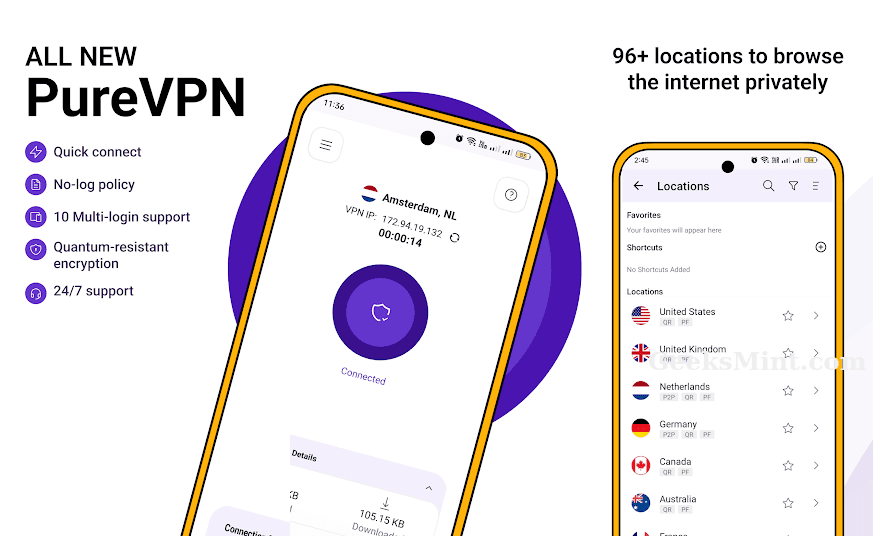
PureVPN allows users to privately and securely share files, access geo-restricted content, and stream media online without compromising their data or browsing speeds. It couples protection from IPV6 and WebRTC leaks with numerous other features.
PureVPN Features:
- Military-grade encryption for public Wi-Fi connections.
- Securely stream TV shows, movies, and music.
- 6500+ servers in 88+ locations from 70+ countries.
- 24/7 support for setup and troubleshooting.
- No data-log policy.
- Automatic kill switch.
- Blazing fast browsing and download speeds by connecting to any of the 2000+ servers in 140 countries.
- Premium features such as port forwarding, dedicated IP address, etc.
7. TorGuard VPN
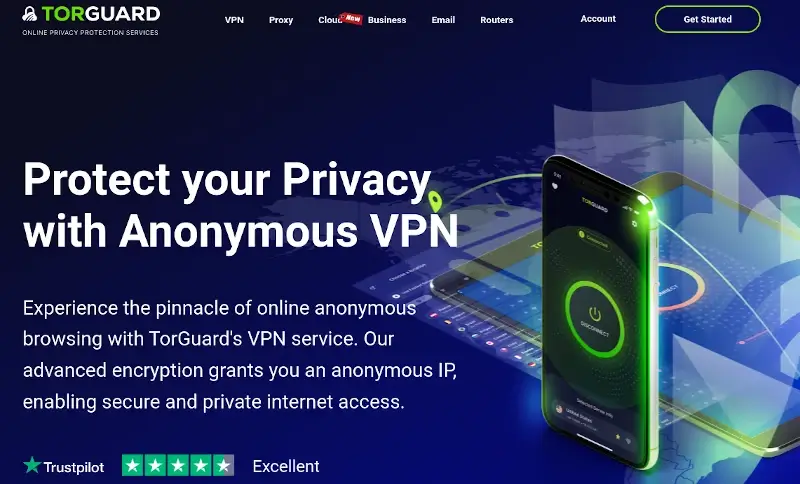
TorGuard VPN is developed and maintained by TorGuard to encrypt users’ Internet access and allow them to browse both securely and anonymously. You can choose to get the anonymous proxy, anonymous VPN, or any of the other subscription packages that fit your needs.
TorGuard VPN Features:
- Unlimited speed and bandwidth.
- TorGuard stealth proxy.
- Up to 8 connections at once.
- 24/7 technical support.
- 3000+ servers in 50+ countries.
- Based on OpenConnect SSL.
- OpenVPN/WG/SSTP/IPSec.
- Available on all computing platforms.
8. Ivacy VPN
Ivacy VPN keeps its users hidden from hackers, malicious websites, and data harvesters while granting them access to content from anywhere in the world at any time. It has a user-friendly UI and support dedicated to helping users enjoy a smooth Internet experience.
Ivacy VPN Features:
- Unlimited bandwidth for surfing online and downloading content.
- Up to 10 connections at once.
- 5700+ servers in over 100+ locations
- No logs policy.
- Split tunneling.
- AES 256-bit encryption.
- Advanced features such as IPv6 leak protection, secure downloading, secure DNS protection, and DDoS protection.

9. IPVanish
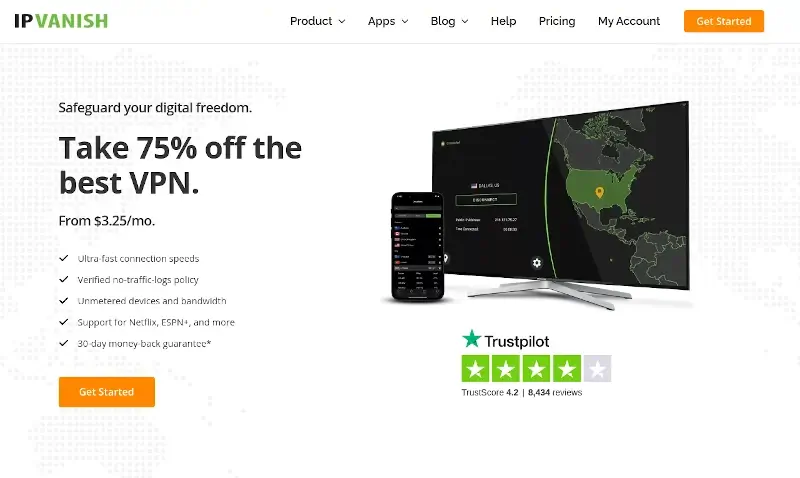
IPVanish is a premium US-based VPN service that allows users to surf the Internet from over 75 different locations with end-to-end encryption. It is also available to easily set up on different software including ChromeOS and Kodi.
IPVanish Features:
- 10 simultaneous connections.
- Unlimited server switching.
- 40,000+ shared IPs with 2200+ VPN servers in up to 75 locations.
- Unlimited bandwidth.
- OpenVPN and L2TP/IPsec protocols.
- Zero traffic logs.
- 24/7 customer support.
10. KeepSolid VPN Unlimited
KeepSolid VPN Unlimited is another personal Virtual Private Network that offers online privacy and traffic protection to subscribed users without compromising browsing and download speeds.
KeepSolid VPN Unlimited Features:
- connect unlimited devices at once
- 24/7 customer & technical support.
- Bypass geo-blocking and other Internet restrictions.
- 3000+ high-speed servers in 80+ locations.
- Unlimited traffic and fast connection speed.
- Peer-2-Peer support.
- Available on all modern platforms.

11. Surfshark
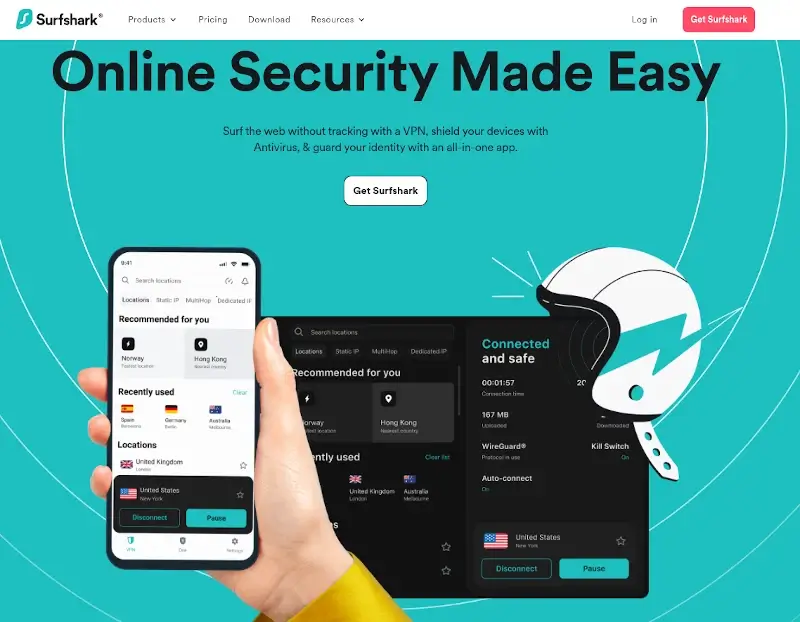
Surfshark is renowned for its uninterrupted connections, making it the best Mac VPN for beginners, and has enormous server networks that work with 100+ streaming platforms such as Netflix, BBC iPlayer, and Disney+.
Surfshark is compatible with all macOS devices. Even though the Surfshark app starts with macOS 10.15, it can also be set up with an older device manually or by using a router that will cover all the devices in use.
Surfshark providers have a clean web that blocks all ads, questionable links, trackers, and malware that may harm your device. In addition, it has an IP Rotator, which gives additional privacy by frequently changing your IP address while keeping your VPN connection up.
Surfshark comes with various affordable pricing plans; the lowest plan starts at $2.49/month.
12. ProtonVPN
ProtonVPN is a Swiss-based VPN service that offers a fast and reliable internet connection.
Here are a few of ProtonVPN’s salient features:
- By encrypting your internet traffic, ProtonVPN ensures that your browsing data is secure even while using public or unreliable internet connections.
- ProtonVPN doesn’t keep track of user behavior or give information to outside parties.
- It was developed to break down barriers to internet censorship. It gives everyone access to restricted online information and ensures internet security.
- Can increase speeds by 400% thanks to its exclusive VPN Accelerator technologies and 10 Gbps server network.
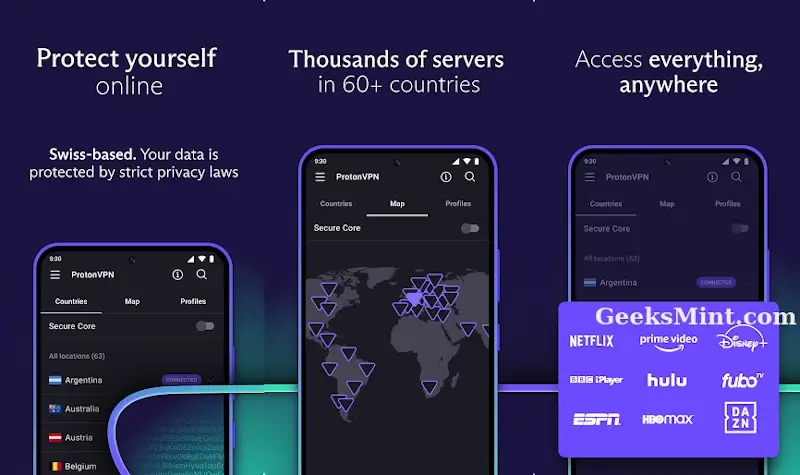
ProtonVPN offers a variety of price options that allow users to unlock unlimited features: With a Proton VPN Plus subscription, you can access premium services, including:
- 3000+ servers across 70+ countries
- Protect 10 devices at a time
- Ad-blocker and malware protection
- Fast P2P/BitTorrent downloads
- Highest VPN speed
- High-speed streaming
- VPN Accelerator
- Double hop
- Split tunneling
- Custom DNS
- LAN connections
- Priority support and live chat
13. Hotspot Shield
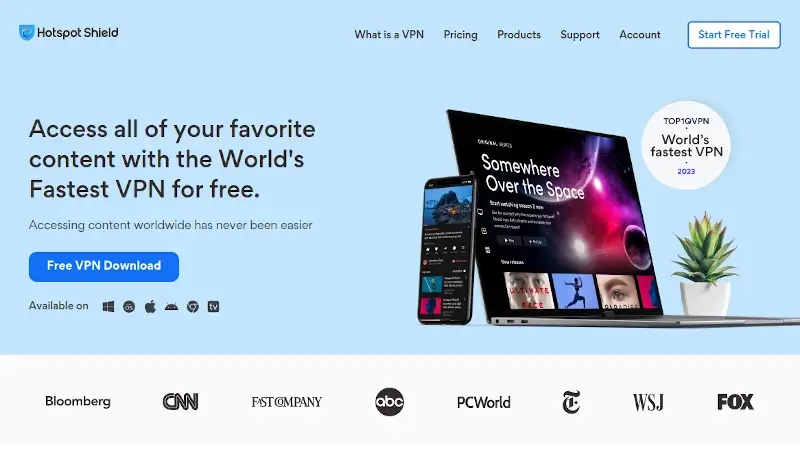
With Hotspot Shield, you can encrypt your internet traffic and increase the difficulty of being monitored by hackers, government agencies, and other third parties.
Your email correspondence, instant messages, credit card details, and any other data you send over a wireless network can be protected from prying eyes and hackers thanks to this encrypted tunnel.
Hotspot Shield comes with military-grade encryption that gives you privacy, protects your data, and gives you access to safe sites around the world. It also protects your IP address, enabling you to surf the internet anonymously.
With a speed of up to 2.2x, you can download and stream your favorite shows and movies on different platforms, such as Disney, YouTube, Showmax, and Netflix.
Hotspot Shield provides a free plan with unlimited bandwidth and data. It also provides a premium plan starting at $7.99 per month, which allows users to unlock unlimited features, including:
- Hydra IPSec and OpenVPN protocols
- IP Leak protection
- DNS leak protection
- Tor over VPN
- Traffic Proxy
- Traffic Obfuscations
- Security check with PKI
- TLS connection
- establishment
- DNS filter and non
- VPN protection
14. Norton Secure VPN
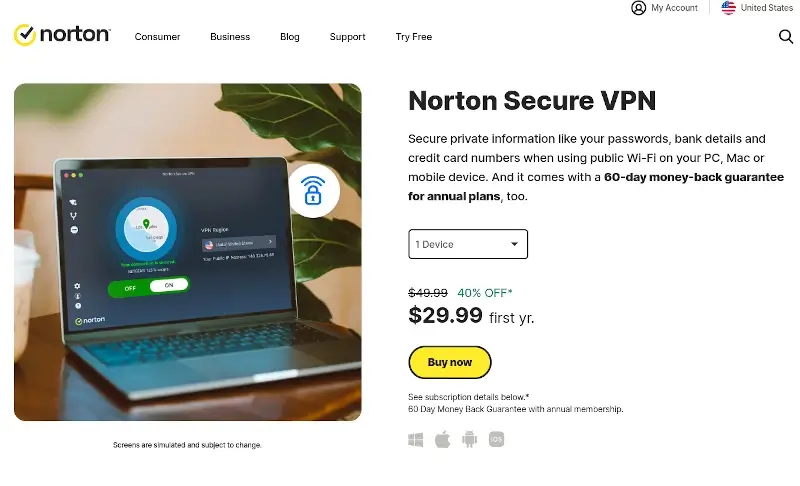
Norton Secure VPN is a reliable VPN service that improves user’s online security and privacy by hiding their IP address and encrypting their internet connection.
Key Features of Norton Secure VPN
- With split tunneling, you can decide which traffic (e.g., online banking) to encrypt.
- Your internet activity is not tracked or stored by Norton Secure VPN.
- When using Wi-Fi, it masks your activities and prevents information from being accessed by hackers and ISPs.
With Norton Secure VPN, you can prevent websites, advertisers, and cybercriminals from accessing your location and other online data. To stop advertisers from tracking you online, disable ad-tracking technologies.
Norton Secure VPN comes with a 60-day money-back guarantee for annual plans, and it allows users to connect 1 device, 5 devices, and 10 devices.
15. Atlas VPN
Atlas VPN is a highly secure freemium VPN service founded in 2019. It is designed to make the internet safe and accessible for everyone. Regardless of your location, Atlas VPN gives you access to all online content.
Here are a few of Atlas VPN’s salient features:
- By redirecting your internet traffic over an encrypted tunnel, Atlas VPN shields you from Internet service providers, governments, and hackers snooping on you.
- Unlike other VPNs, Atlas VPN provides unlimited simultaneous connections.
- Select from over a thousand premium servers spread over 37 locations, including servers that are optimized for videos and ultra-secure Privacy Pro.
- AES-256 encryption, an infinite number of simultaneous connections, and access to Netflix and other streaming services are all included in the premium plans.

16. Private VPN
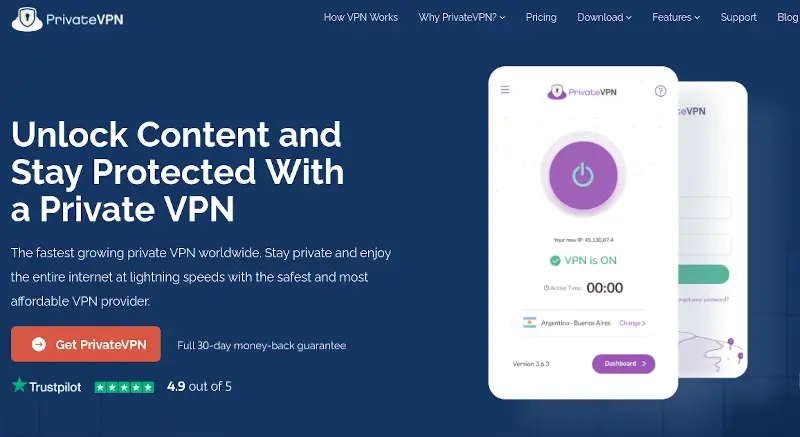
PrivateVPN is a Swedish-based VPN provider that offers a 100% money-back guarantee, and its servers are located worldwide, providing uninterrupted service 24 hours a day.
Like other VPN services, PrivateVPN offers features designed to encrypt internet connections, mask IP addresses, and allow users to access the internet more securely.
With a 99.98% uptime rate, PrivateVPN is rated as the best VPN provider on Trustpilot and is praised for its fast speeds. It competes with market leaders and is effective for torrenting, offering HTTP and SOCKS5 proxy.
In addition, PrivateVPN adheres to Swedish privacy laws, ensuring that no traffic logs are kept to be seized by the government. Besides that, your connection is shielded with 2048-bit encryption, providing robust security against hackers and surveillance.
PrivateVPN payment plan is affordable, and it begins from as low as $9.99 per month. Each premium subscription comes with a 30-day money-back guarantee.
17.Mullvad VPN
Mullvad VPN is a completely transparent organization that has adopted unconventional methods to ensure the data protection of its users.
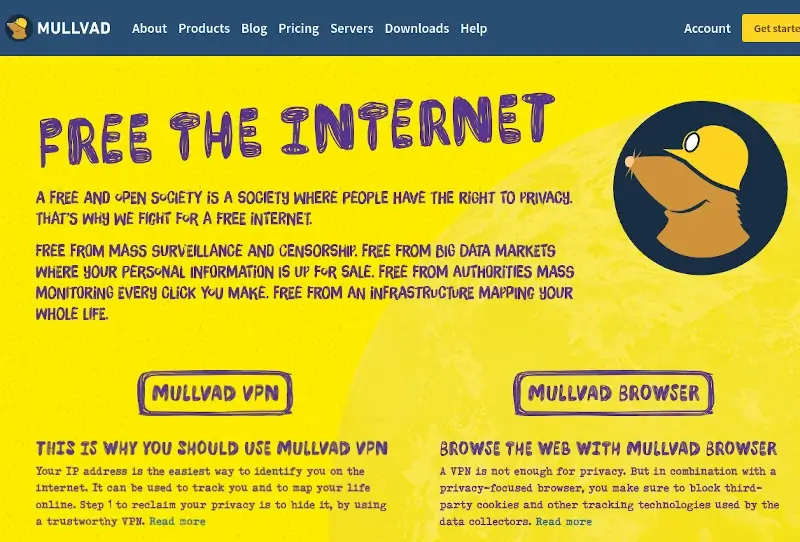
Mullvad believes in a free and open society where privacy is a fundamental right. They fight against mass surveillance, censorship, and the sale of personal information. With Mullvad, you can reclaim your online privacy.
Mullvad offers various pricing plans, with the lowest starting at €5/month, and accepts various payment methods, including Bitcoin, cash, bank wire, credit card, PayPal, and Swish.
✅ Very important:
All the links in this article point to the official websites of each program mentioned.
Frequently Asked Questions (FAQ’s)
Here are some of the Frequently Asked Questions (FAQs) about MacOS VPN.
1. How does VPN enhance security on MacOS?
A VPN encrypts internet traffic, making it more difficult for hackers to intercept and decipher sensitive data. This is especially important when connecting to public Wi-Fi networks, where data can be intercepted.
Besides that, VPNs provide anonymity by masking the user’s IP address, making it more challenging for online applications to track their online activities.
2. Can I use a VPN on multiple devices simultaneously?
Indeed, you can use a VPN on several devices at once. A single VPN subscription can support a range of concurrent connections from different providers. For instance, ExpressVPN supports up to 8 devices concurrently, while NordVPN permits up to 6 devices to be secured at once with a single account.
In addition, some VPN providers, such as Surfshark, offer unlimited simultaneous connections, allowing users to protect as many devices as they wish with a single subscription.
3. How does a VPN affect internet speed on MacOS?
Using a VPN on MacOS can potentially affect internet speed due to the encryption and rerouting of internet traffic. The distance to the VPN server, the server’s capacity, and the user’s initial internet speed are some of the variables that can affect speed.
Internet speed can occasionally be decreased while connecting to a VPN server that is far away or is experiencing a lot of traffic. Modern VPN services, on the other hand, make use of cutting-edge technologies and optimize their server infrastructure to minimize speed reduction.
4. Does my Mac have a built-in VPN?
The MacOS does not come with a built-in VPN service. However, it does have native support for various VPN protocols, allowing you to easily configure and connect to VPN services.
Conclusion
Choosing the right VPN for your Mac can significantly boost your digital security, online freedom, and overall browsing experience. The 17 VPNs featured in this list offer the perfect blend of speed, privacy, and macOS compatibility—making them ideal for everything from secure work to unrestricted entertainment. Whether you need military-grade encryption, access to global content, or just a smoother, faster internet connection, there’s a VPN here for you. Don’t leave your online presence exposed—install one of these trusted VPNs today and take control of your digital life with confidence.
⚠️ Legal Disclaimer: This article is intended for informational and educational purposes only. VPNs are legal tools designed to enhance privacy and security online. We do not encourage the use of VPN services to bypass copyright restrictions or engage in illegal activities. Please use VPNs responsibly and in accordance with your local laws.
And if you'd like to go a step further in supporting us, you can treat us to a virtual coffee ☕️. Thank you for your support ❤️!

We do not support or promote any form of piracy, copyright infringement, or illegal use of software, video content, or digital resources.
Any mention of third-party sites, tools, or platforms is purely for informational purposes. It is the responsibility of each reader to comply with the laws in their country, as well as the terms of use of the services mentioned.
We strongly encourage the use of legal, open-source, or official solutions in a responsible manner.
Comments