

As the world of design continues to evolve, the demand for robust Computer-Aided Design (CAD) software is at an all-time high. However, while options abound for other operating systems, Mac users often find their choices limited. Unlike Linux, where many cloud-based CAD tools thrive, Mac users need dependable software that functions efficiently on their devices. With this in mind, we delve into the top CAD software tailored specifically for Mac users in 2025, focusing on features, ease of use, and the capacity to bring creative visions to life.
With advanced capabilities for 2D and 3D modeling, CAD software is indispensable for professionals and hobbyists alike, providing the tools necessary to turn concepts into stunning visualizations. This article reviews the best CAD software available for Mac, considering their functionality, user-friendly interfaces, design capabilities, and industry reputation.
1. SmartDraw
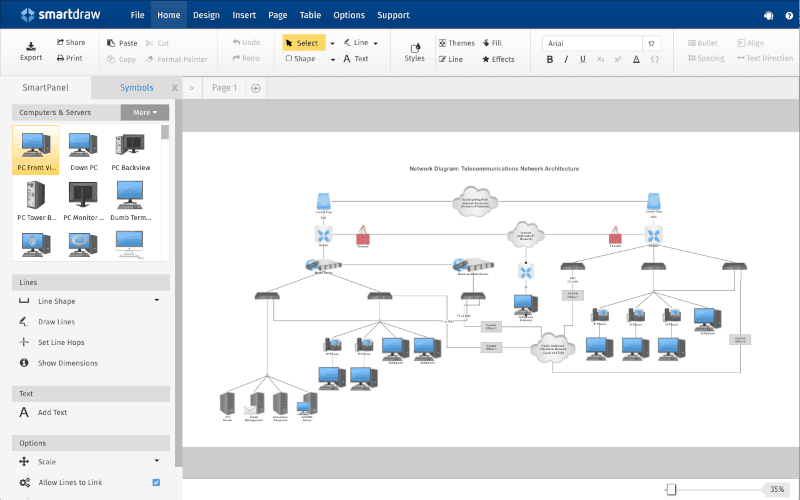
SmartDraw is a user-friendly yet powerful 2D CAD software for Mac, featuring over 70 templates for diagrams, flowcharts, and floor plans. It streamlines formatting, enabling quick and attractive layouts regardless of project scope. This software integrates with Google Workspace, Atlassian’s tools, Microsoft Office, and more, making file sharing a breeze via platforms such as OneDrive and Google Drive. SmartDraw supports creating class diagrams, ERDs, and organizational charts through built-in extensions. Pricing starts at 9.95for single users and 9.95 for single users and 8.25 per user for multi-user access.
2. AutoCAD
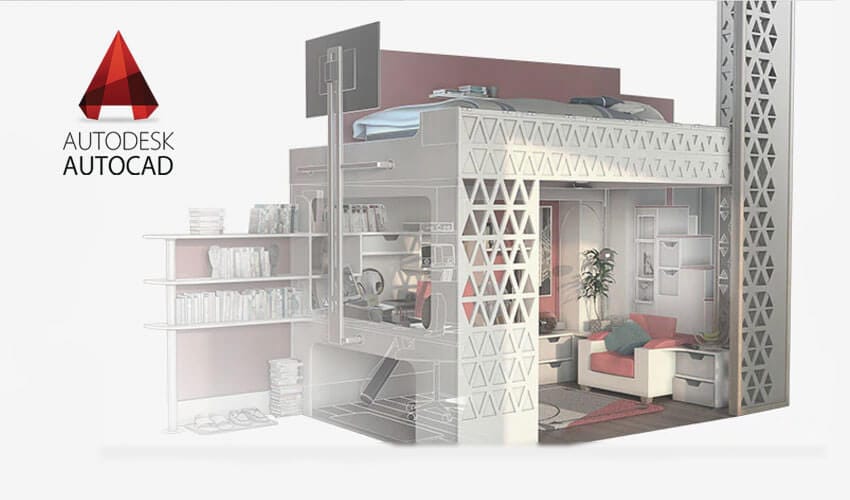
A staple in the design community, AutoCAD offers comprehensive support for both 2D and 3D drawing capabilities. With customizable APIs and automation for various tasks, it’s perfect for professionals looking to streamline their workflow. AutoCAD’s drawing history feature allows users to track versions, making it easy to compare changes over time. Accessible through a web app, users can manipulate designs directly in their browsers. Subscriptions for this powerful software begin at $245 per month.
3. Fusion360
Fusion360 stands out as a modern CAD/CAM tool with robust collaboration features, allowing usage from any device. Its surface modeling and parametric design capabilities enable easy modifications, while extensive data translation options support over 50 file types. The software is well-suited for assembly modeling, rendering, and animations, making it ideal for product design. Fusion360 is available for $382 per year for a single user.

4. CorelCAD
CorelCAD is an affordable yet professional 2D and 3D CAD software offering DWG file compatibility and STL support to facilitate collaboration. It excel at transforming 2D concepts into 3D models with minimal effort, enhancing designs with graphics and text. Priced around $680, it provides a rich user experience for technical design tasks.

5. TurboCAD
TurboCAD is synonymous with versatility, supporting complex 2D and 3D drawings through integrated drafting tools and modeling functionalities. This software is adept at photorealistic rendering and comes with extensive material libraries, symbol collections, and compatibility with various CAD formats. Ideal for both beginners and advanced users, TurboCAD retails for $399.99.

6. HighDesign
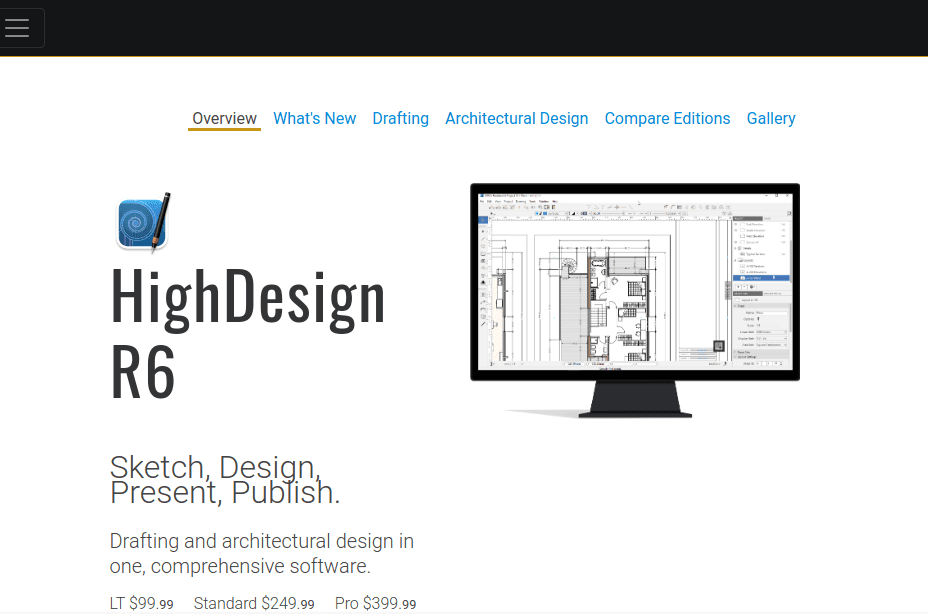
HighDesign simplifies the design process with its intuitive interface and comprehensive tools for sketching, annotating, and documenting. It allows for organizing projects across different views and layers, supporting various export formats to fit your project needs. HighDesign offers three versions priced at $99.00,$299.00, and $449.00 for LT, Standard, and Pro editions, respectively.
7. VectorWorks
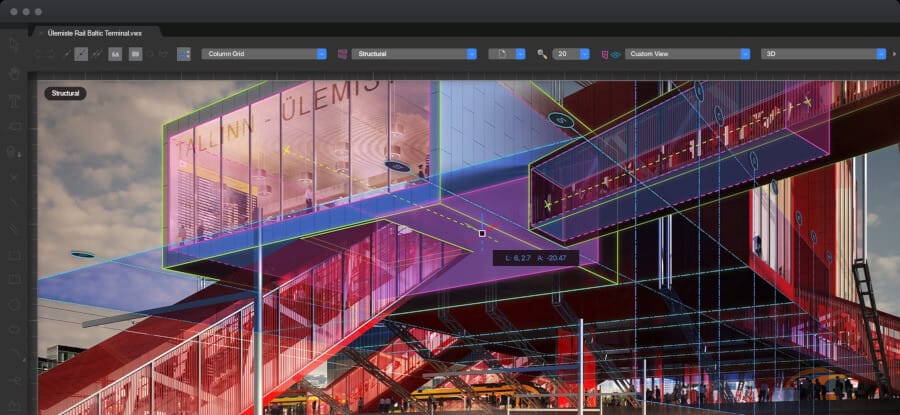
VectorWorks is an outstanding choice for BIM modeling, offering capabilities for both 2D and 3D design while adhering to architectural standards. Its seamless rendering process enhances construction documentation and design refinement. Subscriptions start at 153 per month or 153 per month or 127 when billed annually.
8. MacDraft
MacDraft revitalizes design with its powerful 2D functionality and user-friendly design tools. Ideal for creating precise technical drawings, it supports dynamic text editing and allows for various design projects, from site plans to engineering blueprints. Starting at $129, it proves to be a fantastic tool for Mac users looking for versatility.

9. Graphite
Graphite is a precise 2D and 3D CAD tool that promises an easy-to-use experience with minimal distractions. This software focuses on delivering accurate data and efficient design workflows. Graphite offers both single-user and commercial licenses, at a starting price of 39.95 per month,escalating to 39.95 per month,escalating to 395.00 for an annual subscription.
10. SketchUp
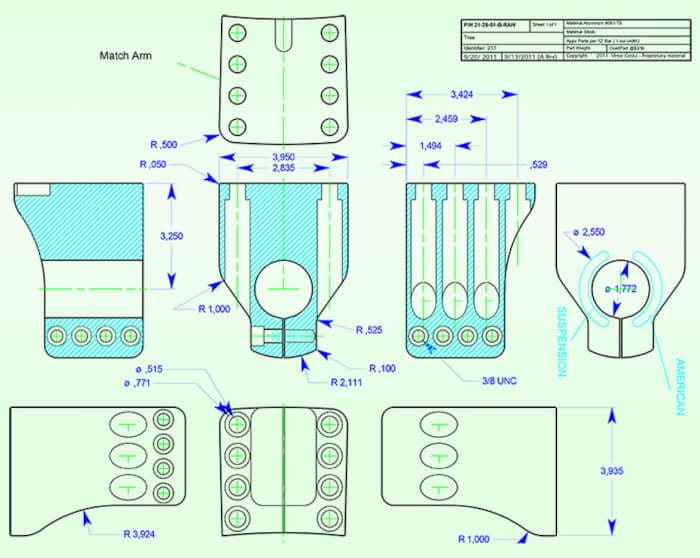
SketchUp is a robust platform for 3D modeling, complete with a suite of tools that can transform ideas into tangible designs, suitable for multiple industries. Whether for architectural plans or creative projects, SketchUp’s accessibility and versatility make it a favorite among designers.

11. Rhino3D
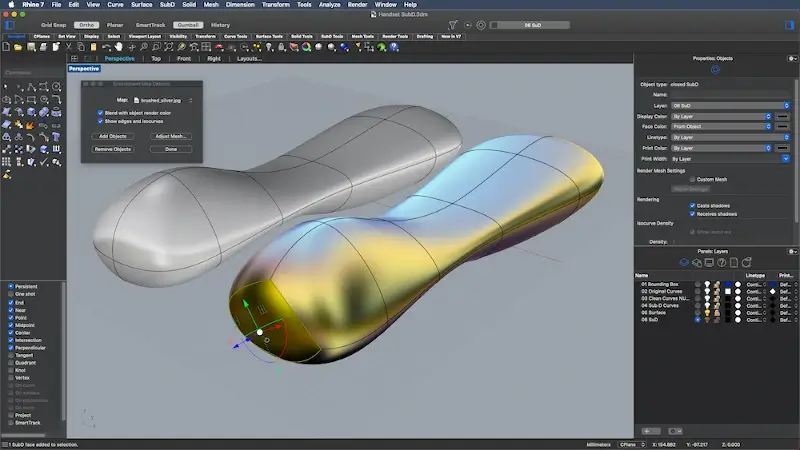
Rhino3D has earned accolades as a preferred choice for Mac users. Its intuitive interface and extensive toolset allow for both 2D and 3D modeling, accommodating a range of design applications, from industrial to jewelry design. Supporting organic forms through its NURBS modeling capabilities, it is a formidable option for creative professionals.
12. LibreCAD
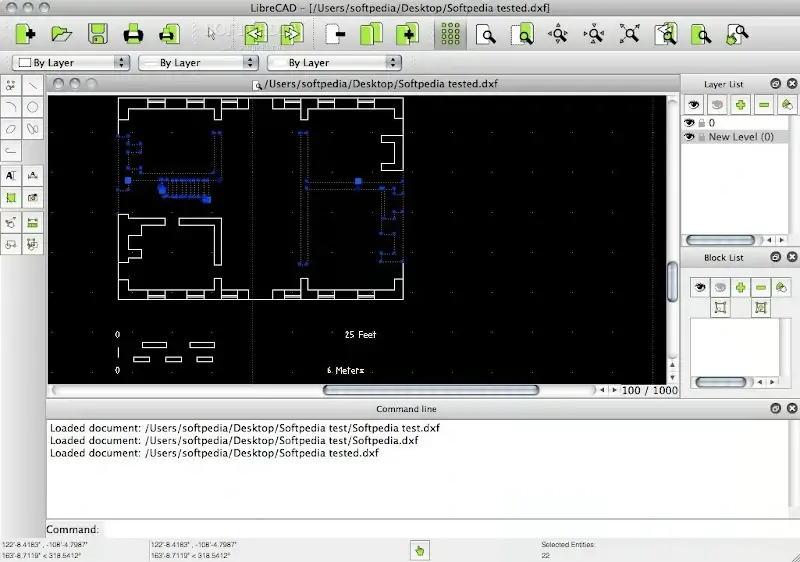
For those seeking a cost-effective option, LibreCAD is an open-source, community-supported application ideal for 2D design. As a freely available platform, it empowers users willing to explore CAD without financial constraints, providing essential drawing tools and functionalities.
13. Blender
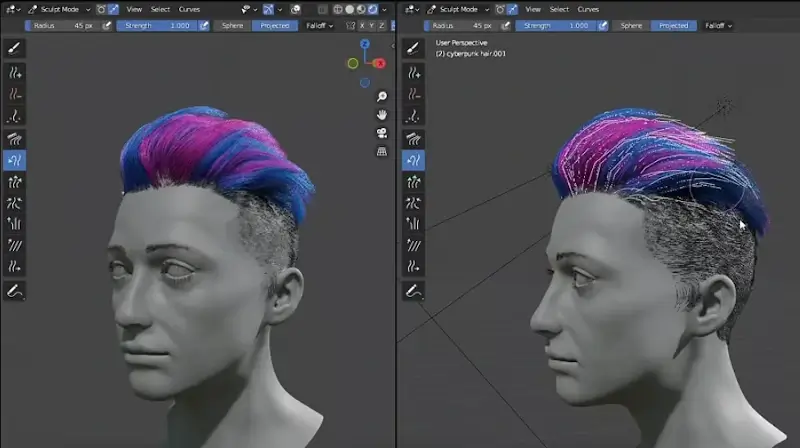
Blender revolutionizes the 3D content creation landscape, offering a blend of modeling, animation, rendering, and video editing tools within a single platform. Its open-source nature appeals to a broad audience, enhancing accessibility for both new artists and seasoned professionals alike.
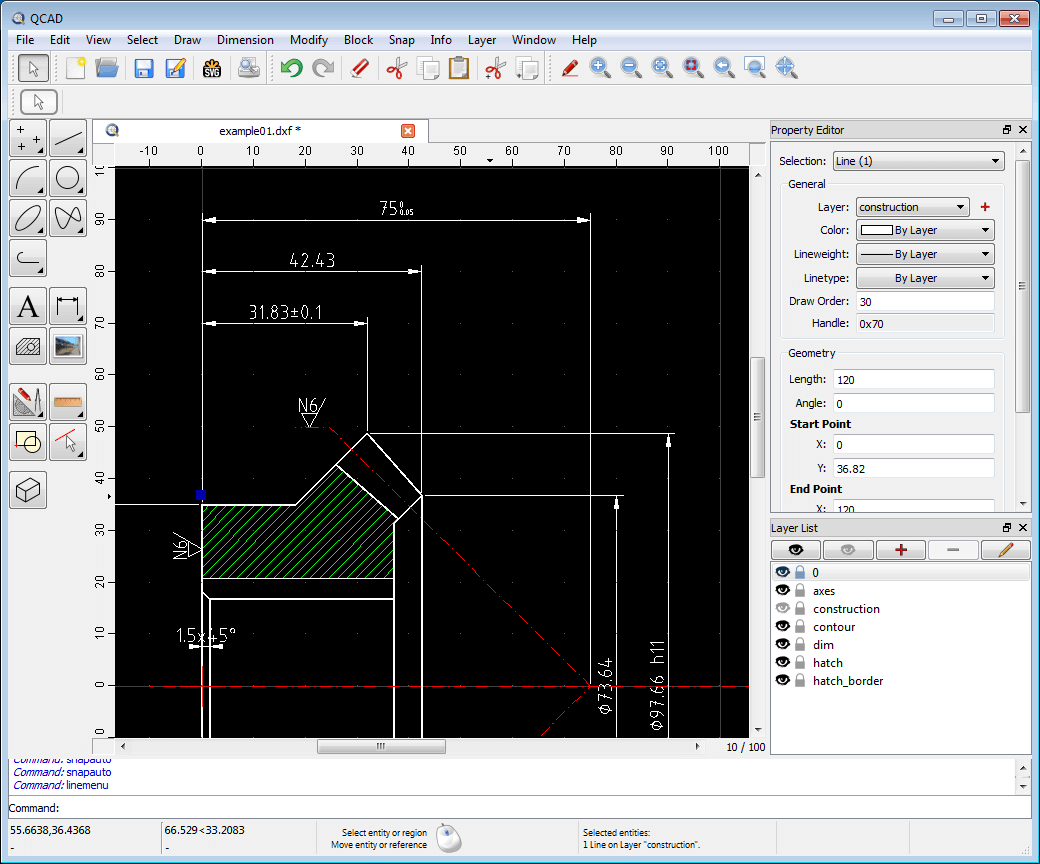
14. QCAD
QCAD focuses on professional 2D CAD applications, simplifying technical drawing for users who require accuracy without the complexities of 3D modeling. This platform is particularly useful for schematics, floor plans, and mechanical designs, ensuring precision with ease of use.
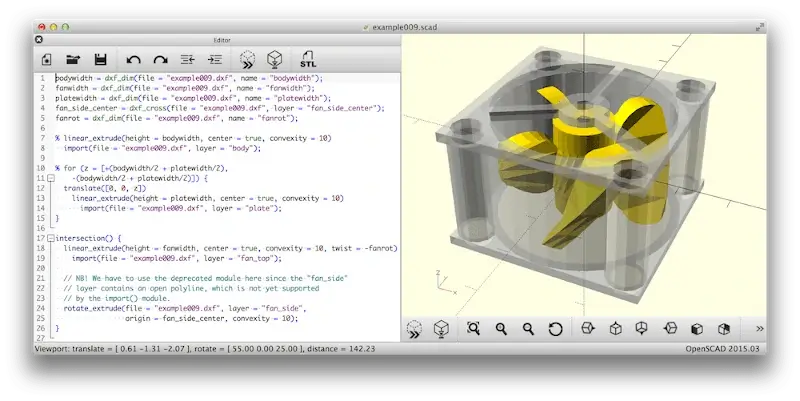
15. OpenSCAD
OpenSCAD prioritizes script-based modeling, providing a unique approach to design through programming rather than direct manipulation. This software enables users to develop intricate parametric models, offering a distinctive control level for customization.
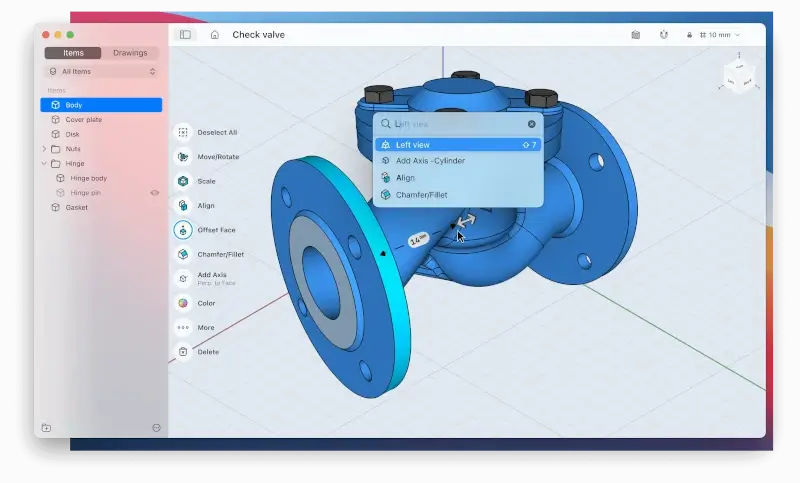
16. Shapr3D
Shapr3D takes advantage of the iPad’s capabilities, providing a touch-based modeling experience that is natural and intuitive. Designed for easy 3D object creation, it merges the benefits of tablet technology with powerful CAD tools for designers on the go.
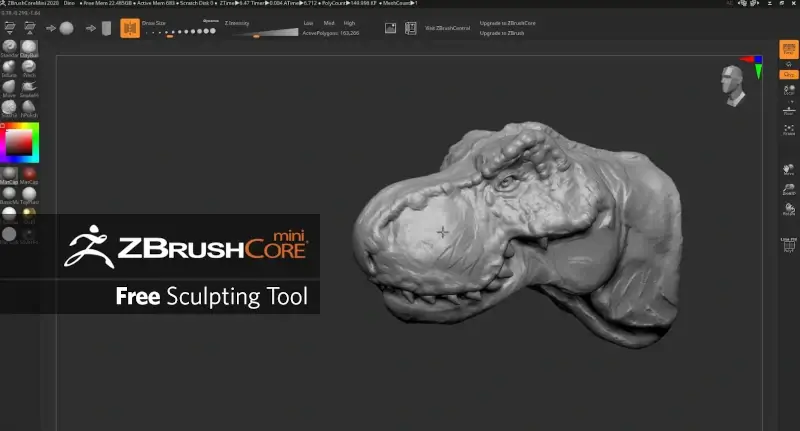
17. ZBrushCoreMini
ZBrushCoreMini is a simplified version of the industry-renowned ZBrush, aimed at introducing newcomers to 3D sculpting. With its user-friendly interface, it allows budding artists to transform two-dimensional sketches into three-dimensional masterpieces seamlessly.
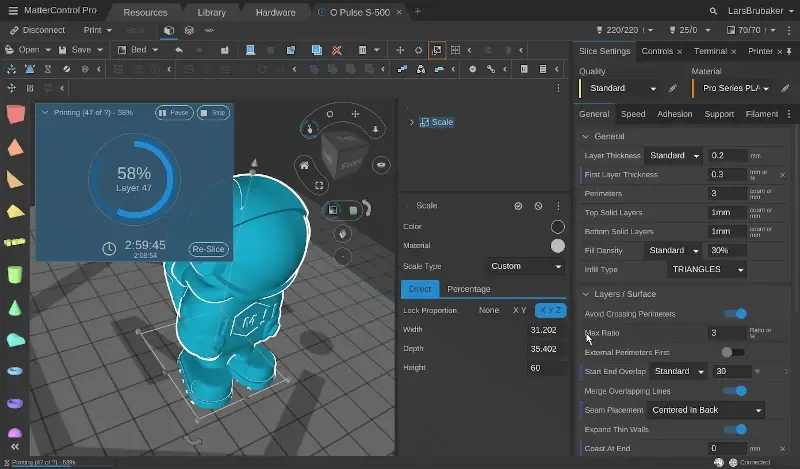
18. MatterControl
MatterControl unifies the 3D printing process, serving as an open-source hub for model management, slicing, and printer control. This software caters to diverse audiences, from hobbyists to professionals, facilitating an efficient 3D printing workflow.
Conclusion
In the world of design and engineering, having the right CAD software can significantly impact your creative endeavors. With these 18 exceptional tools for Mac, you are well-equipped to bring your designs to fruition, regardless of your project’s complexity. Each option showcases unique features that cater to a variety of needs, ensuring that there is a perfect fit for everyone. Explore these powerful applications to easily turn your innovative ideas into reality!
And if you'd like to go a step further in supporting us, you can treat us to a virtual coffee ☕️. Thank you for your support ❤️!

We do not support or promote any form of piracy, copyright infringement, or illegal use of software, video content, or digital resources.
Any mention of third-party sites, tools, or platforms is purely for informational purposes. It is the responsibility of each reader to comply with the laws in their country, as well as the terms of use of the services mentioned.
We strongly encourage the use of legal, open-source, or official solutions in a responsible manner.
Comments