

In 2025, tables may not be the first thing that comes to mind when thinking about creating engaging content for your WordPress site, but they are an incredibly effective tool for organizing and presenting information. Whether you need to compare products, display pricing data, or present schedules and charts, well-designed tables can make any webpage more user-friendly and visually appealing. In this article, we’ll explore the 19 best WordPress table plugins that offer outstanding performance, flexibility, and aesthetic appeal, helping you present your data like a pro—all without the need for any coding skills.
✅ Important: All links in this article lead to the official websites of each plugin mentioned.
Top WordPress Table Creation Plugins
Let’s dive into the best WordPress table-creating plugins available today.
1- Ninja Tables Pro
Ninja Tables Pro stands out as a top-tier WordPress table plugin that allows users to craft stunning, customizable, fully responsive tables. With a user-friendly interface and an array of features including drag-and-drop functionality, pagination, sorting, filtering, and Google Sheets integration, this plugin is a must-have. Starting at just $63, it’s an excellent choice for showcasing WooCommerce products with finesse.
Get Ninja Tables Pro

2- TablePress
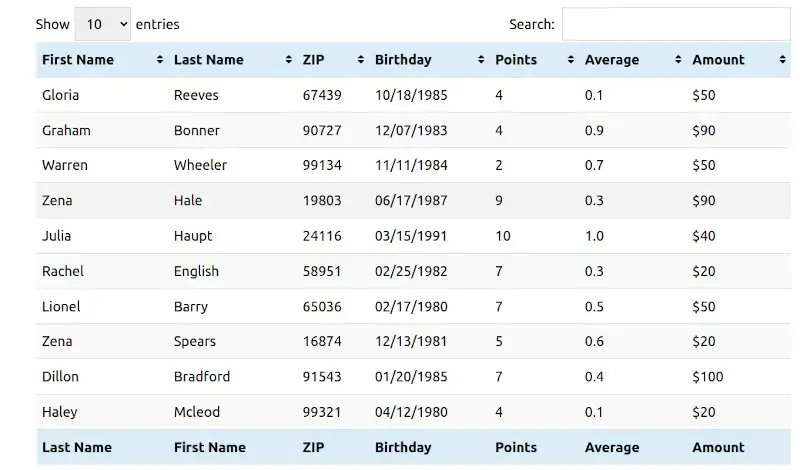
With a stellar 5-star rating based on over 4,400 reviews on WordPress.org, TablePress is a favored free plugin with more than 13 million downloads. Originally launched as WP-Table Reloaded, its affordability and plethora of extensions contribute to its widespread acclaim. This plugin simplifies embedding tables on your site and offers various data import options, along with the ability to automatically update table data from external sources. For enhanced features and priority support, consider upgrading to the Premium license.
Explore TablePress
3- WPDataTables
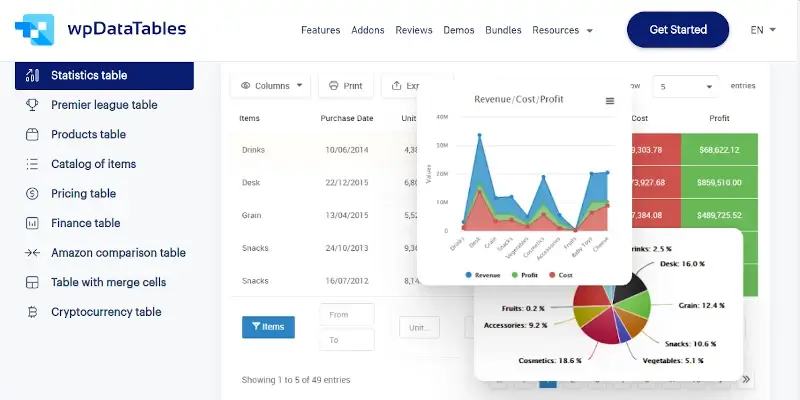
Known for its sleek interface, WPDataTables enables users to aggregate data and showcase it through tables, charts, and graphs. If you’re accustomed to working with Excel, this plugin will resonate with you as it provides a similar interface within your WordPress dashboard. The basic version is suitable for simple tables, but the Premium version, starting at $68 for three domains, offers an extensive feature set for more complex needs.
Discover WPDataTables
4- League Table
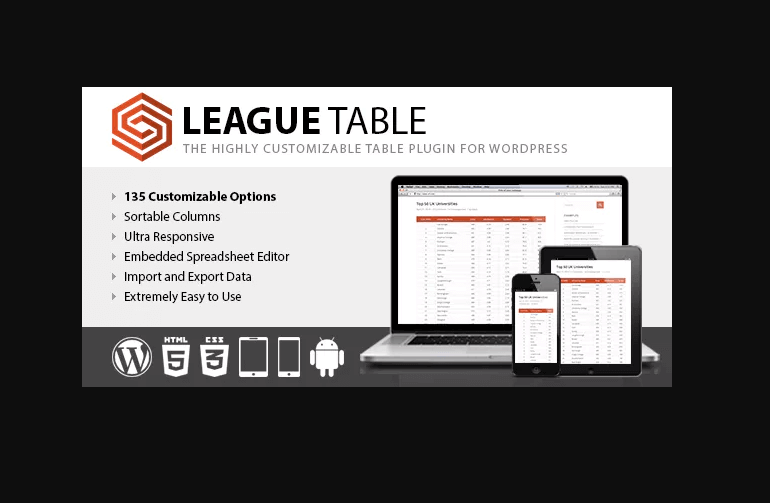
League Table is a favorite among WordPress users for creating sortable and ultra-responsive tables. Tailored primarily for sports-related websites, it remains versatile for various applications, including business and personal use. While it supports shortcodes and basic cell math, it requires third-party tools for import/export functionalities.
Check Out League Table
5- Posts Table
The Posts Table plugin is perfect for generating simple, searchable tables of your WordPress posts. It supports pagination and responsive layouts as standard features. The free version allows for sortable tables, while the premium option enhances functionality even further with support for media embedding and AJAX filtering.
Learn More About Posts Table

6- Advanced Tables
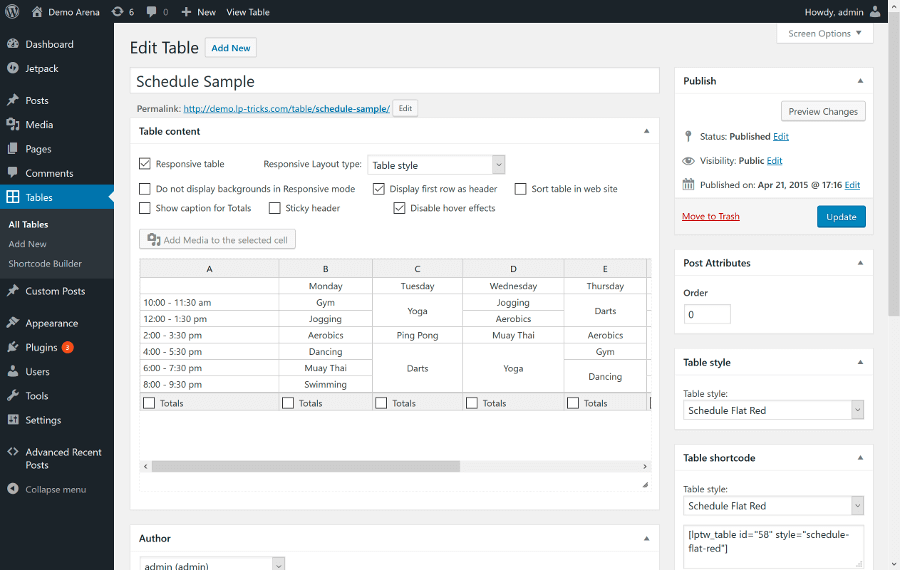
Advanced Tables is a user-friendly, open-source plugin boasting a responsive design and a spreadsheet-style editor. It enables easy data entry for custom styling and includes features like sticky headers and media support, allowing images to be integrated into your rows and columns seamlessly.
Explore Advanced Tables
7- Data Tables Generator
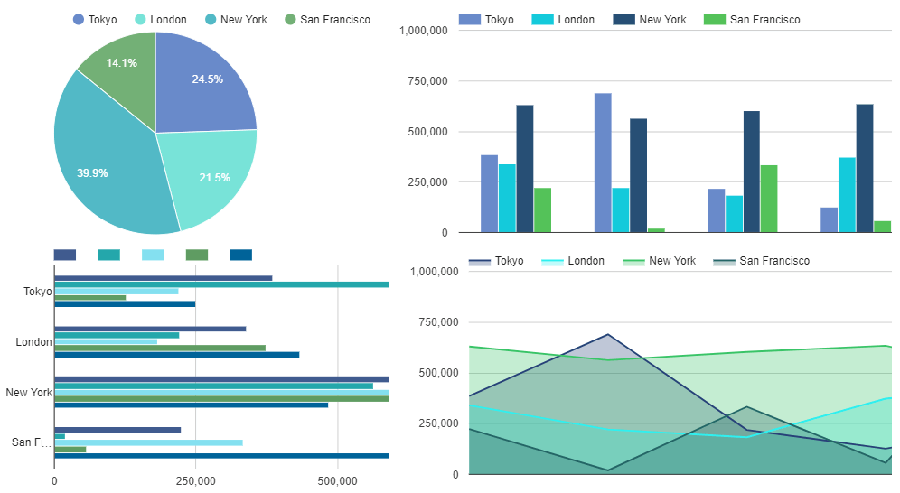
This simple yet powerful plugin allows users to create responsive tables that offer interactive features like charts and graphs. With support for importing data from CSV, Excel, and Google Sheets, it includes an auto-update feature for Google Sheets data, making it ideal for frequently updated tables.
Check Data Tables Generator
8- CSS3 Responsive Pricing Tables
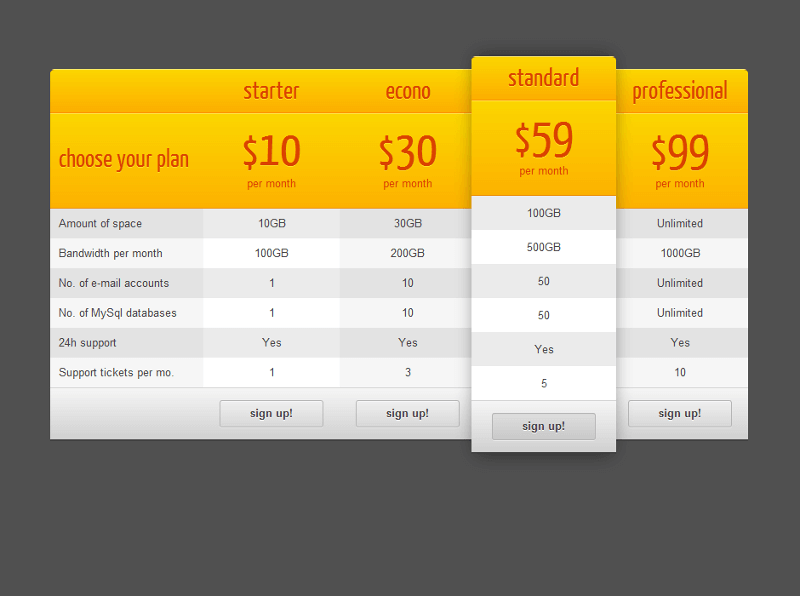
Featuring pre-loaded table styles and extensive customization options, the CSS3 Responsive Pricing Tables plugin is perfect for sites needing to display price comparisons. Its user-friendly configuration makes it quick and easy to implement, combining functionality with aesthetic appeal.
Discover CSS3 Responsive Plugin
9- Go Pricing
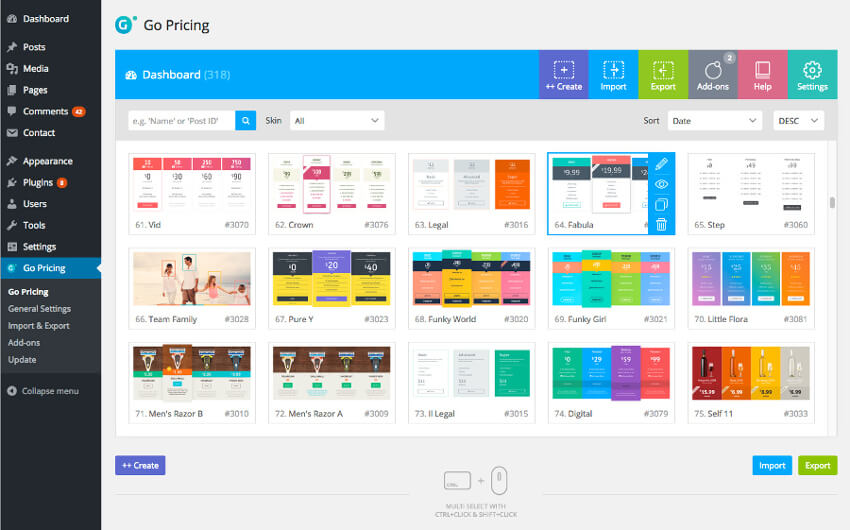
Renowned for creating attractive pricing and comparison tables, Go Pricing boasts a clean interface and supports various media formats. It allows high customization, including Google fonts and material icons, which enhances both usability and presentation. This lightweight plugin ensures fast loading speeds, loading content only when necessary.
Explore Go Pricing
10- Visualizer
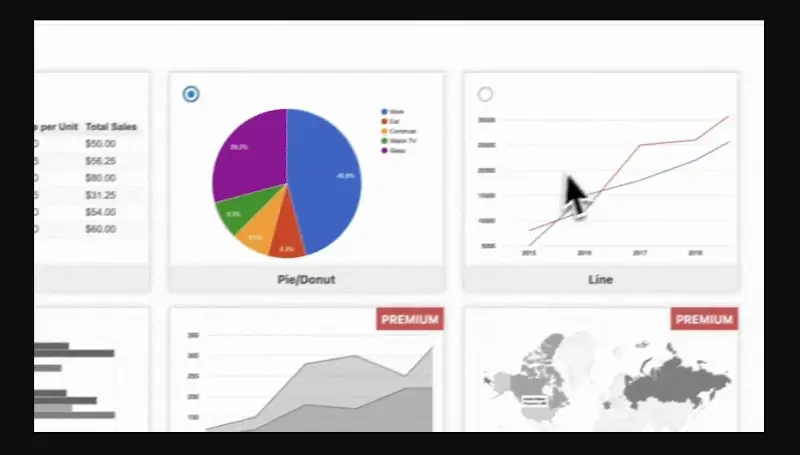
As a versatile plugin for interactive data visualizations, Visualizer allows users to create stunning tables, charts, and graphs. With over 40,000 active installations, it transforms static data into dynamic visual content, perfect for presenting statistics and comparisons.
Learn About Visualizer
11- WP Table Builder
Offering drag-and-drop capabilities for real-time visual editing, WP Table Builder allows users to create responsive tables easily. With 800,000 active installs, its compatibility with various themes and regular updates make it a reliable choice.
Check Out WP Table Builder
Key Features of WP Table Builder:
| Starter Plan | Professional Plan | Lifetime Plan |
| Use on 1 site | Use on 10 site | Use on unlimited sites |
| 1 year updates and support | 1 year updates and support | Lifetime updates and priority support |
| Creation of unlimited tables | Import of tables from external platforms | All Professional Plan features |
| Priority support and updates | Capability to split and merge cells | |
| Customize elements individually |
12- Pricing Tables by PickPlugins
This user-friendly plugin specializes in creating compelling e-commerce pricing tables. With drag-and-drop functionality, customizable colors, and multiple feature rows, it is a popular choice among over 70,000 active users.
Discover Pricing Tables by PickPlugins
13- WooCommerce Product Table
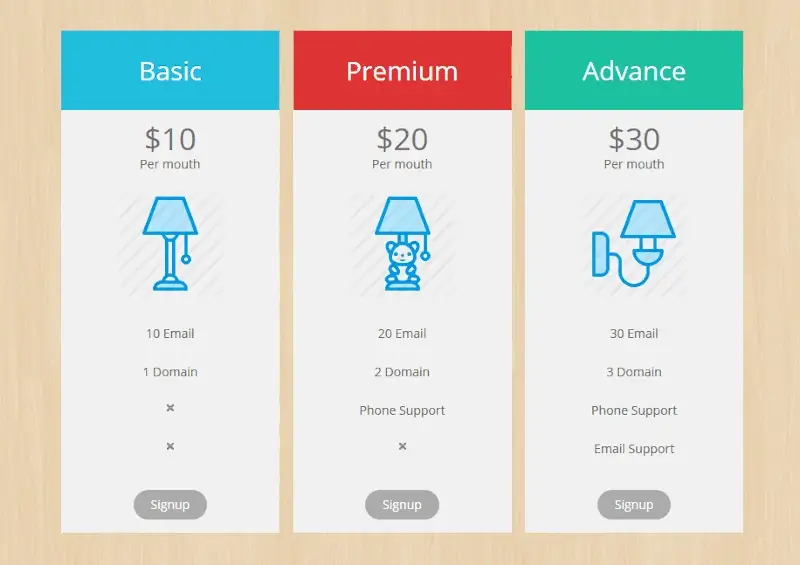
Designed specifically for showcasing WooCommerce products, this plugin excels in organizing products in an easily navigable format. With advanced filtering and sorting options, it elevates the e-commerce user experience significantly.
Learn More about WooCommerce Product Table
14- ARPrice
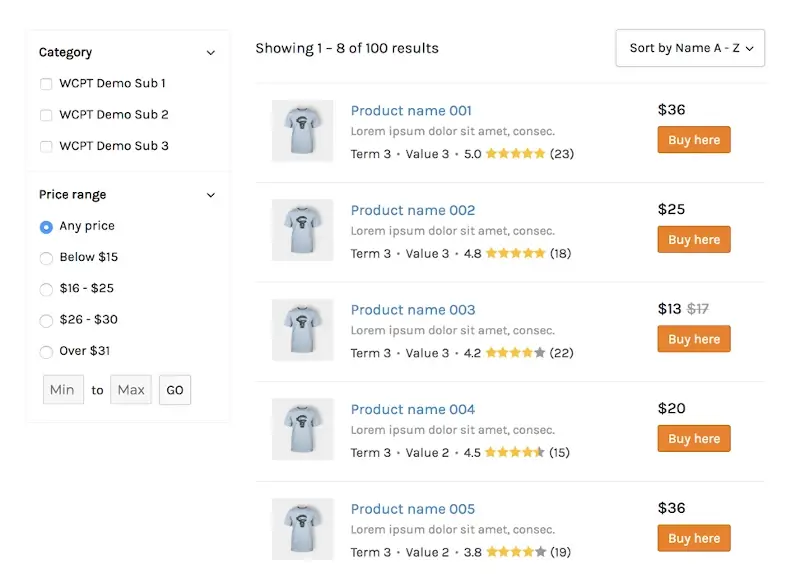
Ideal for crafting and managing pricing and comparison tables, ARPrice features a real-time editor and numerous customizable templates. Its extensive customization options make it a great tool for visually impressive pricing tables.
Explore ARPrice

15- Formidable Forms
Beyond being a form builder, Formidable Forms offers capabilities to display form data in a tabular view. With over 300,000 active installations, it combines form management with display options, suitable for various applications.
Learn About Formidable Forms

16- Divi-Modules Table Maker
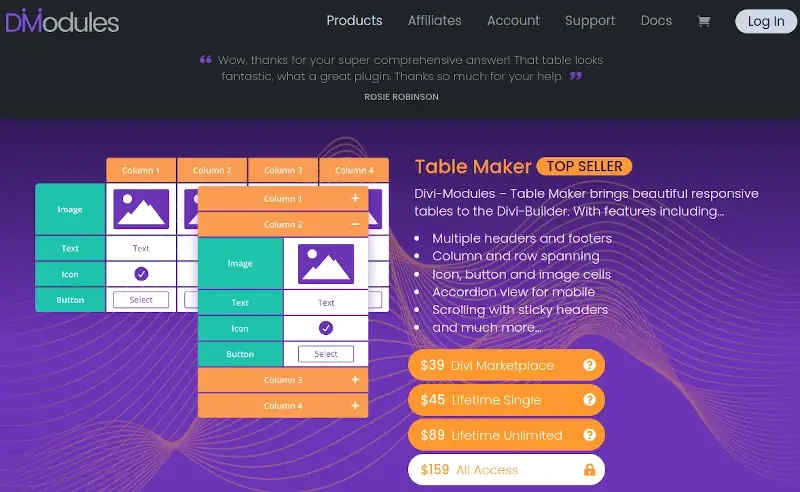
This tool integrates directly within the Divi Builder, enabling custom table creation with features like multiple headers, icons, and image cells. It simplifies the process for Divi users wanting to enhance their designs.
Explore Divi-Modules Table Maker
17- JetEngine Tables Builder
Developed for Elementor, JetEngine features robust dynamic content capabilities. The plugin allows for rich data presentation by utilizing custom fields and offers the Charts Builder feature to visualize table data beautifully.
Discover JetEngine

18- Easy Pricing Tables
Creating responsive pricing and comparison tables has never been easier with Easy Pricing Tables. With pre-designed templates and a user-friendly interface, it facilitates quick table creation that will work with any WordPress theme.
Learn More About Easy Pricing Tables

19- Responsive Pricing Table
WP Darko’s Responsive Pricing Table plugin allows for elegant pricing table creation. Users appreciate its straightforward interface and responsive design that adjusts to various screen sizes, making it ideal for showcasing pricing plans effectively.
Check Out Responsive Pricing Table

Frequently Asked Questions (FAQs)
1. Are these plugins compatible with all WordPress themes?
While many table plugins are designed to work with a wide range of themes, not all are universally compatible. It’s essential to verify compatibility before purchasing.
2. Can I use these plugins for e-commerce product tables?
While technically feasible to utilize any table-creating plugin for product tables, some plugins are specially optimized for e-commerce. The WooCommerce Product Table plugin is a prime example, featuring quick product search and add-to-cart functionality.
3. Do these plugins support responsive design?
The responsiveness of these table plugins varies. Some are inherently designed to be responsive, while others may require additional configurations. Make sure to check each plugin’s features for responsiveness.
Conclusion
Whether you’re managing an e-commerce platform, a blog, or a professional portfolio, the right table plugin can clarify information presentation and enhance user engagement. The 19 WordPress table plugins we’ve discussed for 2025 cover a broad spectrum of needs, from basic layouts to interactive, data-rich displays. Choose the one that aligns with your objectives and start creating compelling content with tables that elevate your site.
And if you'd like to go a step further in supporting us, you can treat us to a virtual coffee ☕️. Thank you for your support ❤️!

We do not support or promote any form of piracy, copyright infringement, or illegal use of software, video content, or digital resources.
Any mention of third-party sites, tools, or platforms is purely for informational purposes. It is the responsibility of each reader to comply with the laws in their country, as well as the terms of use of the services mentioned.
We strongly encourage the use of legal, open-source, or official solutions in a responsible manner.
Comments