
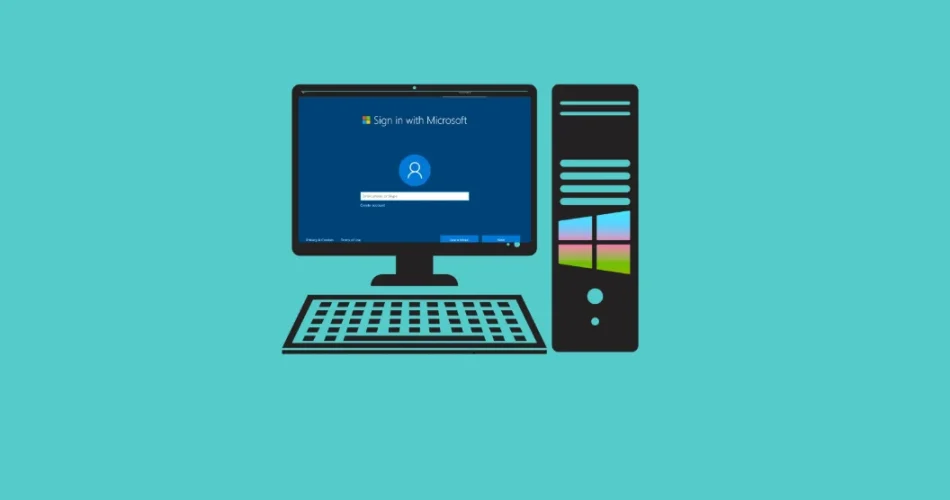
Microsoft’s recent removal of the bypassnro.cmd script from the Windows 11 Insider build (26200.5516, released March 30, 2025) forces users to create a Microsoft account during installation. This article details methods to circumvent this restriction and install Windows 11 with a local account. Microsoft claims this change enhances security and user experience, but critics argue it’s a move to increase data collection and bolster their subscription-based model.
Methods to Install Windows 11 with a Local Account:
Method 1: Command Line
- During Windows 11 setup, at the network connection screen, press Shift+F10 to open the command prompt.
- Execute the following command:
reg add HKLM\SOFTWARE\Microsoft\Windows\CurrentVersion\OOBE /v BypassNRO /t REG_DWORD /d 1 /f shutdown /r /t 0 - Your PC will restart, allowing local account creation. This method directly modifies the registry, bypassing the need for the removed script.
Method 2: Secret Command ms-cxh:localonly
- At the network connection screen, press Shift+F10.
- Type:
start ms-cxh:localonly - This opens a Windows 10-style interface for creating a local account, leveraging an internal Windows protocol.
Method 3: MSA Patcher
MSA Patcher is a utility that restores the functionality of bypassnro.cmd.
- Download MSA Patcher from a trusted GitHub repository.
- Option A: Copy
MSAPatcher.exeandbypassnro.cmdto your installation USB drive’s root directory. - Option B: Run
MSAPatcher.exeto automatically patch your USB drive. - During Windows 11 setup, before connecting to the internet, press Shift+F10.
- Navigate to your USB drive (usually D: or E:).
- Run
bypassnro.cmd. Choose option 1 to set the registry key and bypass the network requirement, or option 2 for direct local account creation (Windows 11 Home/Pro only). - Restart (press Y when prompted). You can then select “I don’t have internet” and proceed with a local account.
Why This Matters:
This isn’t just about preference; it’s about privacy. Microsoft accounts often enable high levels of telemetry, collecting data about your computer usage. It’s a question of control – yours or Microsoft’s.
Future Outlook and Alternatives:
Microsoft is likely to continue blocking these workarounds. Consider creating a bootable USB drive with MSA Patcher or Rufus for future installations. Alternatively, explore privacy-focused operating systems like Linux Mint.
And if you'd like to go a step further in supporting us, you can treat us to a virtual coffee ☕️. Thank you for your support ❤️!

We do not support or promote any form of piracy, copyright infringement, or illegal use of software, video content, or digital resources.
Any mention of third-party sites, tools, or platforms is purely for informational purposes. It is the responsibility of each reader to comply with the laws in their country, as well as the terms of use of the services mentioned.
We strongly encourage the use of legal, open-source, or official solutions in a responsible manner.
Comments