

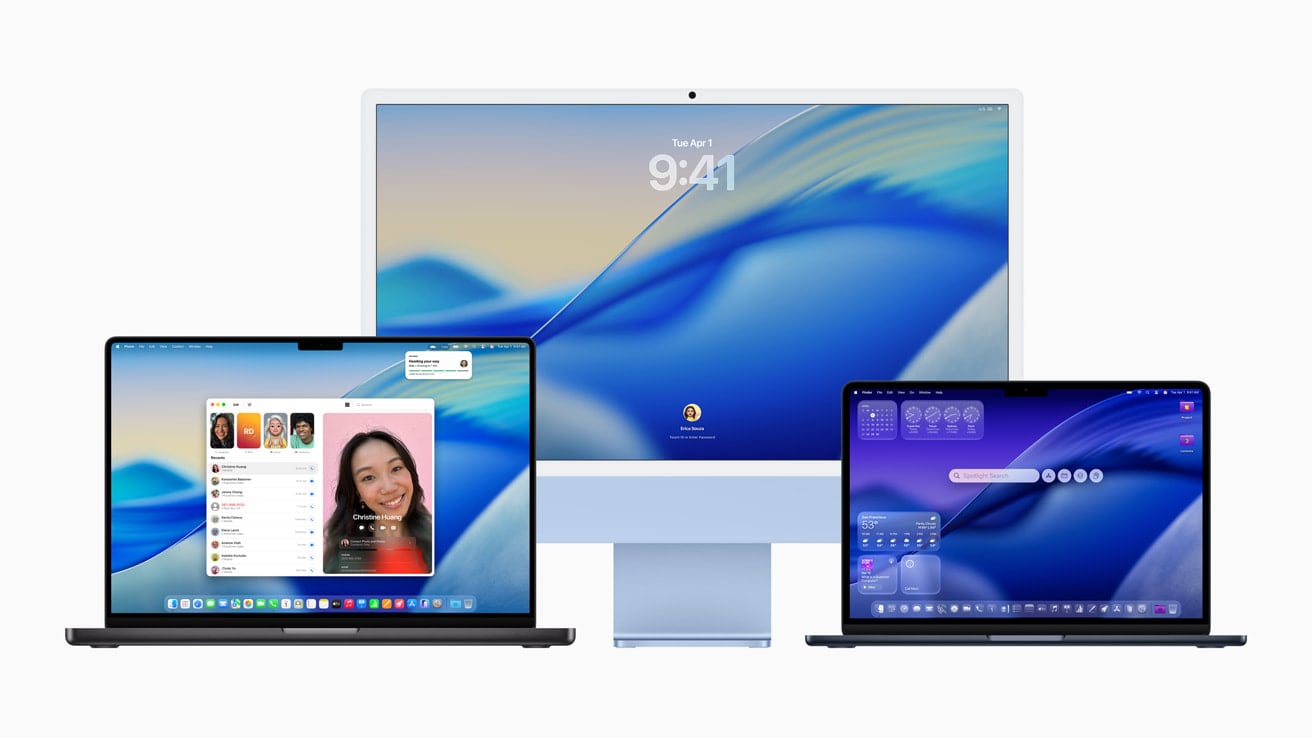
macOS Tahoe 26 is one of Apple’s boldest macOS releases yet — introducing the new “Liquid Glass” design language, system-wide animation updates, and the first wave of on-device AI features. Alongside dozens of security fixes, it also brings early-adopter headaches: GPU spikes, Wi-Fi glitches, UI regressions, and more.
This guide maps out the most common macOS Tahoe 26 issues, quick triage steps you can try today, and advice on whether to upgrade now or wait for 26.0.1/26.1.
The Top macOS Tahoe 26 Issues Right Now
1. GPU Spikes in Electron/Chromium Apps
- Symptoms: Fans ramp up, input lag, WindowServer shows high GPU use.
- Fixes:
- Minimize affected apps (Slack, VS Code, Discord) when idle.
- Disable animations/accelerated canvases in those apps.
- Enable Reduce Transparency (System Settings → Accessibility → Display).
2. Wi-Fi Connects But No Internet (M1 MacBook Air)
- Symptoms: Wi-Fi connects, IP lease is valid, but no pings or browsing.
- Fixes:
- Re-add Wi-Fi manually, disable iCloud Keychain sync.
- Rebuild network locations in System Settings.
- Disable VPN/firewall agents temporarily.
- If persistent: wait for a point release (likely driver-related).
3. Visual/UI Glitches with “Liquid Glass”
- Symptoms: Floating toolbars, heavy rounding, opaque sidebars, stuttering animations.
- Fixes:
- Turn on Increase Contrast + Reduce Transparency.
- Use calmer wallpapers to improve legibility.
- Customize app toolbars for workflow efficiency.
4. Sleep & Power Oddities on Notebooks
- Symptoms: Mac shuts down instead of sleeping, frozen menus.
- Fixes:
- Update all apps and extensions.
- Boot into Safe Mode once to clear caches.
- Reset Energy Saver preferences.
5. External Display Scaling & Freezes
- Symptoms: Laggy UI with ultrawide monitors, app freezes.
- Fixes:
- Switch to “More Space” preset instead of custom scaling.
- Test different refresh rates/resolutions.
- Remove display utilities, swap cables/ports.
6. Launchpad Missing Apps
- Workarounds: Use Spotlight (Cmd+Space), Dock → Applications folder, or custom app folders.
7. Heat, Battery Drain & Indexing
- Cause: Post-update reindexing (Photos, Spotlight, Mail).
- Fixes:
- Leave Mac on power + Wi-Fi for 1–2 days.
- Monitor Activity Monitor for runaway processes.
- Reset settings if drain persists.
Security Fixes You Still Get
macOS Tahoe 26 addresses dozens of vulnerabilities across WindowServer, CoreMedia, Bluetooth, WebKit, and Sandbox restrictions. If you delay upgrading, you’ll miss important mitigations — balance stability vs. security risk.
⏱ Should You Upgrade or Wait?
✅ Upgrade now if…
- You don’t live inside Electron apps.
- You want the new UI + AI features immediately.
- You want Apple’s latest security fixes.
⛔ Wait for 26.0.1/26.1 if…
- You rely heavily on Slack, Discord, VS Code.
- You use an M1 MacBook Air as your main Wi-Fi device.
- The new design actively hurts your workflow.
Final Thoughts
macOS Tahoe 26 is a bold release, but it shows rough edges. If stability matters most, the safest move is the old rule of thumb: wait for the first point release, keep good backups, and pilot the upgrade before rolling it out broadly.
And if you'd like to go a step further in supporting us, you can treat us to a virtual coffee ☕️. Thank you for your support ❤️!

We do not support or promote any form of piracy, copyright infringement, or illegal use of software, video content, or digital resources.
Any mention of third-party sites, tools, or platforms is purely for informational purposes. It is the responsibility of each reader to comply with the laws in their country, as well as the terms of use of the services mentioned.
We strongly encourage the use of legal, open-source, or official solutions in a responsible manner.
Comments