

There’s a growing concern among developers using App Store Connect: are analytics data points quietly missing?
While digging into update metrics, one developer uncovered what appears to be a serious inconsistency—certain iOS and macOS versions simply don’t show up in analytics tables, even though their data clearly exists.
If confirmed, this isn’t just a visual glitch. It could mean inaccurate reporting across the board.
The Issue: Missing Platform Versions
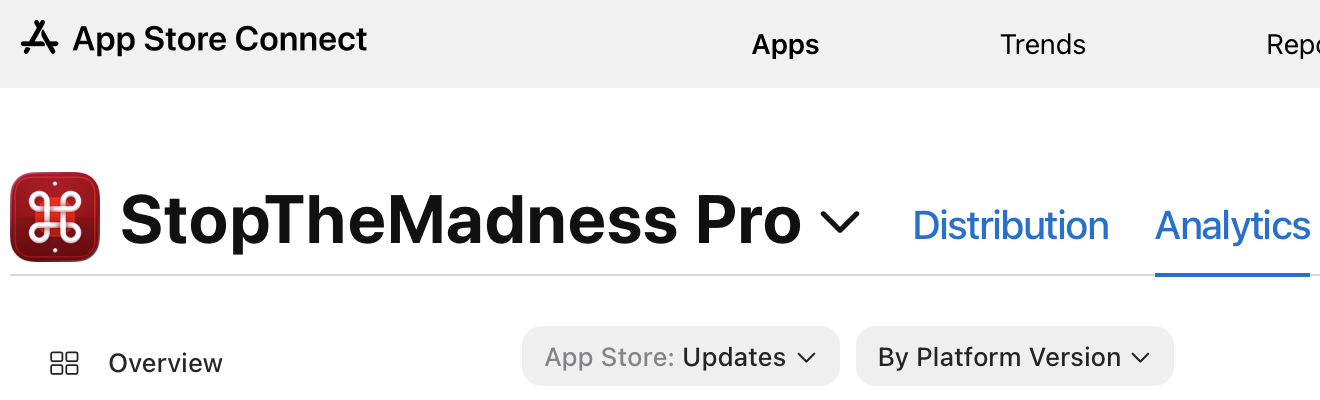
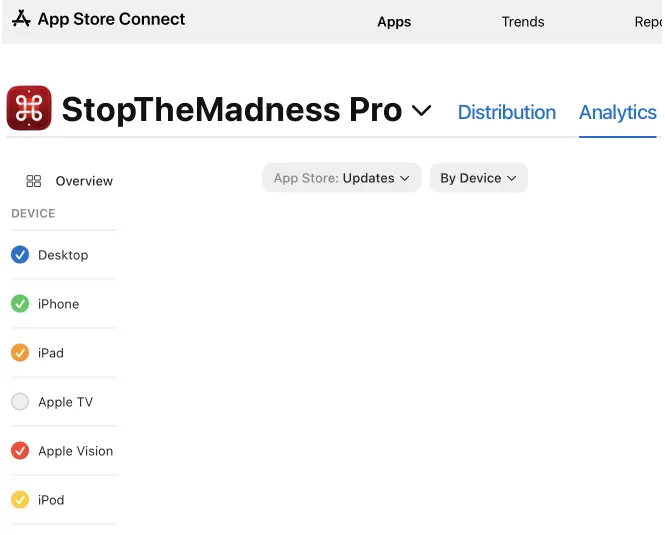
Inside App Store Connect → Analytics → Metrics → Updates → By Platform Version, developers can view how many users updated their app per OS version.
In theory, this should be comprehensive.
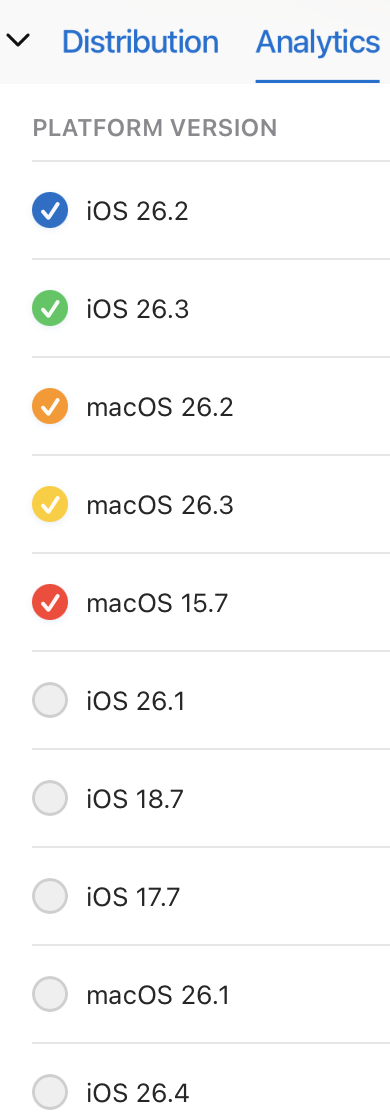
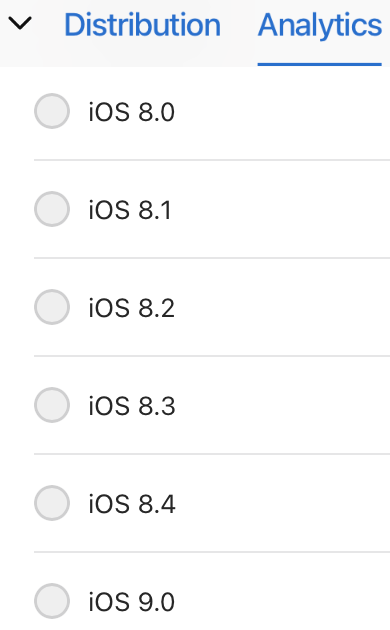
But in practice, some versions are missing entirely, including:
- iOS 16.7
- macOS 13.7
- macOS 14.7
- macOS 14.8
These aren’t obscure versions—and more importantly, they likely have non-zero update counts.
Why This Looks Like a Real Bug
Two key indicators suggest this isn’t just expected behavior:
1. Neighboring Versions Have Data
Versions like:
- iOS 16.6
- macOS 14.6
…show significant update numbers.
So it’s highly unlikely that adjacent versions suddenly drop to zero—or disappear entirely.
2. Totals Don’t Match Across Views
When comparing:
- By Platform Version totals
vs - By Device totals (iPhone, iPad, Desktop)
👉 The numbers don’t add up.
There are more updates in the “By Device” view than in “By Platform Version.”
The same mismatch appears when filtering By Date.
This strongly suggests:
Some data exists—but is not being displayed in the platform version breakdown.
Apple’s Response: A Misunderstanding
After more than a month of back-and-forth with Apple Developer Support, the issue remains unresolved.
The recurring explanation from support:
Data may not appear if there aren’t enough data points due to privacy thresholds.
But this doesn’t hold up because:
- The table already shows versions with zero updates
- The missing versions likely have significant activity
- Aggregate totals clearly indicate hidden data
In short: the response doesn’t address the actual problem.
A Frustrating Support Experience
The situation was made worse by the support process itself:
- Delayed responses (up to a week)
- Repeated requests for already provided information
- Lack of case continuity between representatives
- Escalation that didn’t actually move the issue forward
Even after escalation to a “senior advisor,” the developer was asked to resubmit the same data again—suggesting internal breakdowns in communication.
Why This Matters for Developers
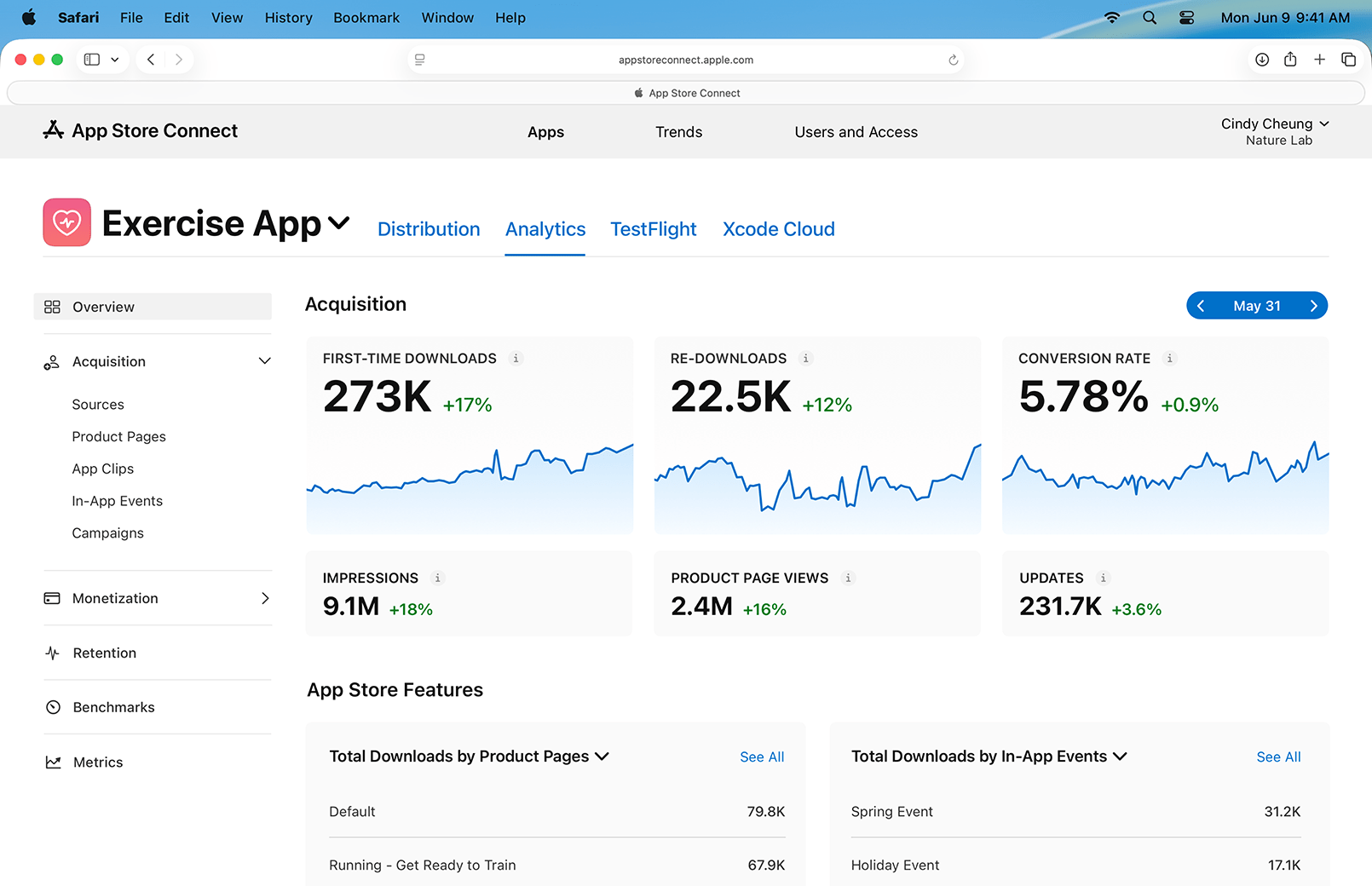
Analytics aren’t just numbers—they drive decisions.
If platform data is incomplete or inconsistent, developers can’t accurately:
- Track adoption across OS versions
- Plan minimum supported versions
- Analyze update behavior
- Optimize release strategies
Even small discrepancies can lead to wrong product decisions.
Possible Explanations
While not confirmed, a few theories could explain the issue:
- Analytics filtering bug in App Store Connect
- Improper handling of minor OS versions (e.g., x.x.7, x.x.8)
- Backend aggregation errors
- UI failing to render certain dataset entries
Whatever the cause, the mismatch between totals suggests this is not intentional behavior.
Call for Other Developers
The key question now is:
👉 Are other developers seeing missing platform versions in their analytics?
If this issue is reproducible across accounts, it strengthens the case for a broader App Store Connect bug—and increases the chances of it being fixed.
Bigger Picture: Trust in Developer Tools
This situation highlights a recurring concern with App Store Connect:
- Lack of transparency
- Limited debugging tools
- Weak support escalation
- Difficulty verifying data accuracy
For a platform that handles critical business metrics, reliability is non-negotiable.
Conclusion
If App Store Connect analytics are silently dropping platform versions, it’s more than a minor glitch—it’s a data integrity issue.
And when combined with slow, ineffective support, it reinforces a growing sentiment among developers:
the tools they depend on aren’t getting the attention they deserve.
Until Apple investigates and clarifies this behavior, developers are left questioning whether the numbers they see can truly be trusted.
And if you'd like to go a step further in supporting us, you can treat us to a virtual coffee ☕️. Thank you for your support ❤️!

We do not support or promote any form of piracy, copyright infringement, or illegal use of software, video content, or digital resources.
Any mention of third-party sites, tools, or platforms is purely for informational purposes. It is the responsibility of each reader to comply with the laws in their country, as well as the terms of use of the services mentioned.
We strongly encourage the use of legal, open-source, or official solutions in a responsible manner.
Comments