
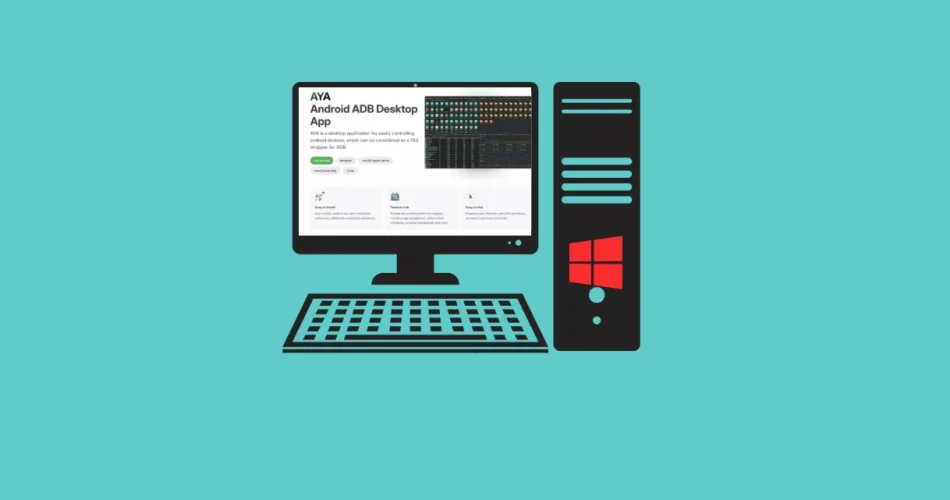
If you use an Android smartphone, you may be familiar with the Android Debug Bridge (ADB), which is, in itself, the most powerful tool available for controlling an Android device from a computer.
However, it remains confined to obscure command lines and seasoned developers. Fortunately, AYA completely changes the game by offering a comprehensive graphical interface for ADB, making accessible what was once reserved for insiders. So, if you’ve ever struggled to type cryptic incantations in a terminal to debug your smartphone, this article is for you.

AYA is an open-source desktop application available for Windows, macOS, and Linux, which gathers everything you can do with ADB into an intuitive graphical interface. The installation is ultra-simple: download, install, and you’re ready to go. There’s no need to configure environment variables or learn strange commands… You just need to enable USB debugging on your Android device (in the developer options) and connect it to your PC.
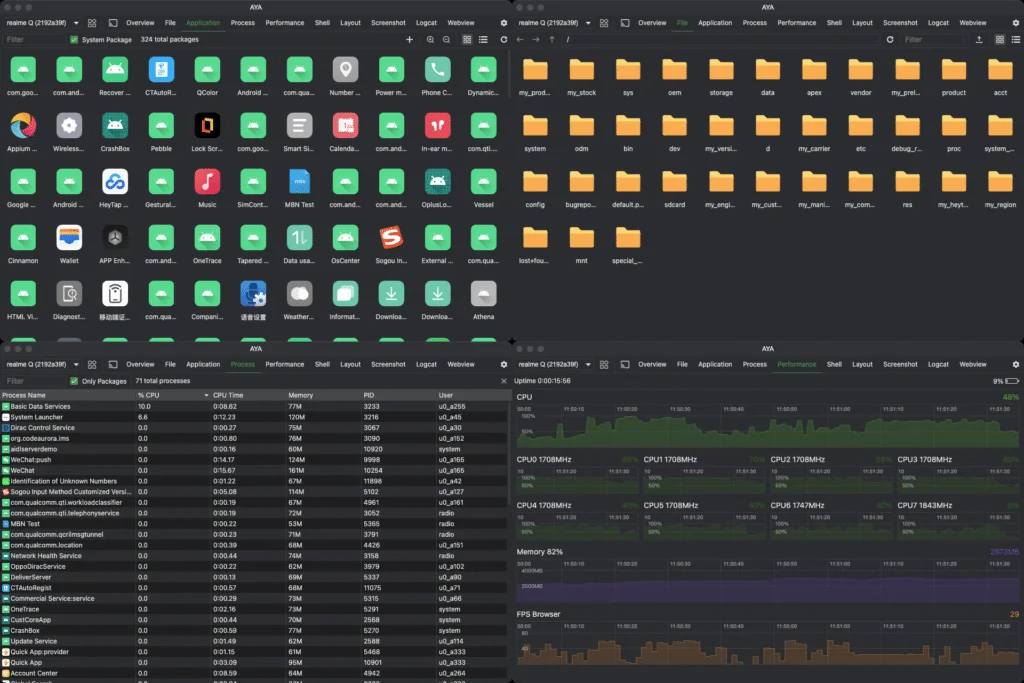
The application is organized into thematic panels, each dedicated to a specific feature:
- Screen Mirror: view and control your device from your PC, record the screen, or take screenshots
- File Explorer: navigate the Android file system, transfer files in both directions
- App Manager: install, uninstall, or explore installed applications
- Performance Monitor: monitor CPU, memory, and FPS in real-time
- Shell: if you still enjoy commands, an interactive terminal is available
- Logcat: view system logs with filtering by application
It even allows you to connect wirelessly to your device via Wi-Fi, freeing your phone from the USB cable.
A particularly useful use case would be, for example, being able to recover data from a phone with a broken screen (provided that USB debugging was enabled beforehand).
Now, it’s your turn! Discover what really lies within your smartphone, analyze why certain applications drain your battery, or impress your friends by controlling your phone without touching it—little magicians you are!
Download AYA from GitHub for Windows, macOS, or Linux, or visit the website and don’t forget to check the official site for complete documentation.
And if you'd like to go a step further in supporting us, you can treat us to a virtual coffee ☕️. Thank you for your support ❤️!

We do not support or promote any form of piracy, copyright infringement, or illegal use of software, video content, or digital resources.
Any mention of third-party sites, tools, or platforms is purely for informational purposes. It is the responsibility of each reader to comply with the laws in their country, as well as the terms of use of the services mentioned.
We strongly encourage the use of legal, open-source, or official solutions in a responsible manner.
Comments