


The Corsair Galleon 100 SD is an unconventional keyboard designed to merge two worlds that are usually kept separate: the high-end gaming keyboard and the Elgato Stream Deck ecosystem (Elgato being a Corsair subsidiary). On paper, the concept is simple—deliver a single device capable of satisfying demanding gamers, streamers, and content creators without relying on add-on modules or external accessories.
With a polling rate reaching 8,000 Hz, pre-lubed mechanical switches, FPS-focused features, and full Stream Deck ecosystem integration, the Galleon 100 SD clearly targets the premium segment. Corsair isn’t just refining what already exists; it’s proposing a new vision of what a customizable gaming keyboard can be by expanding its role into streaming and content creation.


After two weeks of intensive use in a variety of settings, here’s our full analysis.
Design & Build Quality: A Bold Premium Statement
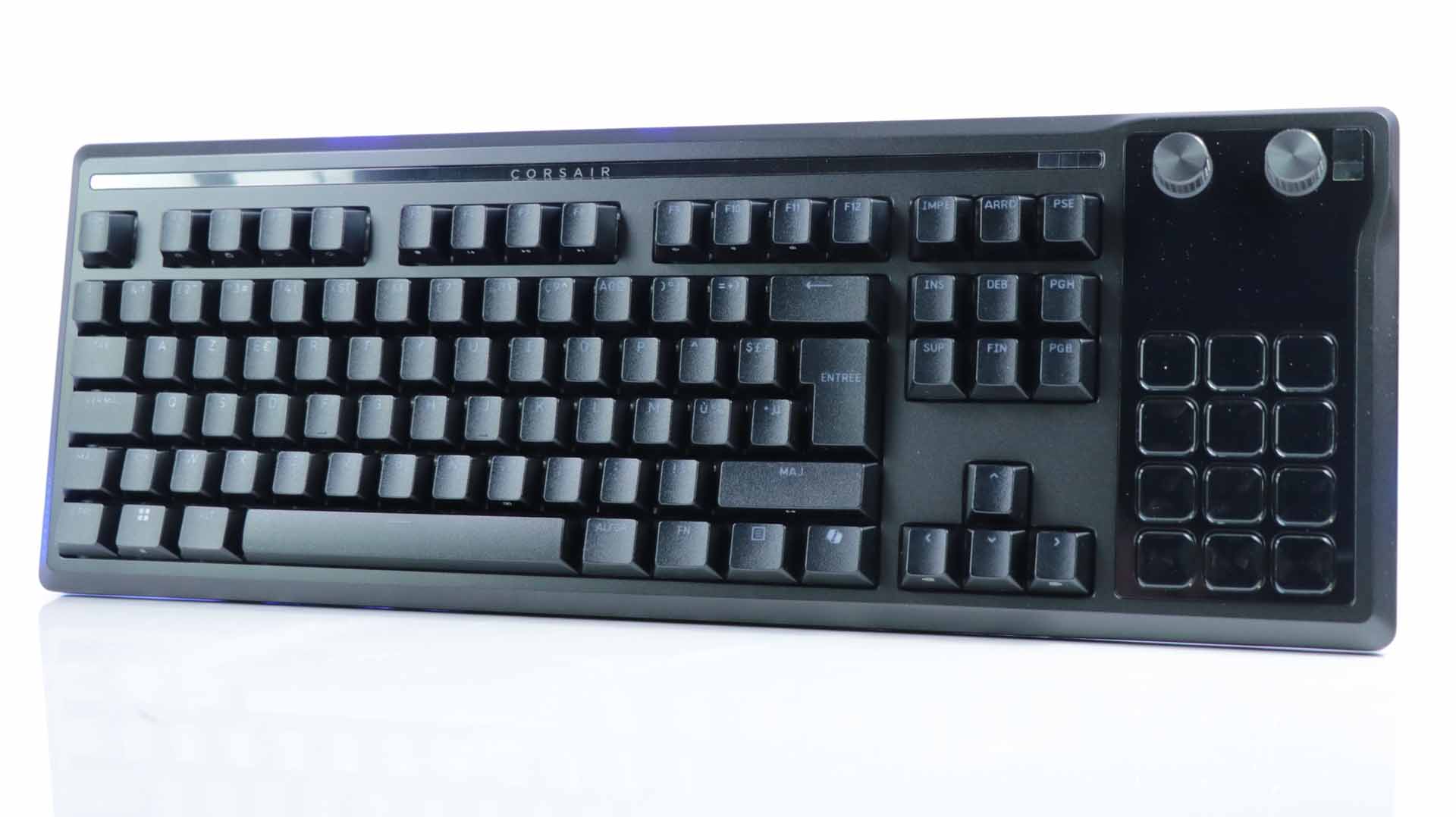
With the Galleon 100 SD, Corsair continues the design evolution introduced with the Vanguard Pro 96. The keyboard features an aluminum chassis with rounded edges resting on a plastic base. It uses thin fonts and slightly textured keycaps that immediately reinforce the premium feel.

The build is solid and reassuring, with no sense of fragility despite the integration of a display and additional controls. It weighs nearly 1.4 kg (1.392 kg), giving it a sturdy desk presence.


Corsair opted for MLX Pulse mechanical switches (linear version here) with a 45 g actuation force. Typing is smooth, precise, and well-suited for gaming while remaining comfortable for extended sessions. However, silence is clearly not the priority—there is noticeable acoustic feedback, even though internal dampening layers help structure the sound profile.
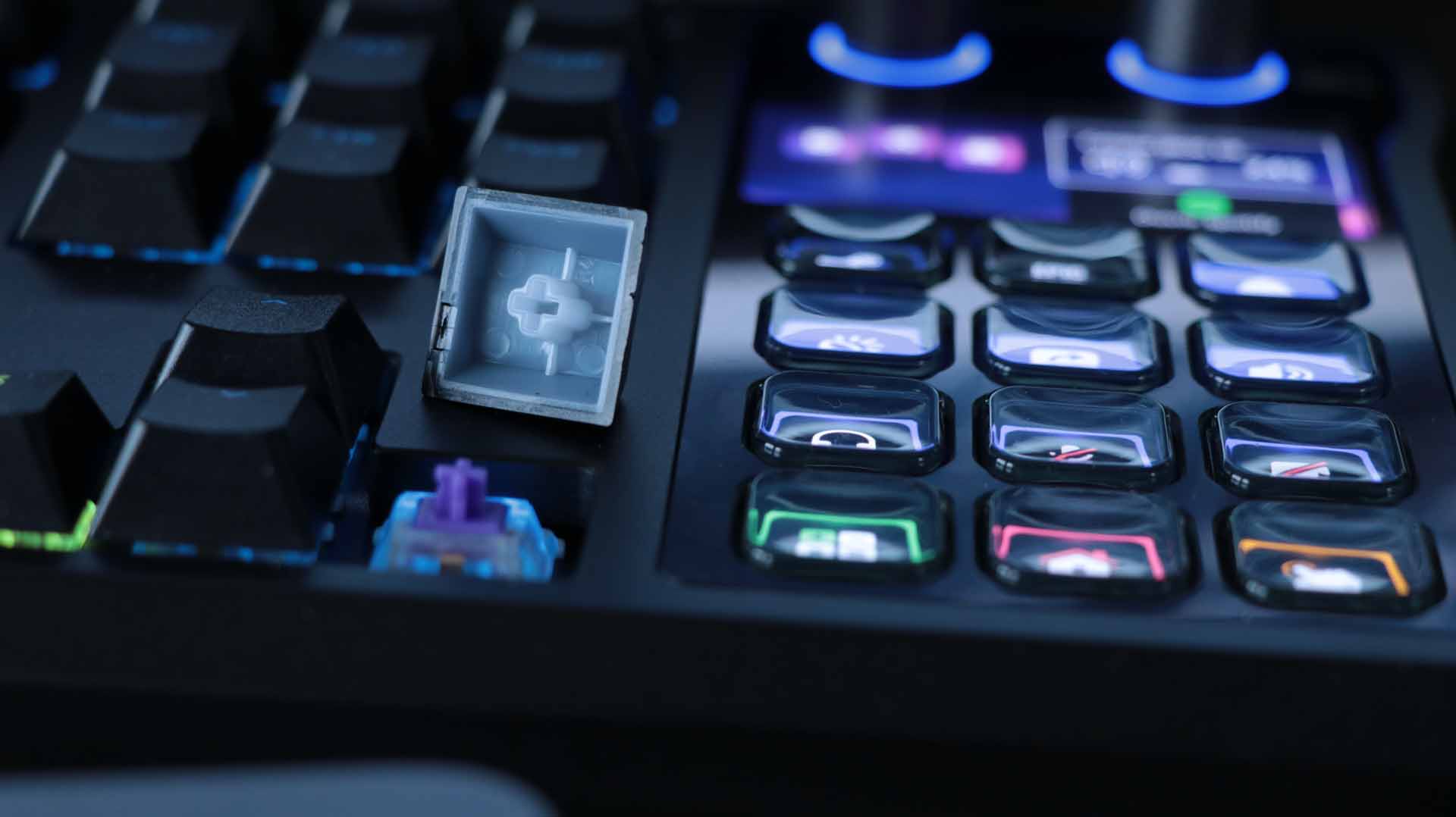
The backlit PBT keycaps further enhance durability and perceived quality, far superior to more wear-prone ABS alternatives. The keyboard features four large anti-slip rubber feet and two sets of fold-out legs to adjust the typing angle.
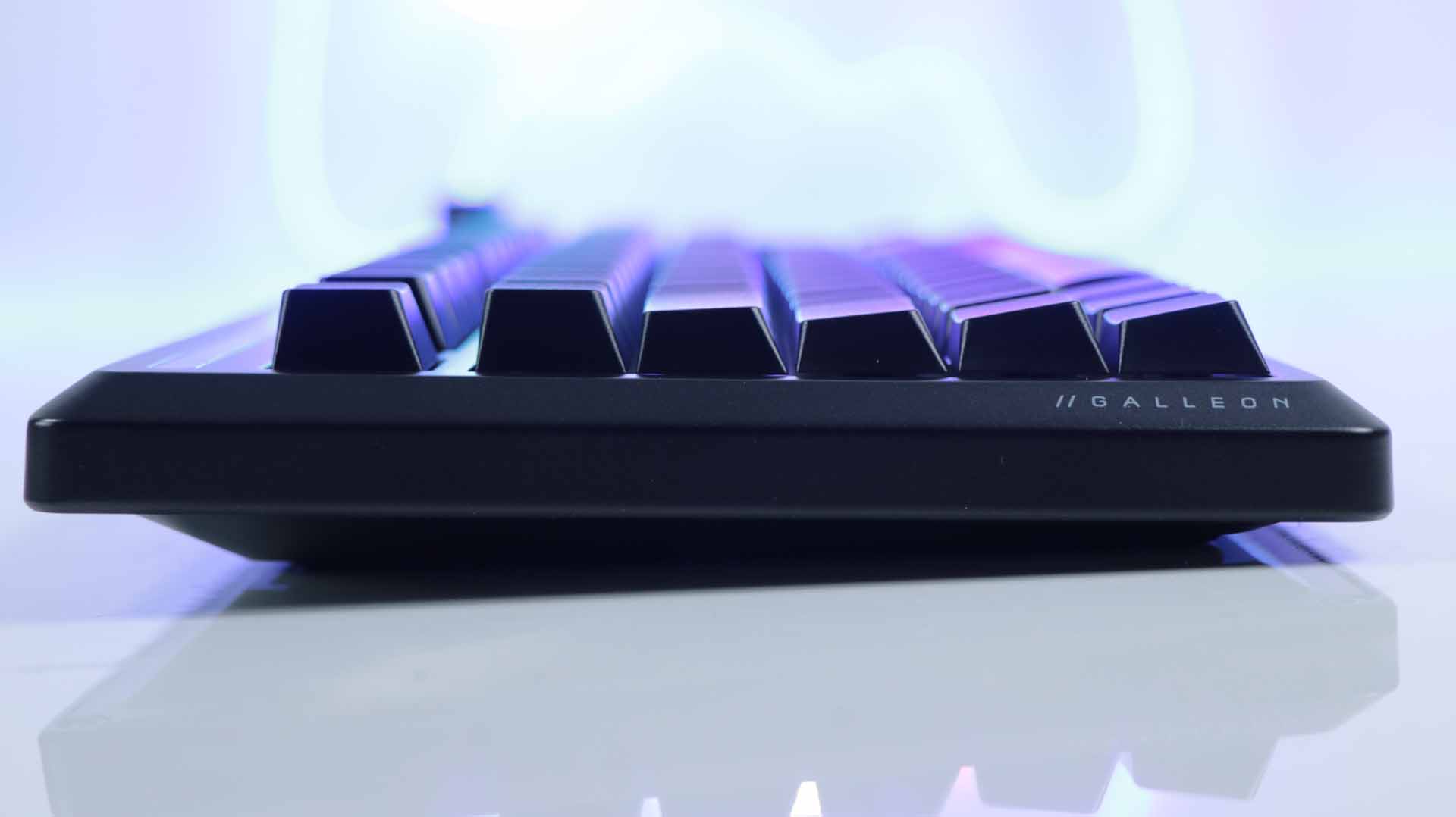
Dimensions measure 448 × 159 mm, with a height of 42 mm at its tallest point (using the feet). The bundle includes a detachable magnetic wrist rest measuring 448 × 89 mm with a 21 mm thickness.


An Integrated Stream Deck at the Core

The standout feature of the Galleon 100 SD is the replacement of the numpad with a fully integrated Stream Deck. On the right side, Corsair has installed a 5-inch LCD screen with a 1,280 × 720 resolution, divided into four main zones. It’s paired with two large rotary dials at the top and twelve customizable keys below.

Readability is excellent, even from a distance. Icons and text are crisp, and colors are vibrant. Notably, the keys are more tightly spaced than on a standalone Elgato Stream Deck, improving ergonomics.
By default, the keyboard displays widgets for Spotify, weather, volume control, or app launching—but everything can be fully customized through the Stream Deck software.
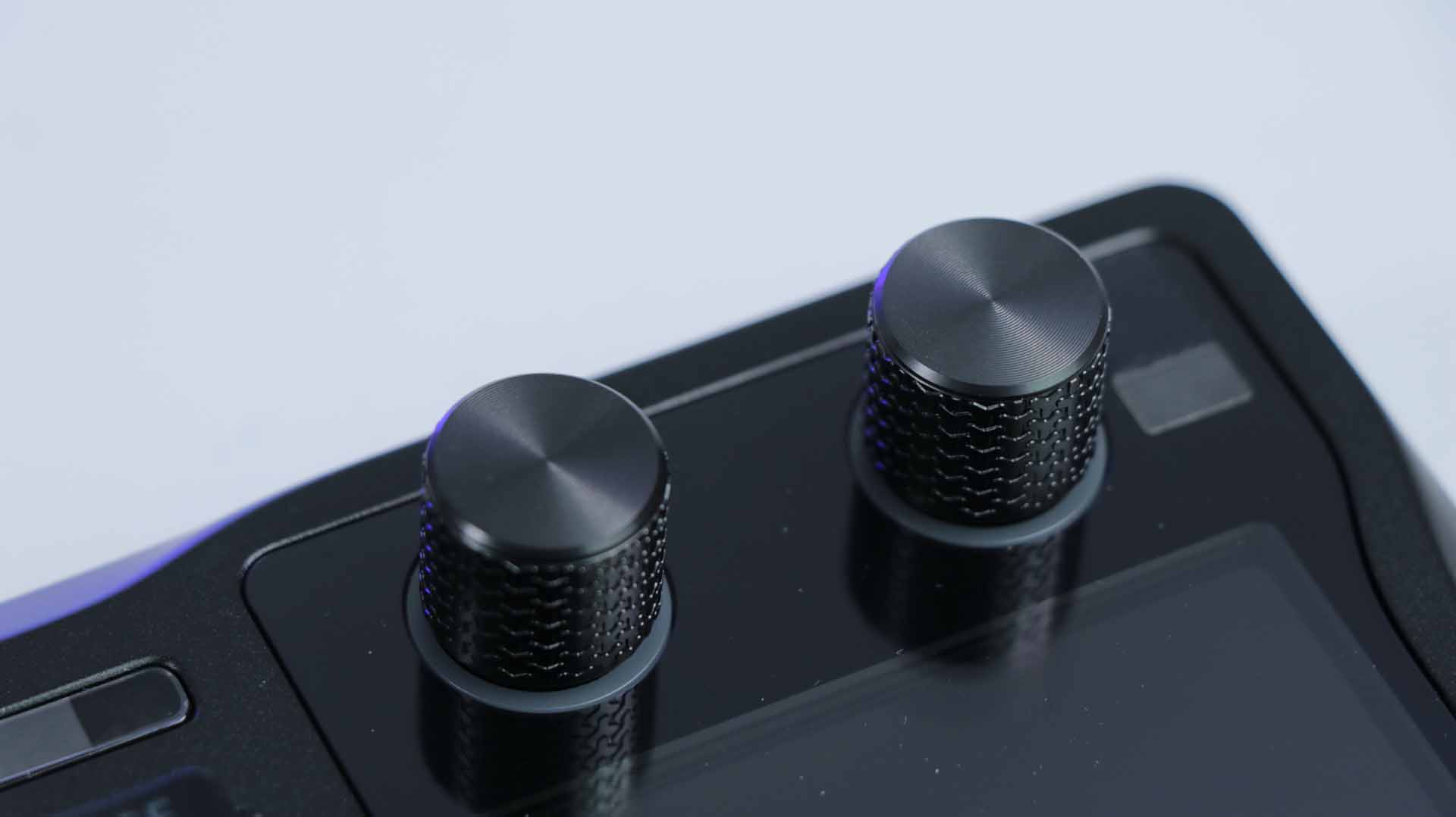
The rotary dials allow you to navigate playlists, adjust volume, or scroll contextual information depending on the active widget.
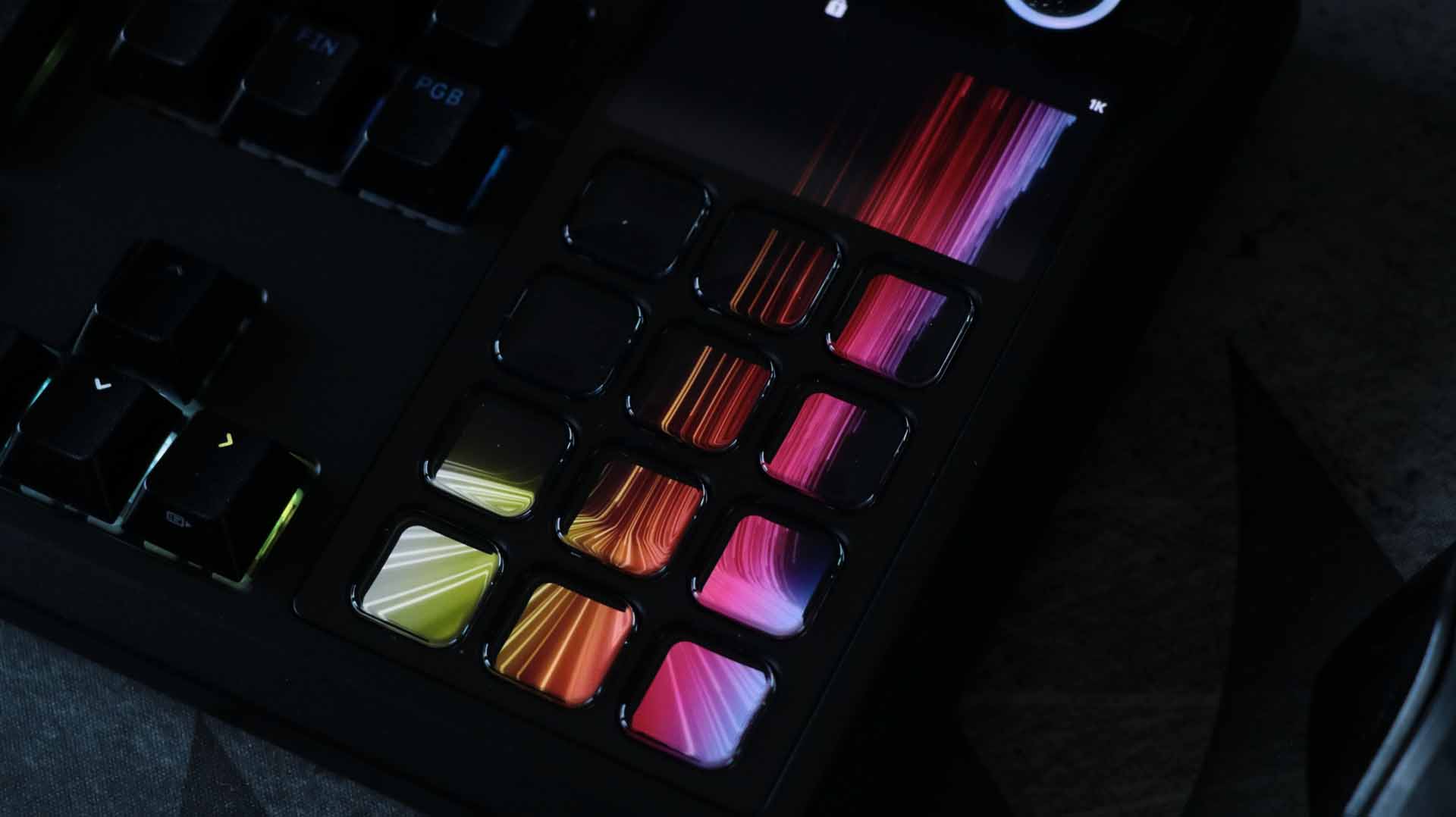
The twelve lower keys function like a classic Stream Deck: real-time system stats, shortcuts, macros, dynamic app-based profiles, folders, and multi-page layouts. Official Elgato and Corsair integrations are included. The marketplace allows users to add community extensions (free or paid) or even create custom scripts for advanced workflows.
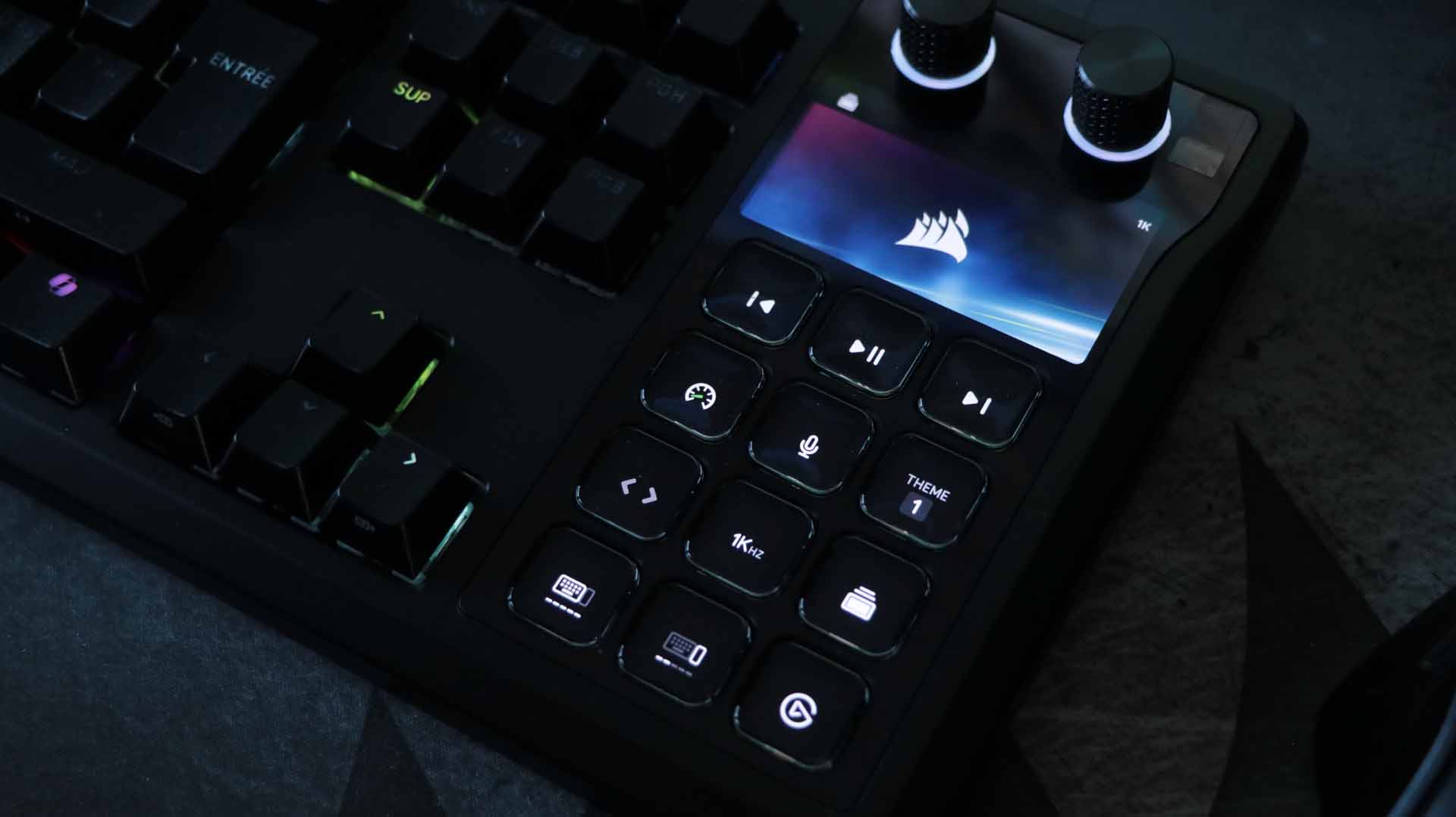
Without the Stream Deck software running, the Galleon still provides a useful default configuration, including:
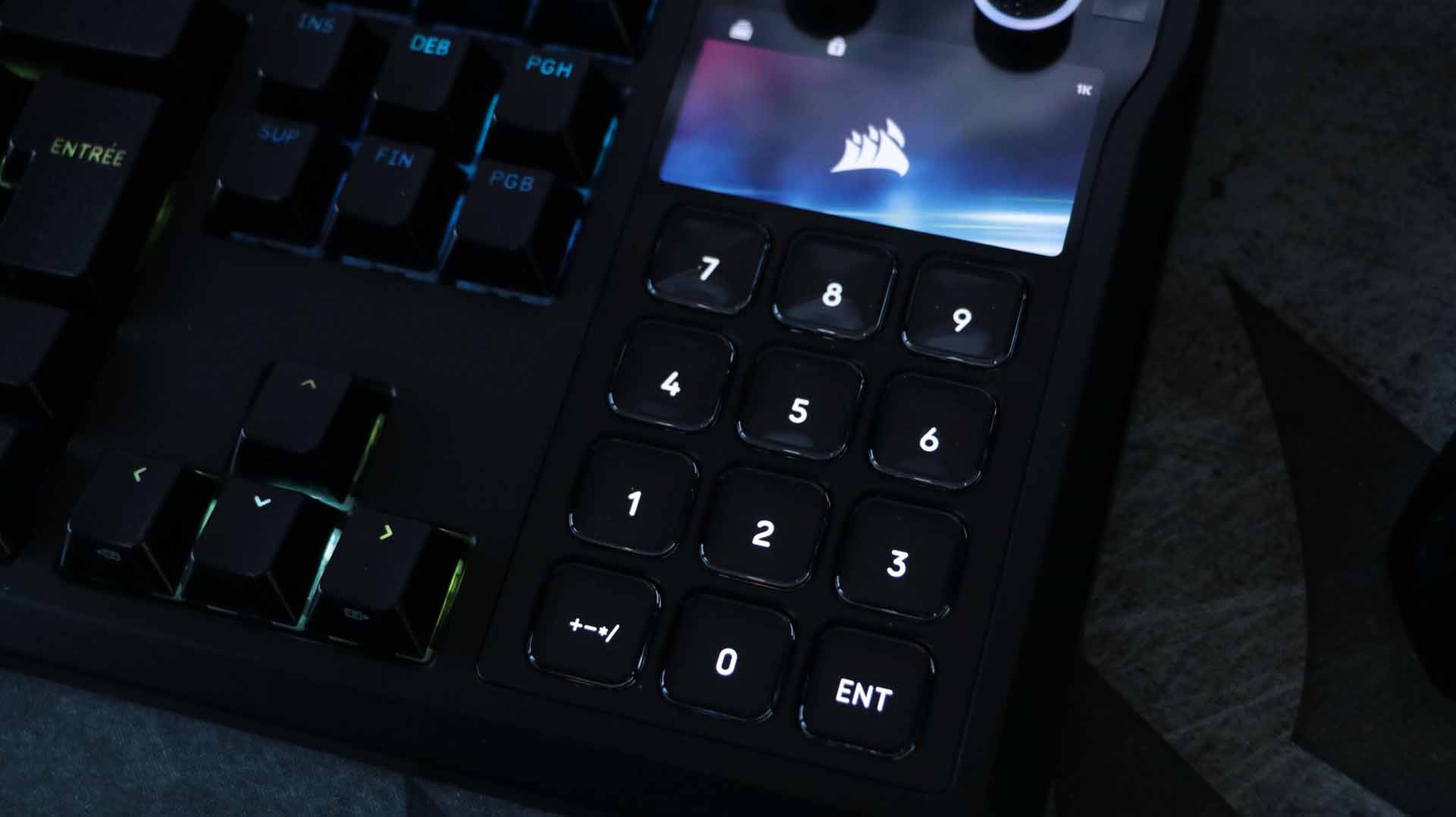
- A virtual numpad
- Multimedia controls
- Polling rate selection (125 Hz, 1,000 Hz, or 8,000 Hz)
- Game Mode toggle
- Theme selection
- Keyboard and Stream Deck brightness management
Ergonomics & Connectivity

The keyboard features a subtle RGB light strip along the top edge, a soft-touch padded detachable wrist rest, adjustable tilt feet with three angle options, and two USB-C ports.
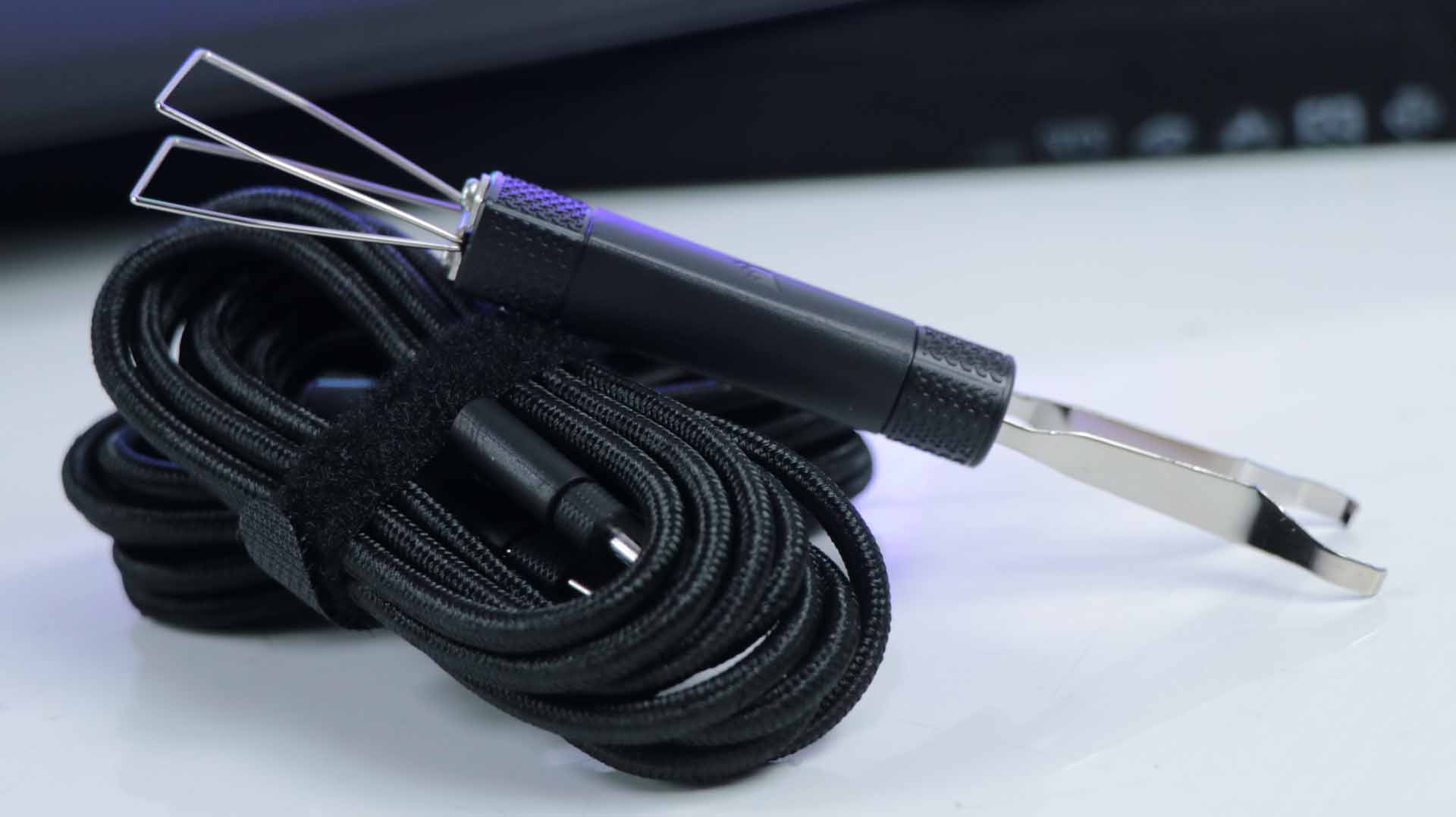
Two USB-C cables are included:
- One for keyboard power and PC communication
- One enabling a discreet USB hub via a rear USB-C port

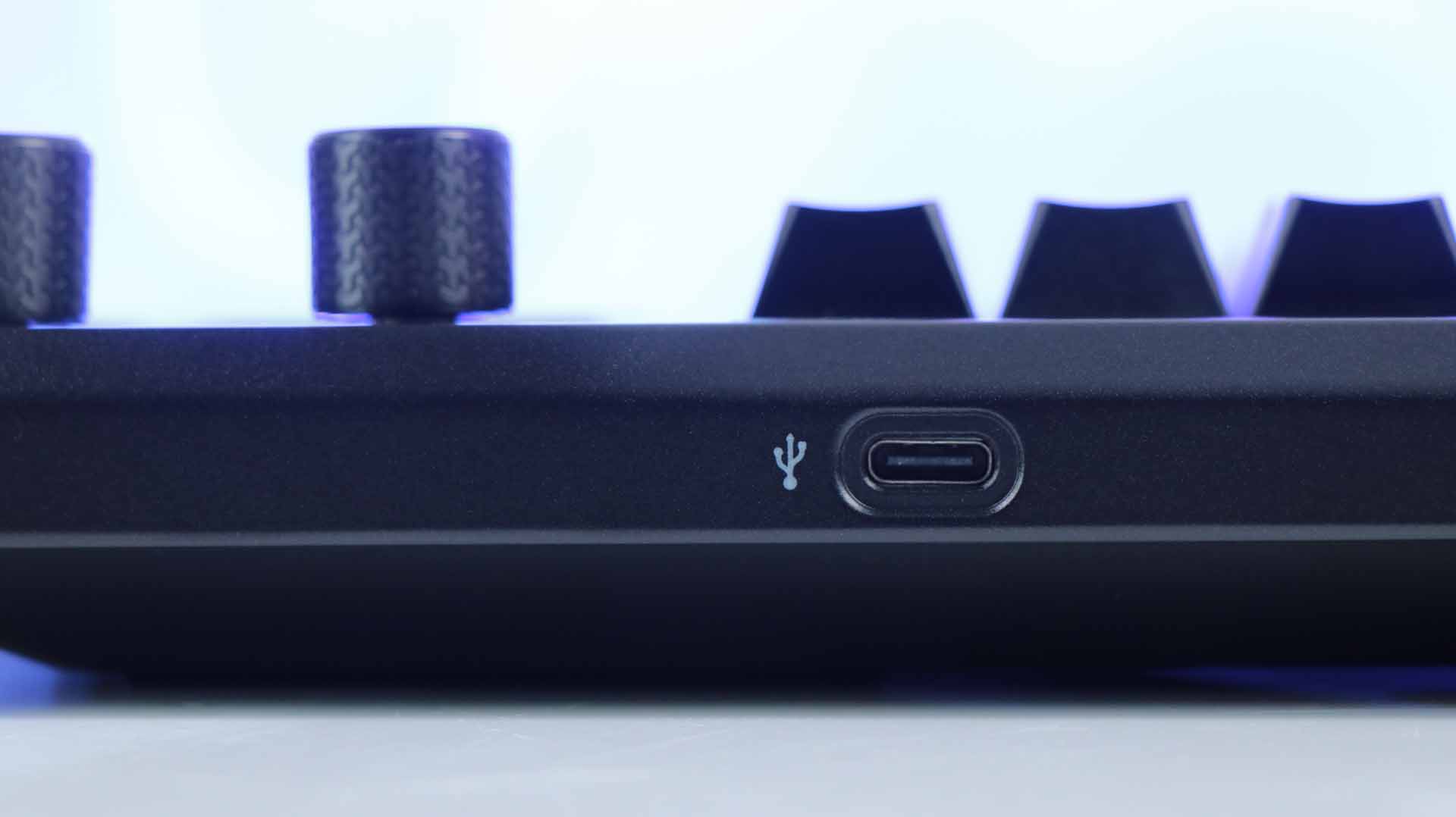
The implementation is clean, but note that the hub operates at USB 2.0 speeds. For example, a Crucial X8 external SSD tops out at 41 MB/s sequential read and 33 MB/s sequential write.


Corsair requires at minimum Windows 10 (PC) or macOS 10.15 (Mac), using USB 3.0—not USB 2.0—for full functionality. There is no compatibility with Xbox or PlayStation consoles.


The wrist rest uses memory foam padding covered in synthetic leather for added comfort.
Software: Powerful but Complex
Corsair offers deep customization and an impressive feature set, but the trade-off is the need to use two separate applications:
- Web Hub (keyboard configuration)
- Stream Deck software (Elgato interface management)
Both are well-designed, but there are a lot of options—so expect a learning curve.

It’s recommended to update the firmware via Web Hub before starting any configuration.


Keyboard settings are organized around categories such as:
- Lighting Effects
- Key Assignments
- FlashTap
- Key Testing
- Game Mode
Lighting Effects allows per-key, group, or full-keyboard RGB customization, with various adjustable animation options.
Each key can be reassigned to actions, macros, mouse buttons, or media controls via the Key Assignments tab.
FlashTap is aimed at FPS and competitive gamers. It instantly prioritizes the last directional key pressed to enable ultra-fast direction changes—ideal for strafing.
Game Mode lets users define active options such as:
- Polling rate (up to 8,000 Hz)
- Brightness level
- Static lighting
- RGB color
- FlashTap activation and configuration

The Stream Deck software offers extensive flexibility through intuitive drag-and-drop setup and detailed widget-level customization.


Gaming Performance & Daily Use

In gaming, the Galleon 100 SD performs very well and competes confidently with dedicated gaming keyboards. It delivers strong responsiveness and excels in titles requiring numerous commands. Why? The integrated Stream Deck becomes a powerful tool for centralizing macros and secondary actions.
Typing is precise, with a good balance of travel, feedback, and responsiveness—ideal for demanding games. The MLX Pulse (purple) switches actuate at 2 mm with a total travel of 3.6 mm. These linear switches provide a pleasant “thocky” bottom-out sound. They are hot-swappable with 3- or 5-pin switches.
In FPS games—my preferred genre—the keyboard delivers solid mechanical feedback, responsive actuation, and keys that don’t require excessive force. However, the tilt mechanism is somewhat too sensitive. On several occasions, the left side collapsed due to energetic WASD usage.
In competitive FPS scenarios, the experience is more nuanced. The full-size layout combined with the integrated Stream Deck reduces available mouse space. While the high polling rate and dedicated technologies deliver strong performance, Corsair makes it clear that the Galleon 100 SD is not aimed at hardcore esports purists.
Stream Deck Integrated • RGB Lighting • Wired Mechanical Gaming Keyboard
Buy on Amazon – $249
Disclosure: As an Amazon Associate, we earn from qualifying purchases. This post may contain affiliate links. If you click and buy, we may receive a small commission at no extra cost to you.
Final Verdict
The Galleon 100 SD is a showcase product—ambitious and somewhat polarizing. It combines a high-end mechanical keyboard and a full-featured Stream Deck into a refined aluminum chassis with premium finishes.
It embraces versatility in the demanding gaming segment while offering far more than simple arguments for streamers and creators thanks to the integrated Stream Deck. In daily use, it delivers precise typing, full aRGB lighting, and extensive customization.
Its price is unfortunately high, which naturally limits its audience. It doesn’t rival the most specialized gaming keyboards focused purely on typing performance and deep customization, nor the latest magnetic-switch references for ultra-competitive FPS gaming. However, it stands out as an extremely attractive all-in-one solution for demanding and well-funded users seeking a centralized device for work, streaming, and high-level gaming.
That said, its typing noise makes it less suitable for intensive text work or newsroom environments.
And if you'd like to go a step further in supporting us, you can treat us to a virtual coffee ☕️. Thank you for your support ❤️!

We do not support or promote any form of piracy, copyright infringement, or illegal use of software, video content, or digital resources.
Any mention of third-party sites, tools, or platforms is purely for informational purposes. It is the responsibility of each reader to comply with the laws in their country, as well as the terms of use of the services mentioned.
We strongly encourage the use of legal, open-source, or official solutions in a responsible manner.
Comments