
Instagram Stories provide an exciting way to share and capture moments, consisting of short-lived photos, videos, and a plethora of engaging features like text and stickers. These stories are visible for only 24 hours, making it understandable that you might want to download and preserve your favorite ones for future enjoyment. Whether you wish to save an inspiring story or a treasured moment from a friend, having the right method to download Instagram Stories is essential.
However, it’s important to respect the privacy and intellectual property rights of the original creators. Always ensure proper credit is given when necessary.
⚠️ Disclaimer: This article does not promote the illegal downloading of copyrighted content in any way. It is the user’s responsibility to ensure that the use of the mentioned tools complies with local laws and the terms of service of the respective platforms.
✅ very important:
All the links in this article point to the official websites of each service mentioned.
Best Free Instagram Story Downloaders
For downloading Instagram Stories, third-party apps and online tools offer convenient options and user-friendly interfaces. Here’s a closer look at how to utilize these tools effectively.
Third-party apps for downloading Instagram Stories come with numerous benefits, including ease of use and additional features like high-resolution downloads. Below are the general steps for downloading Instagram Stories using these apps:
Install Instagram Story Downloader App
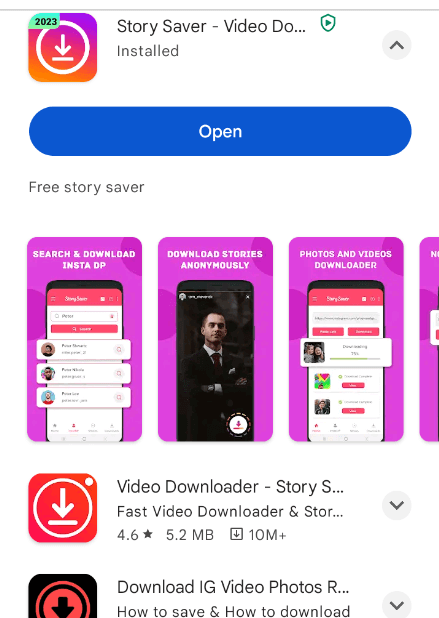
Install an Instagram Story Downloader App: Access your device’s app store (Google Play Store for Android or App Store for iOS). Search for a reputable Instagram Story downloader app and install it.
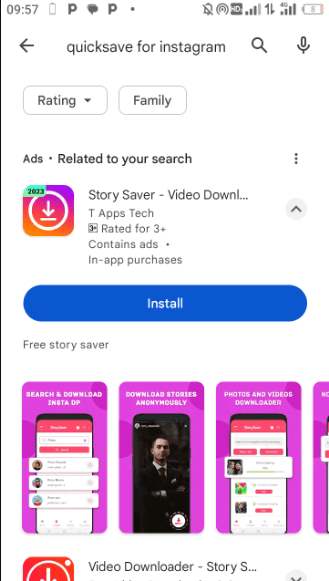
Launch the App: Open the installed app and set it up according to your preferences, including the language and other settings.
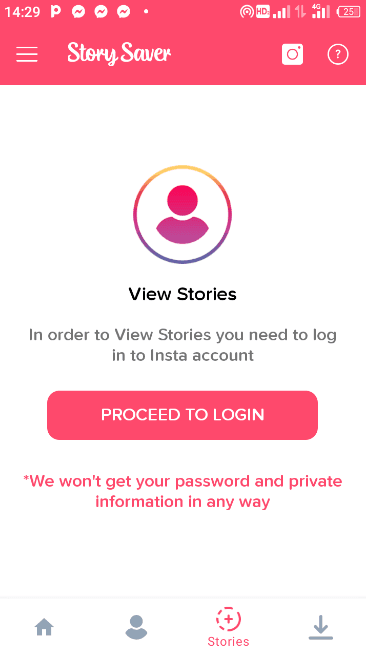
Login or Paste Link: Sign in to your Instagram account through the app (if required) or copy the link of the story you wish to download.
Find and Download Your Story: Navigate through the app’s interface to locate the desired story. Click on the download button, and the app will save the story to your device.
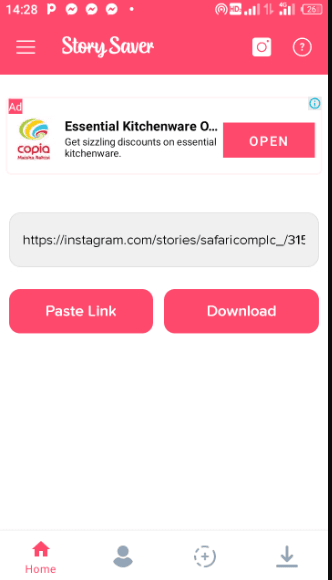
Here are some popular apps to consider:
1. StorySaver
StorySaver: This exceptional tool allows you to download Instagram Stories without requiring additional app installations. Just enter the username or profile URL, and you can access stories from both public and private accounts.
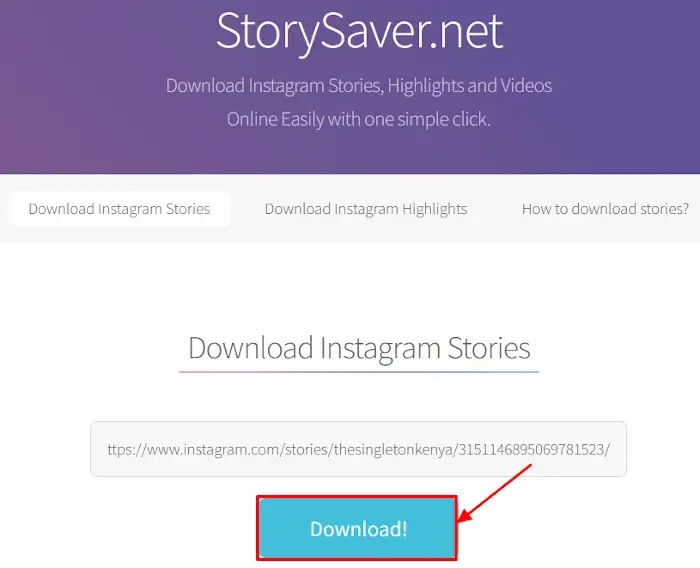
2. QuickSave
QuickSave: Known for its straightforward interface, QuickSave allows users to download stories with just a few taps. It supports downloading from both public and private accounts and provides features for reposting content.
3. InstaSave
InstaSave: This feature-rich app not only downloads stories but also supports saving photos and videos. It includes a built-in media player for viewing downloaded content directly.
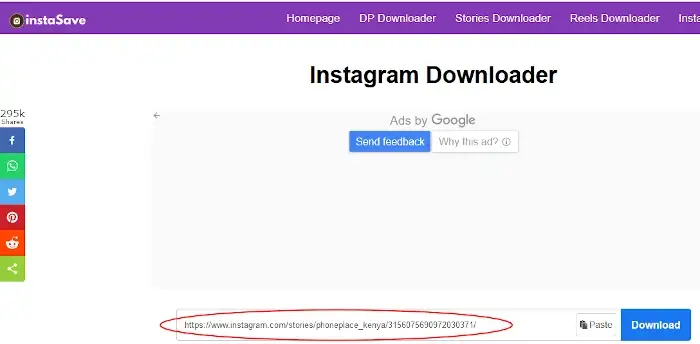
Online Tools for Downloading Instagram Stories
If you prefer not to install extra applications, online tools are a great alternative for downloading Instagram Stories without cluttering your device. These tools work across various platforms and devices:
Save From Web: A popular and user-friendly online tool that allows you to save stories by entering the Instagram profile URL. It accommodates downloads from both public and private accounts.
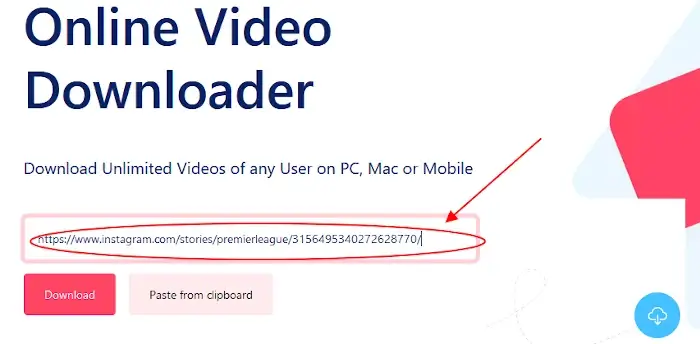
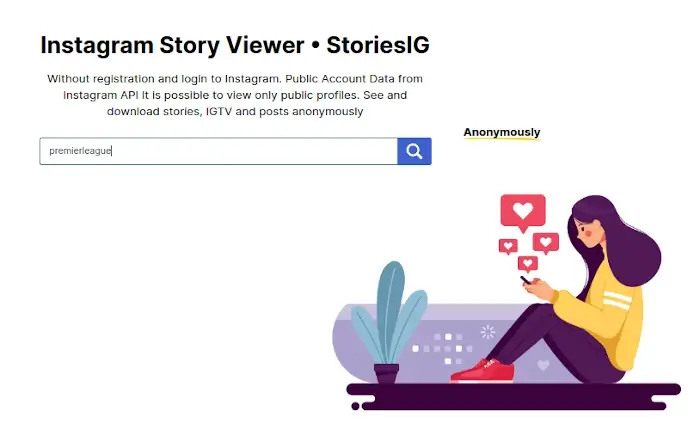
StoriesIG: This reliable tool simplifies the downloading process. Enter the username of the account you wish to access, select the story, and download it directly.
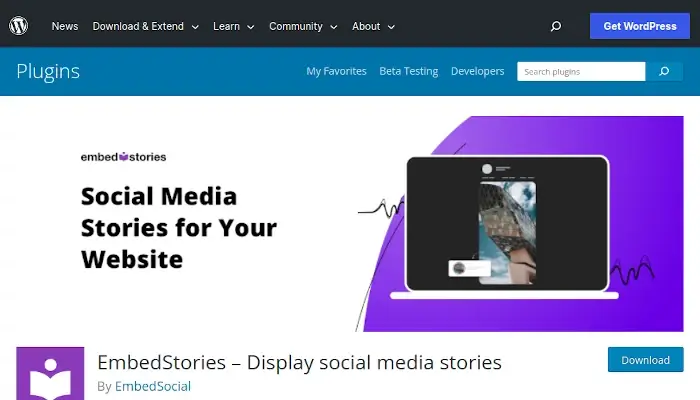
EmbedStories: While primarily designed for embedding Instagram Stories on websites, EmbedStories can automatically archive Instagram content, providing a broader utility for users who manage online storefronts or blogs.
Capture Instagram Stories via Screenshots or Screen Recording
If downloading isn’t your preferred method, you can also capture Instagram Stories through screenshots or screen recordings. Here’s how:
Taking Screenshots
Smartphones: Press the Volume Down and Power buttons simultaneously (exact methods may vary by device model).
Computers: Windows: Press the Print Screen (PrtScn) key and paste the image into an editing program.
Mac: Use Shift + Command + 3 for the full screen or Shift + Command + 4 to capture a specific area.
Recording Your Screen
Smartphones:
- iPhone: Access the Control Center and tap the screen recording icon.
- Android: Swipe down from the top of the screen to find screen recording in the Quick Settings panel.
Computers:
Windows users can employ the Xbox Game Bar, while Mac users can utilize QuickTime Player or other dedicated recording software like OBS Studio.
Conclusion
In this guide, we’ve looked at several effective methods for downloading Instagram Stories: via third-party apps, online tools, and direct screen capture. After downloading, you can revisit stories at your leisure, regardless of their time limit on Instagram.
Always use these methods responsibly, respecting the rights and privacy of others. Adhere to Instagram’s Terms of Service and ethical standards, contributing positively to the online community. Enjoy capturing and sharing your favorite moments!
⚠️ Disclaimer: This article does not promote the illegal downloading of copyrighted content in any way. It is the user’s responsibility to ensure that the use of the mentioned tools complies with local laws and the terms of service of the respective platforms.
And if you'd like to go a step further in supporting us, you can treat us to a virtual coffee ☕️. Thank you for your support ❤️!

We do not support or promote any form of piracy, copyright infringement, or illegal use of software, video content, or digital resources.
Any mention of third-party sites, tools, or platforms is purely for informational purposes. It is the responsibility of each reader to comply with the laws in their country, as well as the terms of use of the services mentioned.
We strongly encourage the use of legal, open-source, or official solutions in a responsible manner.
Comments