

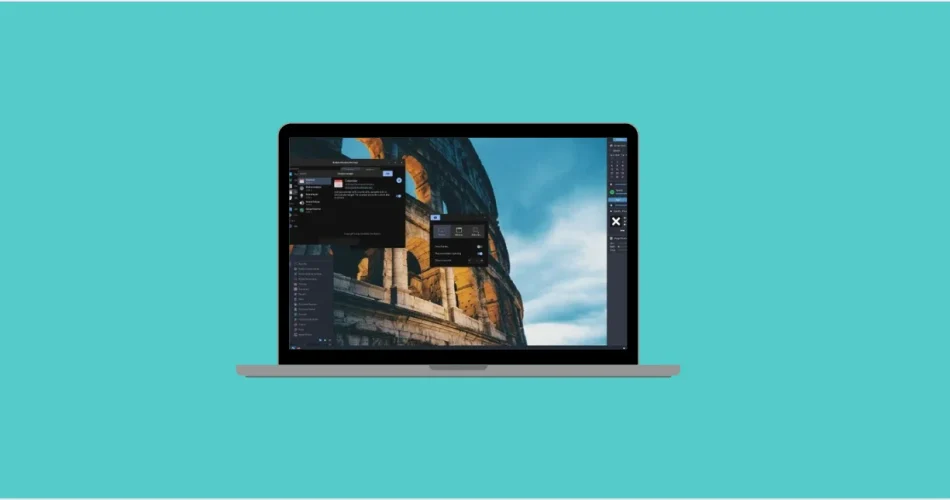
For years, explaining why Linux failed on the desktop was easy. Hardware support was unreliable, Wi-Fi drivers broke without warning, GPU acceleration felt like a gamble, and installing software often meant following obscure terminal commands copied from decade-old forum posts. If you tried Linux ten years ago and walked away frustrated, that reaction was completely justified.
Back then, Linux made sense for servers, developers, and resurrecting aging laptops—but everyday desktop use demanded patience, technical knowledge, and a tolerance for things breaking at random.
Fast forward to today, and that explanation no longer holds up.
Modern Linux desktops are fast, stable, visually polished, and surprisingly pleasant to use. Performance, drivers, and usability are no longer the main obstacles. Instead, Linux desktop adoption is held back by something far less tangible: fragmentation, decision fatigue, and the lack of a single, obvious path forward.
The Linux Desktop Is No Longer the Problem
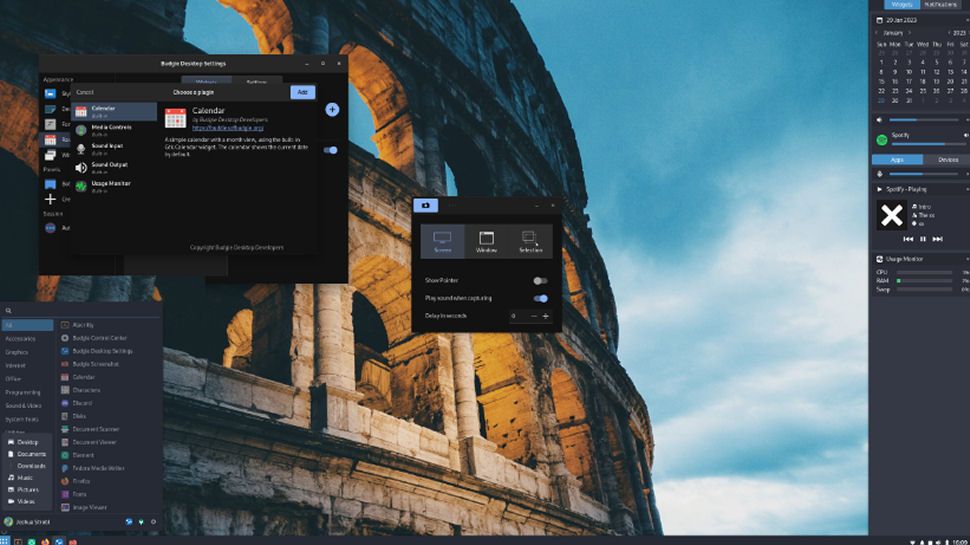
In many ways, it’s more usable than Windows
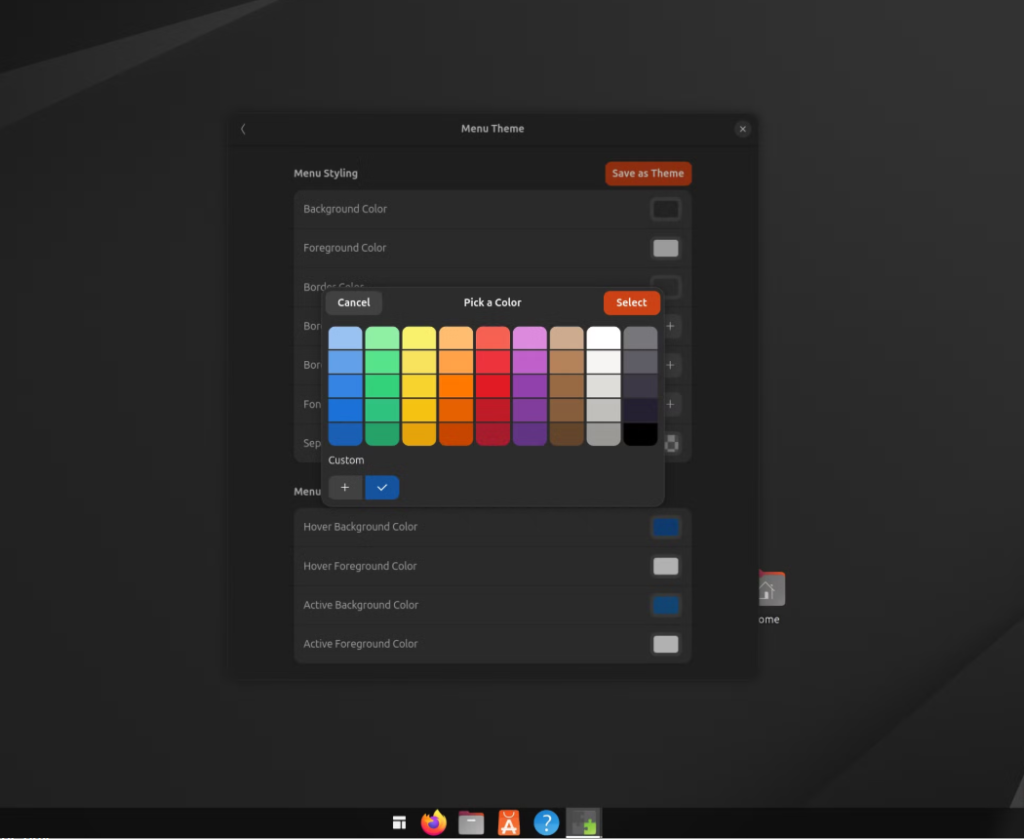
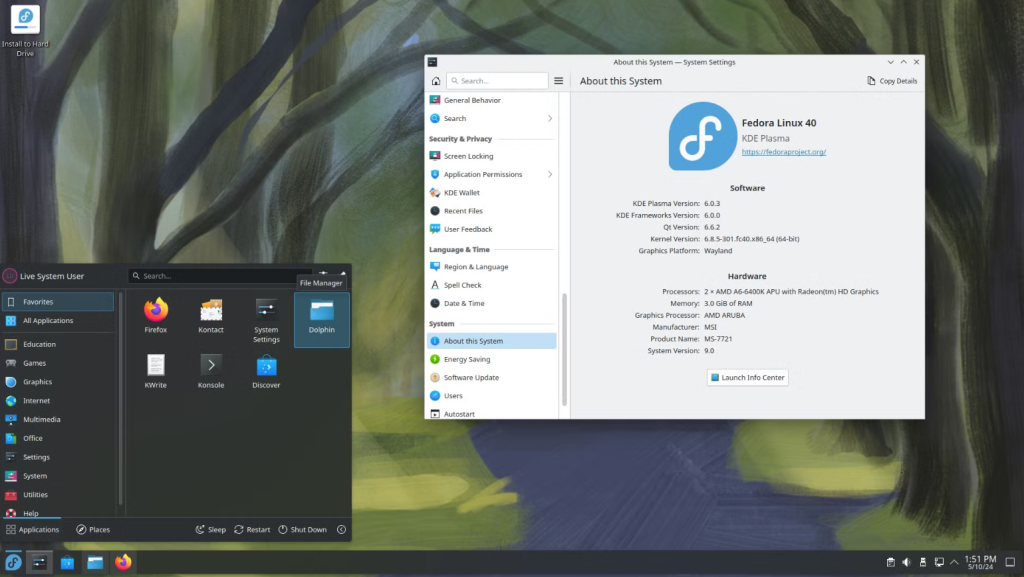
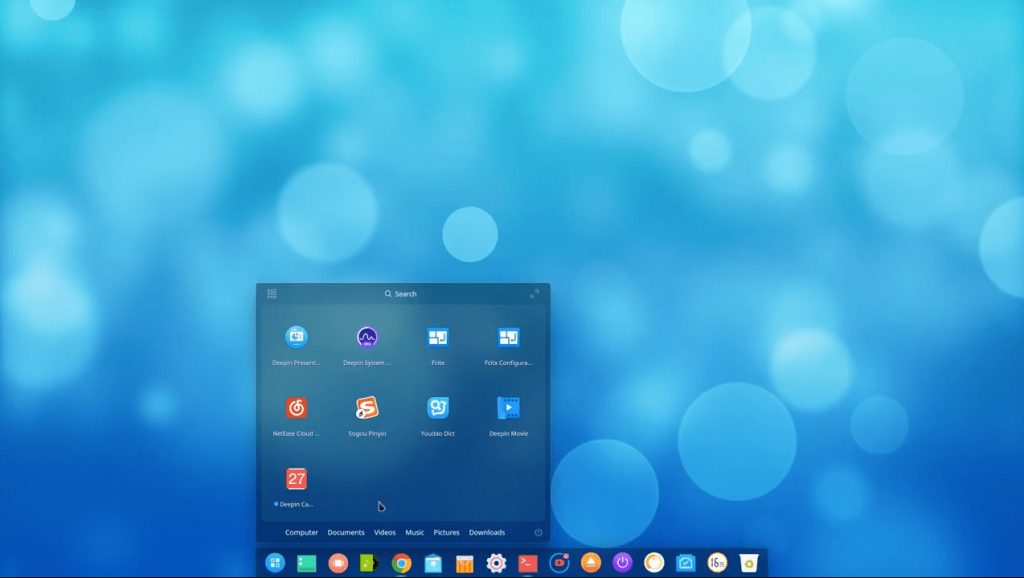
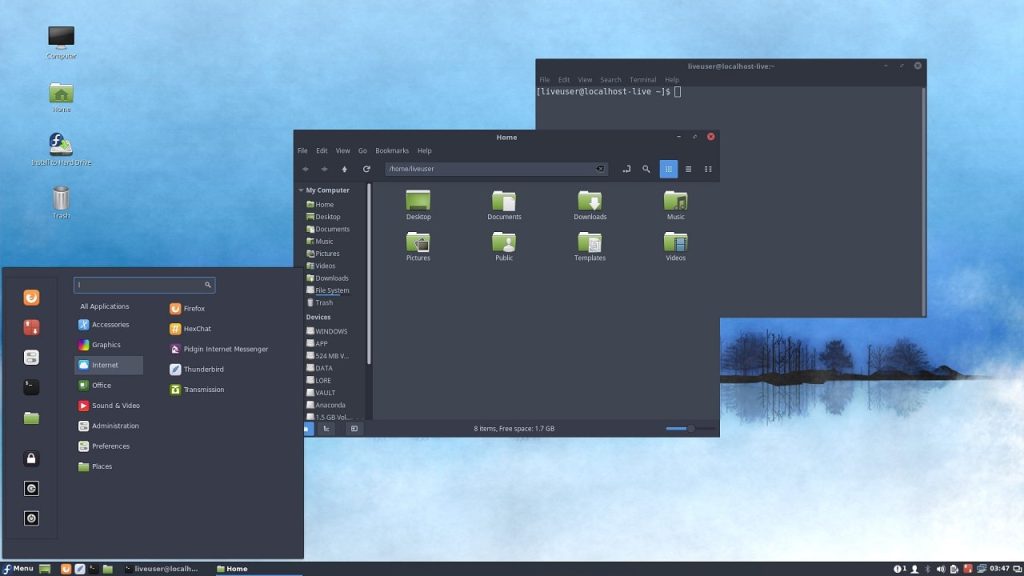
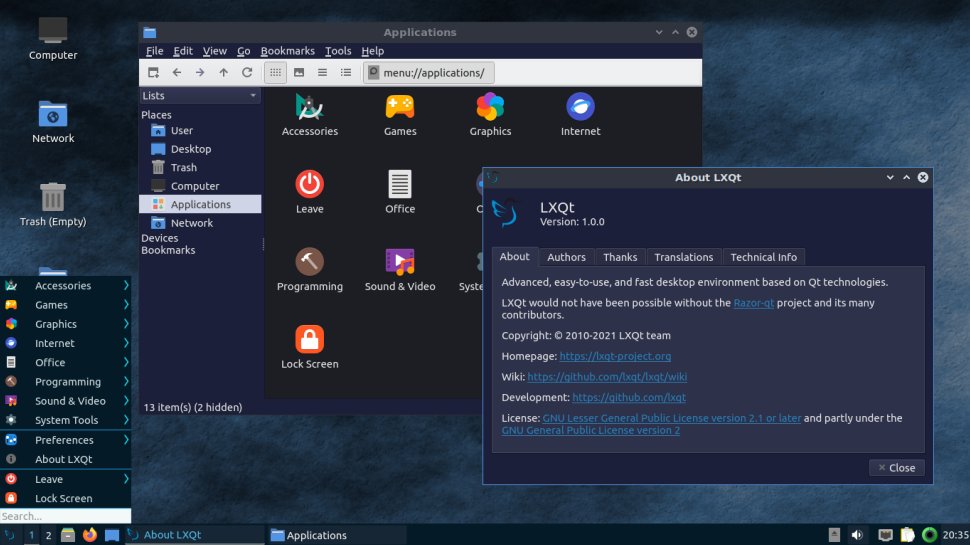
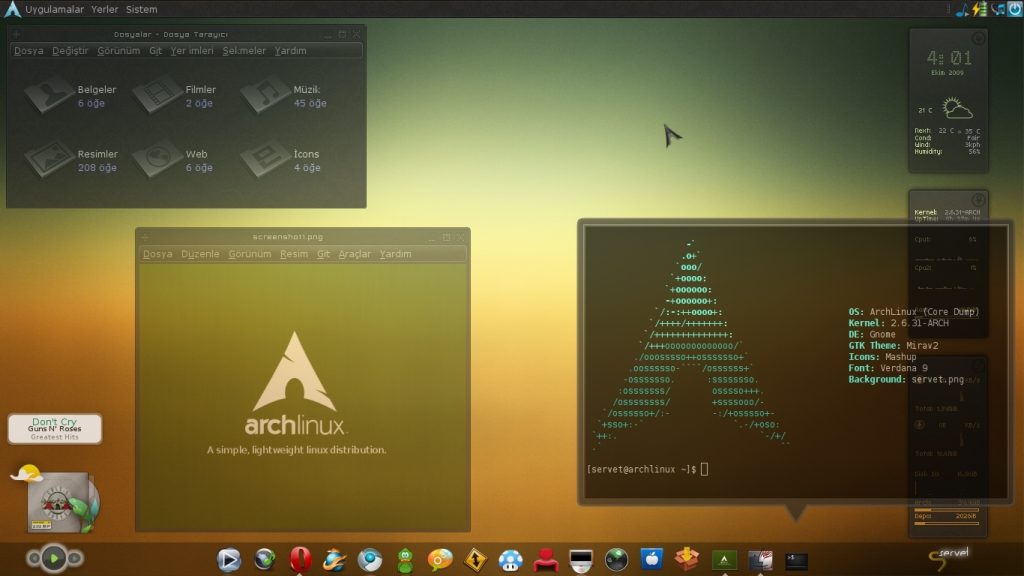
By almost any reasonable standard, today’s Linux desktop environments are more than “good enough.” GNOME, KDE Plasma, Cinnamon, and others deliver stable, responsive, and visually coherent experiences that would’ve been unimaginable a decade ago.
- Animations are smooth and consistent
- Multi-monitor setups work reliably
- Fractional scaling is usable for high-DPI displays
- Suspend and resume no longer feel like a coin toss
Wayland, despite its rocky early years, has quietly matured into a solid display protocol for most users. Power management behaves predictably, hardware acceleration is dependable, and Bluetooth audio is no longer a recurring nightmare.
On modern hardware, Linux desktops simply work—and often feel lighter and more responsive than Windows doing the same tasks.
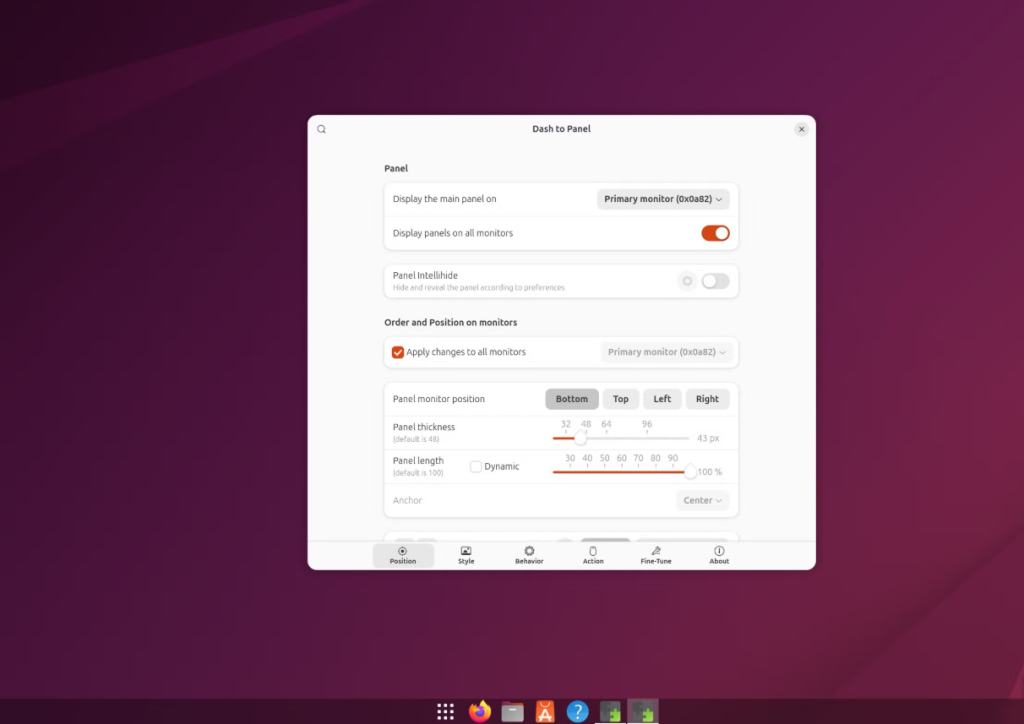
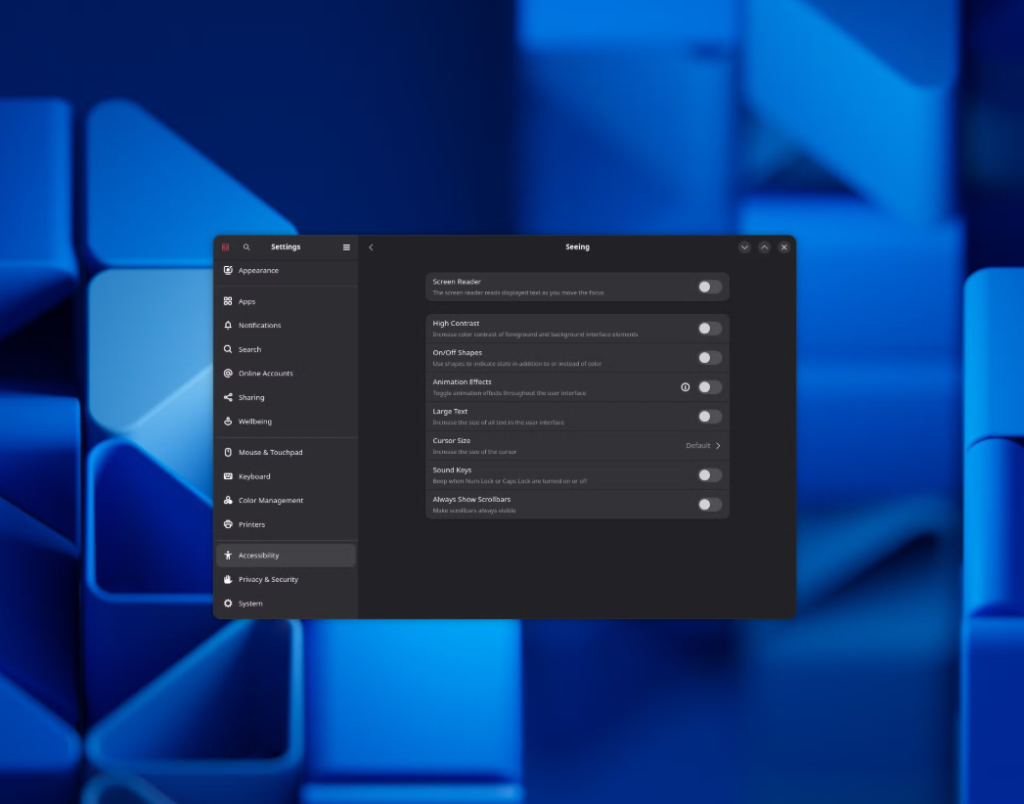
Software Availability Is No Longer a Dealbreaker
Linux alternatives are finally viable
Another long-standing argument against Linux has always been software compatibility. No Adobe Creative Cloud. No native Microsoft Office. No proprietary niche tools that professionals rely on.
Those gaps still exist—but they’re no longer the hard stop they once were.
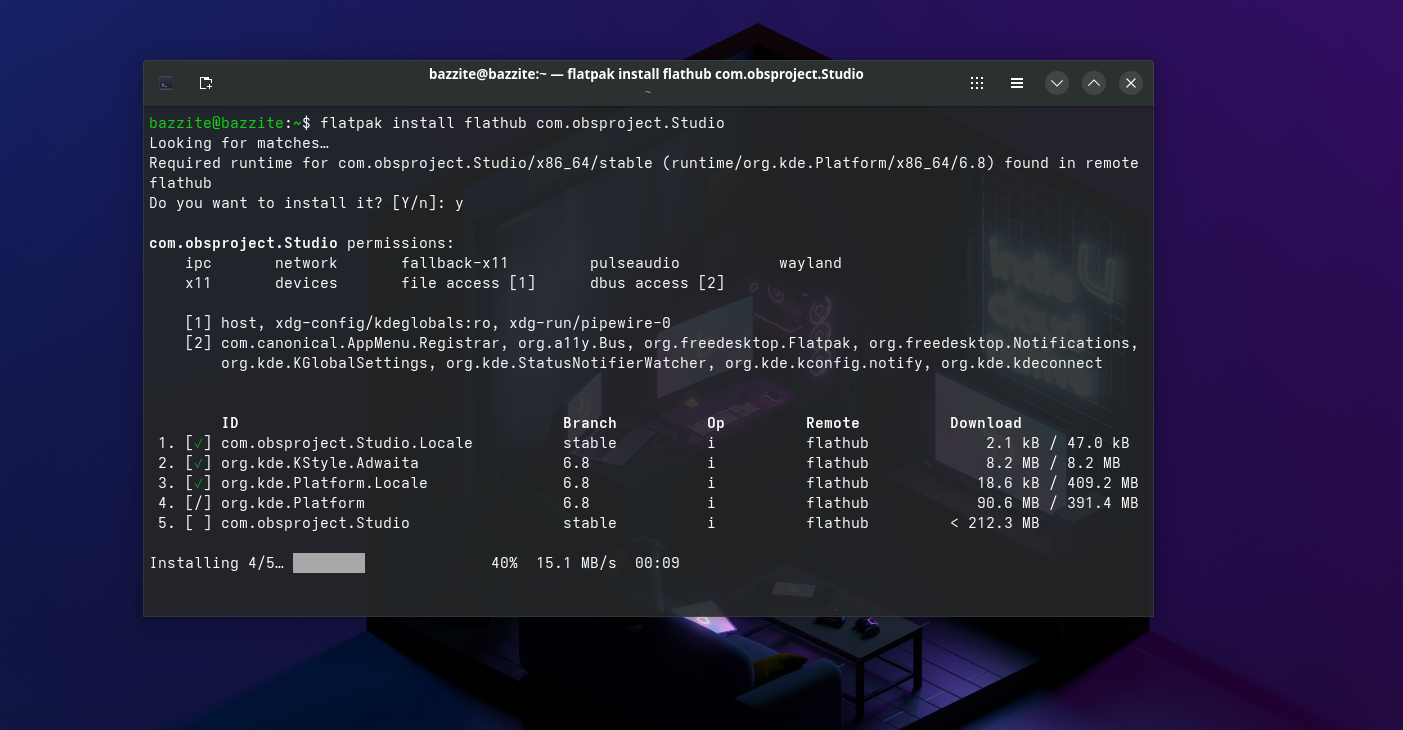
Flatpak has arguably done more for Linux desktop adoption than any kernel or driver improvement. With distribution-agnostic packaging, users can install up-to-date versions of browsers, IDEs, chat apps, creative tools, and utilities without worrying about system libraries or distro-specific quirks.
Add Valve’s Proton into the mix, and Linux gaming went from an experiment to a legitimate option almost overnight. Thousands of Windows games now run with little to no tweaking, eliminating the need to wrestle with Wine configurations.
For most users, Linux now offers functional, modern alternatives—even if they’re not exact replacements.
Fragmentation: Linux’s Strength and Its Weakness
Too much choice can be overwhelming
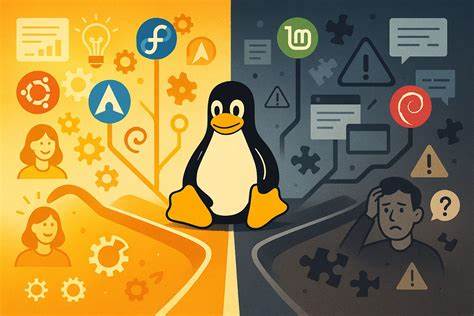
Linux’s greatest strength has always been freedom of choice. Hundreds of distributions, multiple desktop environments, endless customization, and different philosophies around updates and stability.
But for newcomers, that freedom can feel paralyzing.
Two people can “install Linux” and end up with completely different systems:
- Different update models (rolling vs fixed)
- Different desktop layouts and workflows
- Different configuration tools and defaults
- Different levels of stability and breakage
Even basic expectations—where settings live, how updates work, or what happens during a major upgrade—vary widely depending on the distro.
By contrast, Windows and macOS are predictable. Flawed, yes—but consistent. When something breaks, users usually know where to look. Linux doesn’t always offer that same sense of familiarity, especially to those switching from mainstream operating systems.
The Right Distro Changes Everything
This isn’t a technical limitation
There’s nothing inherent in Linux that prevents good defaults, consistent UX, or predictable behavior. When you land on the right distribution, Linux can feel cleaner, faster, and more coherent than anything else you’ve used.
Projects like Universal Blue and opinionated distros such as Fedora Silverblue, Ubuntu, or Linux Mint prove that Linux can deliver a polished, reliable experience—if the right choices are made upfront.
The real challenge is communication.
New users aren’t just installing an operating system; they’re being asked to make decisions before they even understand what those decisions mean. Explaining the difference between distros, desktops, package formats, and update strategies isn’t easy—and there’s no single, confident answer to the question:
“Which Linux should I use?”
Why Linux Still Struggles With Windows Converts
The problem is no longer technical
Linux desktop adoption today isn’t held back by broken drivers or missing features. Failures tend to be quieter now—but they still happen.
The real issue is fragmentation and expectation management. Windows presents itself as the operating system, even when it isn’t the best one. Linux, by contrast, presents itself as many operating systems, each with trade-offs that aren’t immediately obvious.
That complexity makes onboarding harder than it needs to be.
Yet, once a user finds the right setup, Linux often delivers a better experience than they ever had on Windows—fewer interruptions, more control, and an OS that works for them instead of against them.
Conclusion
Linux didn’t fail on the desktop because it was unusable—it failed because it was complicated, inconsistent, and hard to recommend with confidence. Today, most of the technical barriers are gone. Performance is solid. Software availability is good enough. Desktop environments are polished and modern.
What remains is a social and ecosystem challenge, not a technical one.
Linux doesn’t need to become Windows. But it does need clearer paths, better defaults, and simpler answers for people who just want their computer to work. When those pieces fall into place, Linux isn’t just an alternative—it’s often the better choice.
And if you'd like to go a step further in supporting us, you can treat us to a virtual coffee ☕️. Thank you for your support ❤️!

We do not support or promote any form of piracy, copyright infringement, or illegal use of software, video content, or digital resources.
Any mention of third-party sites, tools, or platforms is purely for informational purposes. It is the responsibility of each reader to comply with the laws in their country, as well as the terms of use of the services mentioned.
We strongly encourage the use of legal, open-source, or official solutions in a responsible manner.
Comments