


To view files without opening them on Windows, you’re probably used to the File Explorer preview pane, which is handy but has some limitations. For example, it doesn’t allow previewing audio or video files, and sometimes even some text documents don’t show up at all. To fill these gaps, QuickLook is THE ideal solution. Developed by a certain Paddy Xu, this free and open-source application gives you a large-format preview of your documents, images, videos, and music, inspired by the Quick Look feature on macOS. To learn more about this app and how it works, we invite you to continue reading this article.
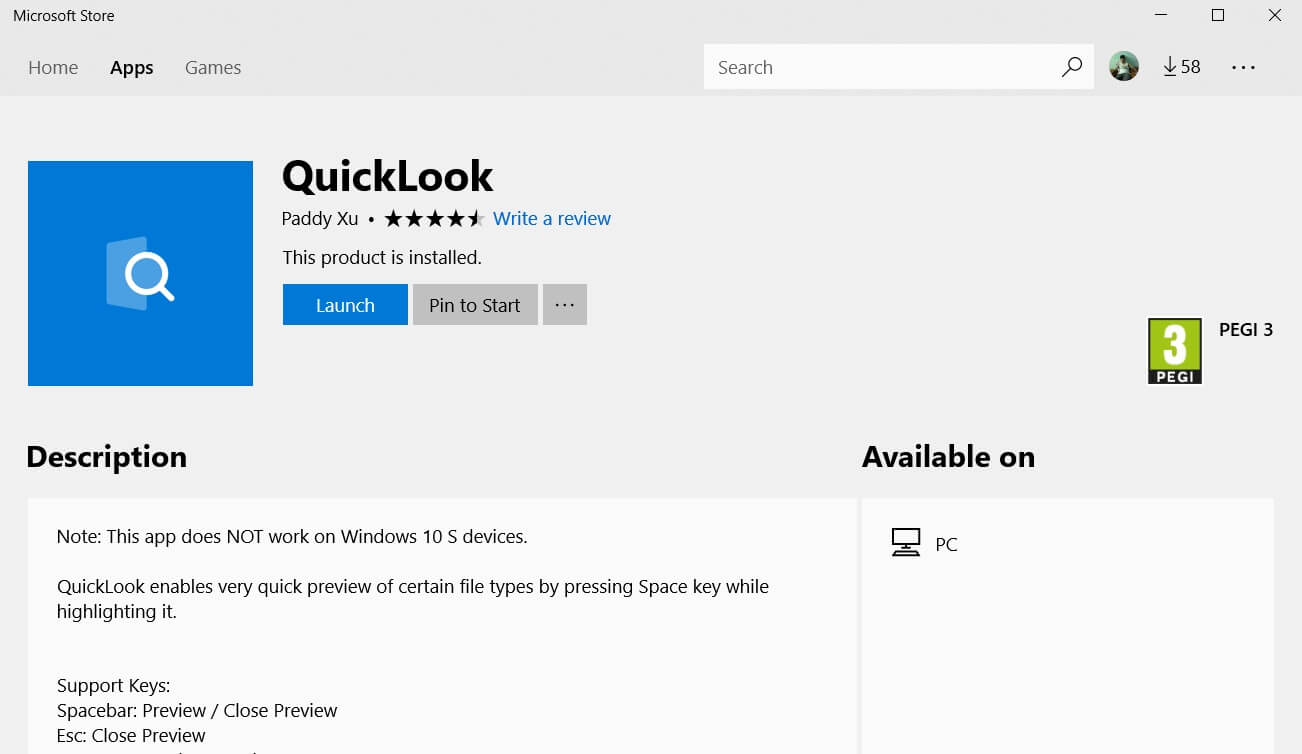
QuickLook: Preview Your Files Without Even Opening Them
As the name suggests, QuickLook is software that allows you to easily and quickly view all your files on Windows 11 or 10 without even opening them in their respective apps. Whether it’s Word, Excel, PowerPoint, PDF, JPG, PNG, WebP images, MP4, or MKV videos, QuickLook handles a wide range of formats.
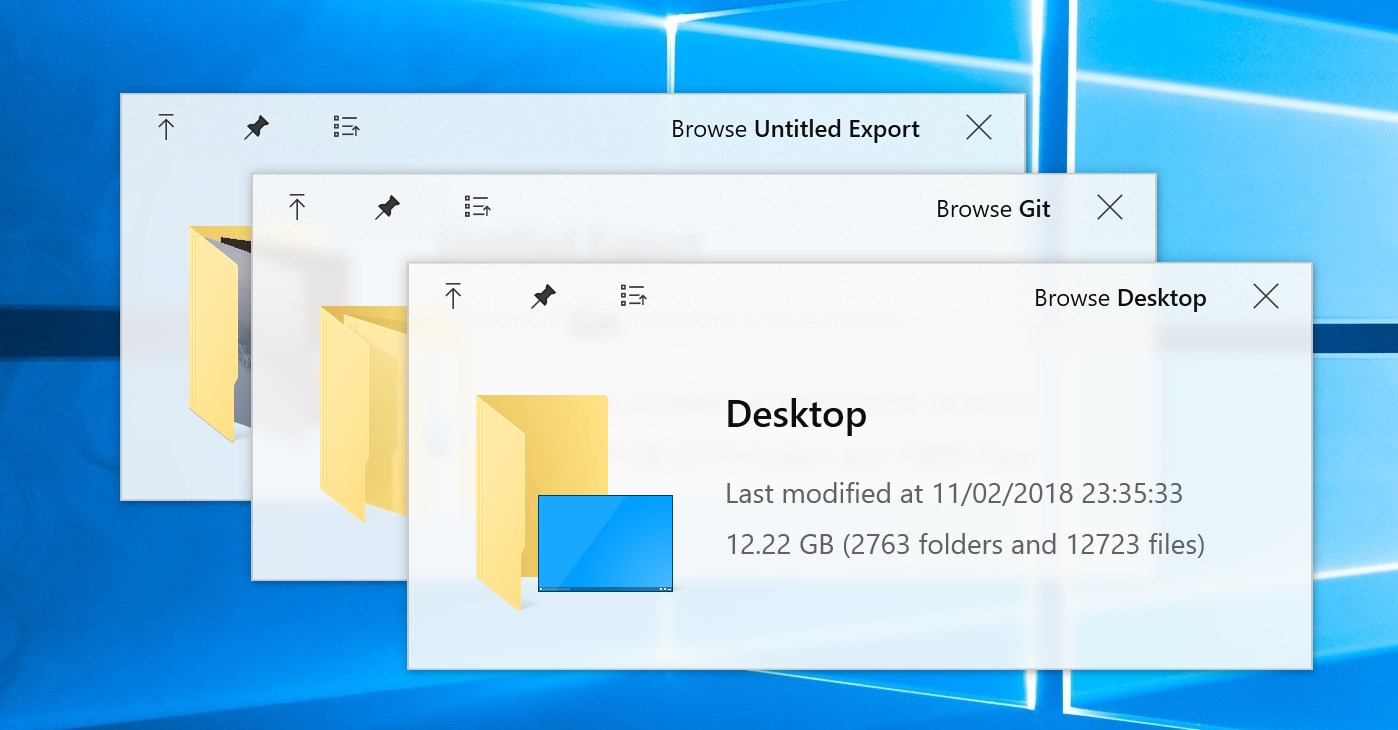
Using QuickLook is extremely simple. All you need to do is select the file you want to preview and press the space bar on your keyboard. A preview will then be displayed instantly, giving you quick access to the contents of the file without having to launch the associated application. To close the preview, press the spacebar or the Esc key on your keyboard again. But QuickLook doesn’t stop there!
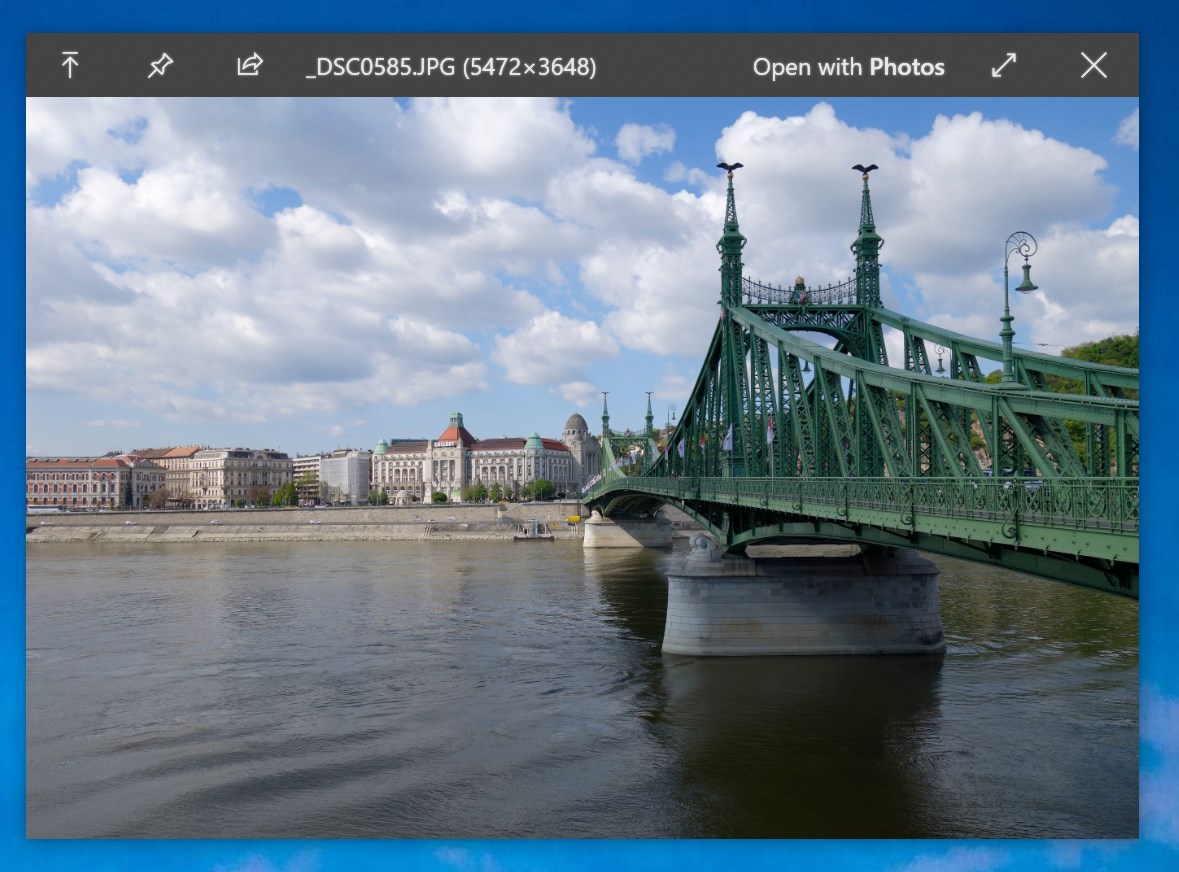
In addition to previewing, QuickLook offers some handy features. If you want to open the file in its default program, press the Enter key on your keyboard. To zoom in on images or documents, use the + key or mouse wheel. Finally, if you’re previewing a video or music, use the mouse wheel to adjust the volume and the Enter key to confirm.

If you’re interested in QuickLook, you can download it for free from the Microsoft Store or from the GitHub platform.
Conclusion
In summary, QuickLook is a great choice for those of you looking for a quick and easy way to preview your files on Windows, especially if you find the standard preview pane too limited. Easy to use and convenient for a quick overview, it also offers a few more options for a better user experience. Try QuickLook now and see how it can simplify your day-to-day file management. 😉
And if you'd like to go a step further in supporting us, you can treat us to a virtual coffee ☕️. Thank you for your support ❤️!

We do not support or promote any form of piracy, copyright infringement, or illegal use of software, video content, or digital resources.
Any mention of third-party sites, tools, or platforms is purely for informational purposes. It is the responsibility of each reader to comply with the laws in their country, as well as the terms of use of the services mentioned.
We strongly encourage the use of legal, open-source, or official solutions in a responsible manner.
Comments