
After years of being exclusive to Galaxy smartphones, Samsung is finally bringing its web browser to desktop. Samsung Internet is now available in a stable version for Windows, marking a significant step in Samsung’s software ecosystem strategy.
At first glance, it may seem like just another Chromium-based browser. But with built-in ad blocking, cross-device continuity, and an AI assistant powered by Perplexity AI, Samsung Browser is clearly aiming to stand out—especially for users already invested in the Galaxy ecosystem.
A Familiar Foundation with Useful Features
Like many modern browsers, Samsung Browser is built on Chromium and uses the Blink rendering engine. This ensures compatibility with the vast library of extensions from the Chrome Web Store.
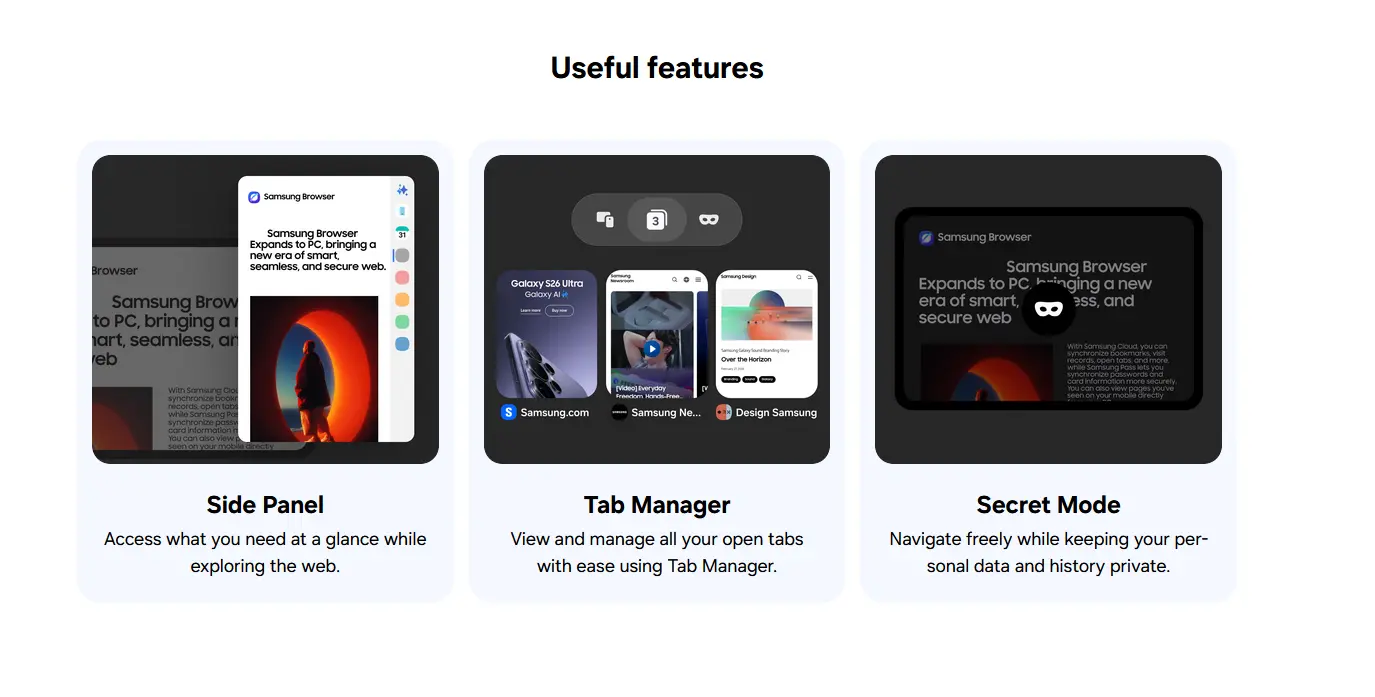
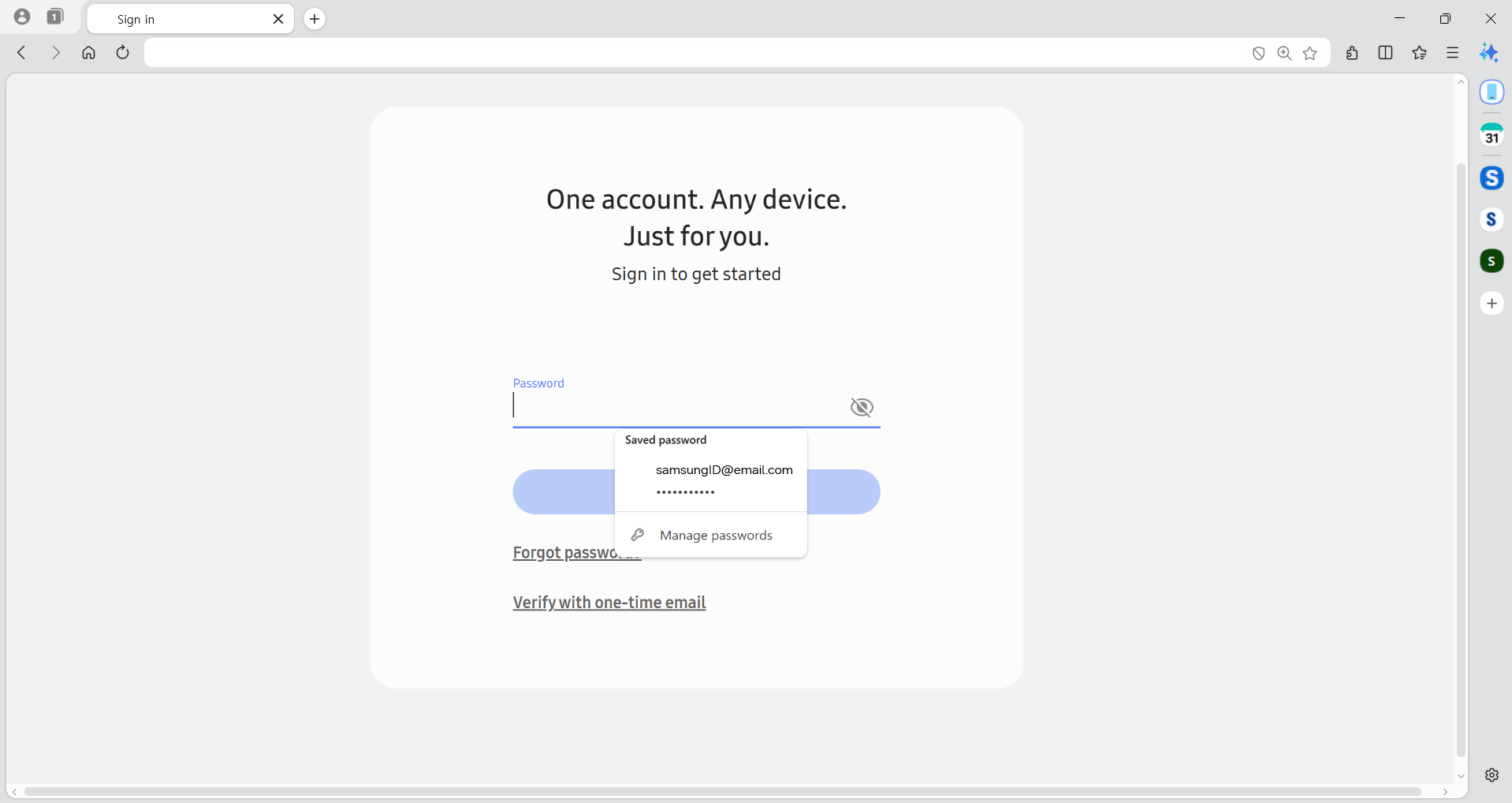
The interface is clean and familiar, with a right-hand sidebar that acts as a central hub for tools and features, including:
- A Web Assistant for summarizing and translating pages
- Access to synced devices via Samsung Cloud
- Calendar integration (Samsung or Google accounts)
- Custom shortcuts for quick navigation
Built-In AI Features (With a Catch)
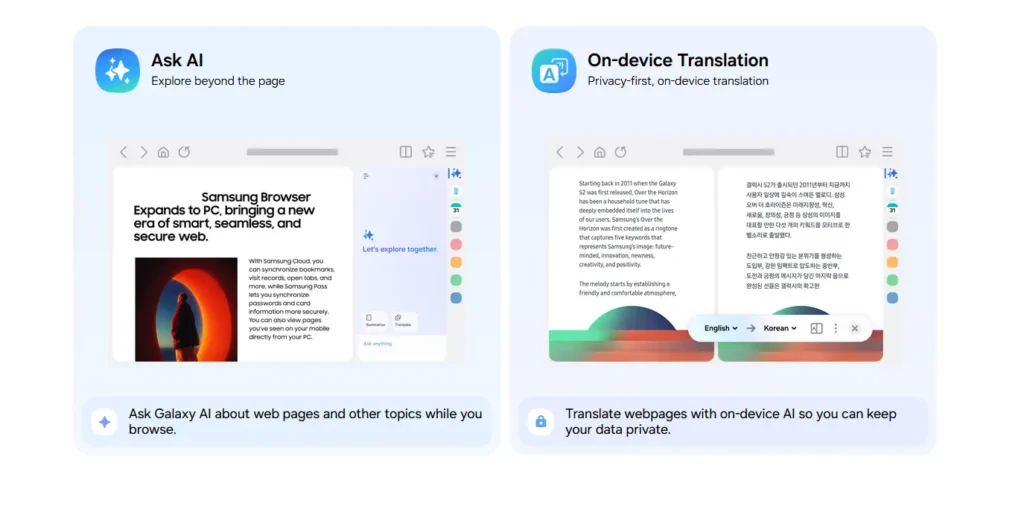
Samsung has integrated an AI-powered assistant directly into the browser, but it’s not enabled by default. To unlock these capabilities, users must install Galaxy AI, which includes Samsung’s “Intelligence Service.”
Once activated, the assistant can:
- Summarize web pages
- Translate content in real time
- Help navigate complex information
However, the most advanced “agentic AI” features—developed with Perplexity—are currently limited to the U.S. and South Korea. A wider rollout is expected, but no official timeline has been confirmed.
Split View and Native Ad Blocking
Samsung Browser introduces a Split View mode, allowing users to display two tabs side by side in a single window. This is particularly useful for:
- Comparing products
- Watching videos while browsing
- Multitasking without switching tabs
Another highlight is the built-in ad blocker, available from the first launch. It relies on third-party open-source filter lists and can be toggled on or off in just a couple of clicks.
Seamless Password Management with Samsung Pass
With Samsung Pass, users can securely store passwords and automatically fill login forms across devices. This feature integrates smoothly with Samsung accounts, making it convenient for Galaxy users who already rely on Samsung services.
Cross-Device Sync: The Real Differentiator
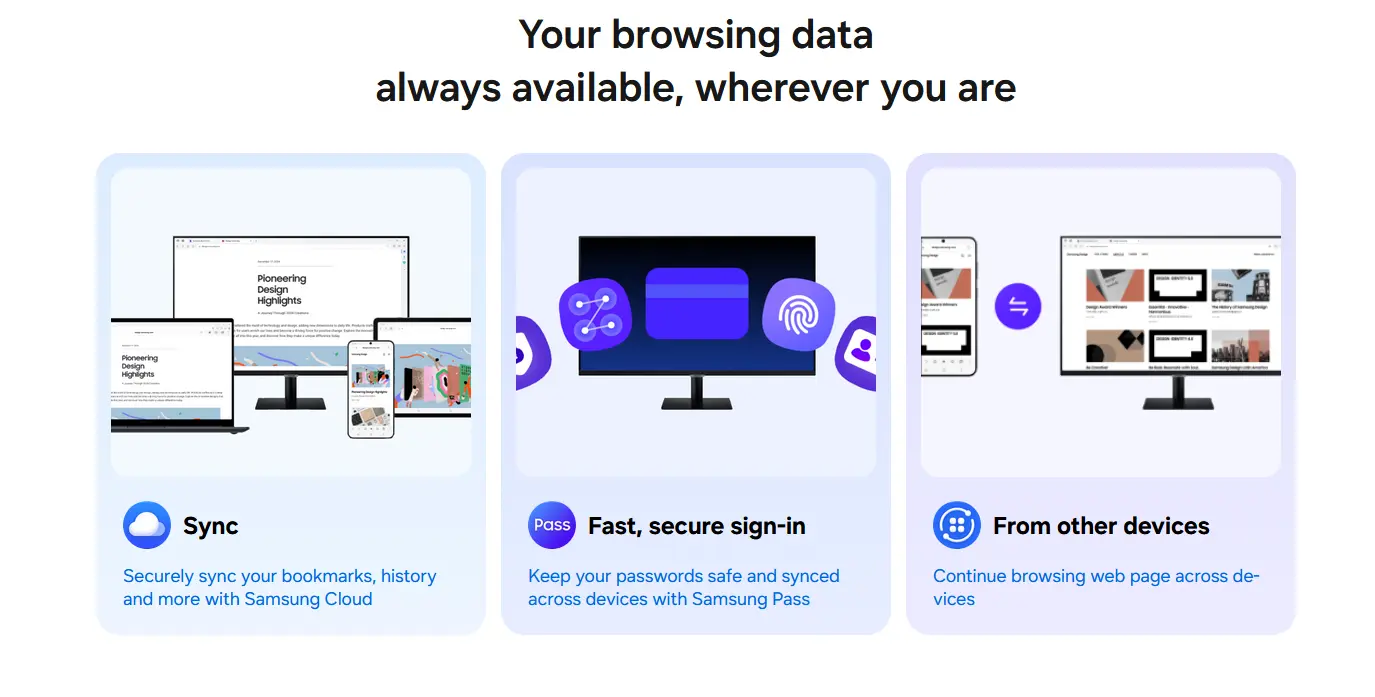
While most browsers offer basic synchronization, Samsung takes things a step further.
With Samsung Browser, users can:
- Sync bookmarks, history, and open tabs
- Resume browsing exactly where they left off—even down to the scroll position
This level of continuity is particularly appealing for those switching between a Galaxy smartphone and a Windows PC.
However, there’s a limitation: full continuity support currently works only with select devices like Galaxy Book 3, 4, 5, and 6. Broader compatibility is expected in the future, but for now, non-Samsung PC users get a more standard sync experience.
AI That Goes Beyond Search
Samsung’s partnership with Perplexity introduces agentic AI capabilities that go beyond simple assistance. The browser can:
- Generate travel plans based on open tabs
- Locate specific moments in videos without manual scrubbing
- Compare products across multiple pages
- Search browsing history using natural language
These features hint at a future where browsers act more like intelligent assistants than passive tools.
Availability and System Requirements
Samsung Browser is available as a free download from Samsung’s official website.
Compatibility:
- Windows 10 (version 1809 or later)
- Windows 11
Should You Switch to Samsung Browser?
Samsung Browser on Windows is a solid addition to the browser landscape, but its appeal depends heavily on your ecosystem.
It’s a great choice if you:
- Use a Galaxy smartphone
- Own a Samsung laptop
- Want deeper cross-device integration
You might skip it if:
- You’re already invested in browsers like Google Chrome, Microsoft Edge, or Mozilla Firefox
- You don’t rely on Samsung services
Conclusion
Samsung’s move to bring its browser to Windows is more than just expansion—it’s a strategic push to strengthen its ecosystem. With AI integration, seamless syncing, and practical features like Split View and ad blocking, Samsung Browser offers real value.
That said, its full potential is clearly unlocked only within the Galaxy ecosystem. For everyone else, it’s a promising alternative—but not yet a must-have.
And if you'd like to go a step further in supporting us, you can treat us to a virtual coffee ☕️. Thank you for your support ❤️!

We do not support or promote any form of piracy, copyright infringement, or illegal use of software, video content, or digital resources.
Any mention of third-party sites, tools, or platforms is purely for informational purposes. It is the responsibility of each reader to comply with the laws in their country, as well as the terms of use of the services mentioned.
We strongly encourage the use of legal, open-source, or official solutions in a responsible manner.
Comments