
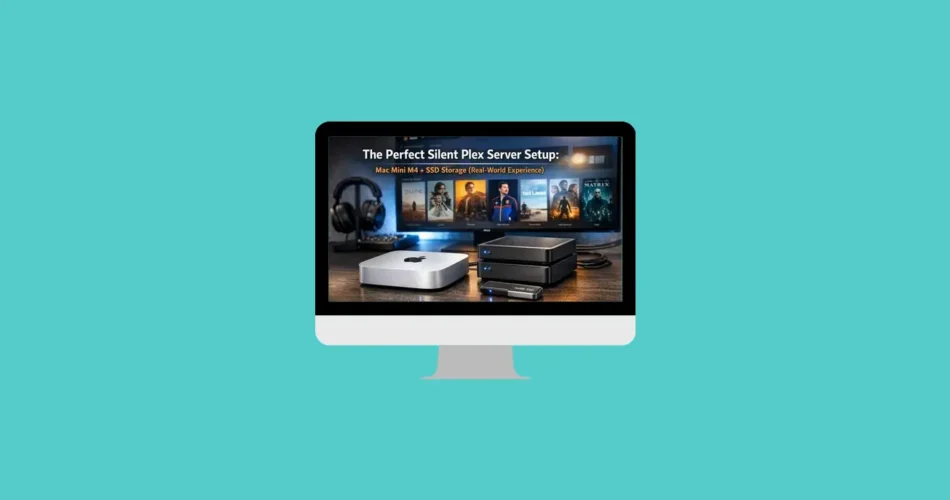
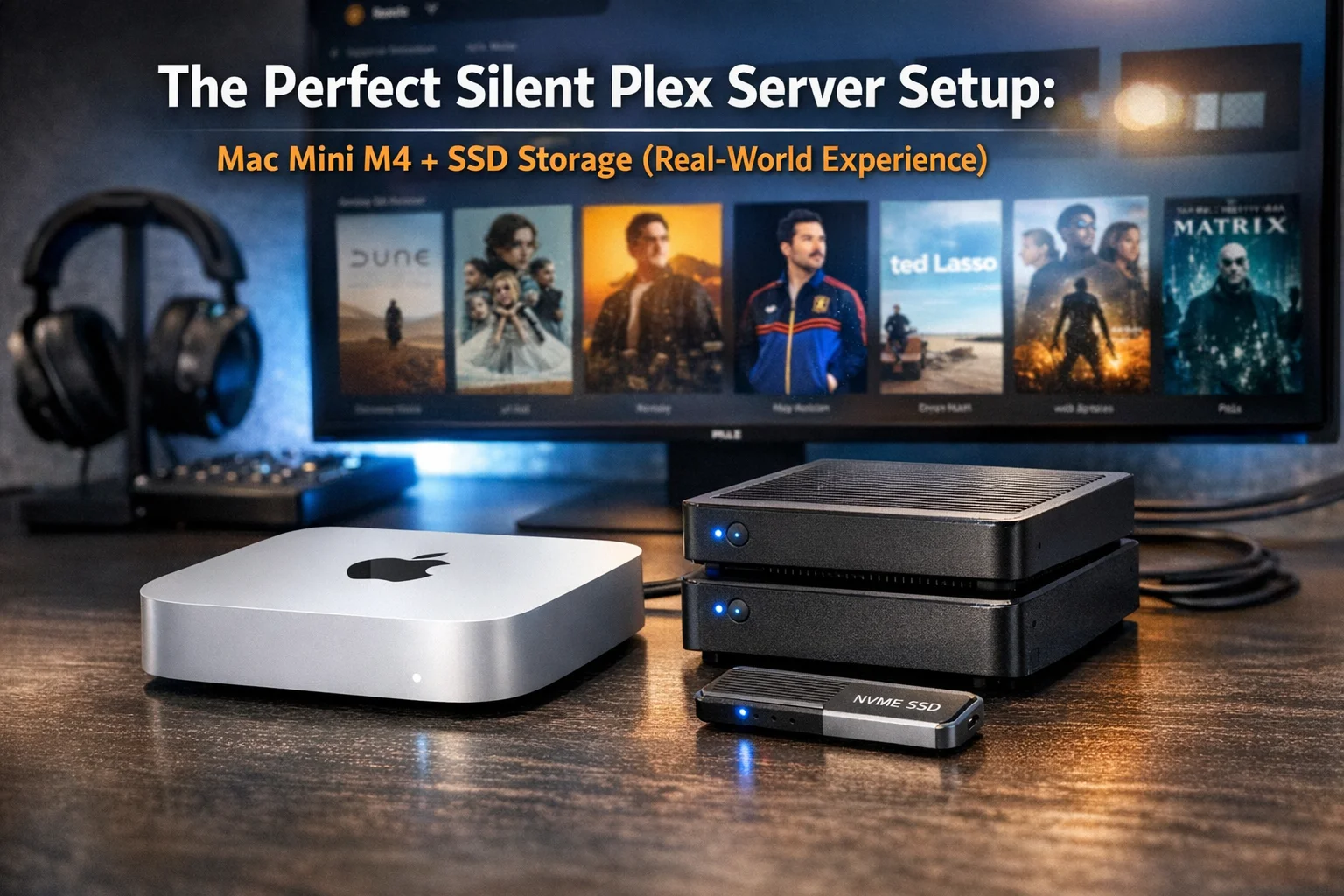
After years of dealing with noisy NAS drives and mini PCs that never quite delivered true silence, I finally found the ideal Plex server setup: a Mac Mini M4 paired with Lexar SL500 drives.
The result? Incredible performance, zero noise, and a much better home theater experience.
Here’s a detailed breakdown of why this setup works so well—and why it might be the upgrade your Plex server needs.
The Biggest Problem: Noise Ruins Everything
I’ve been running a Plex server for years, mainly to share movies and TV shows with family and stream my personal media library—especially content not available on streaming platforms or ripped from Blu-rays.
At first, everything ran on a basic Synology NAS. It worked… until I needed transcoding.
- Remote streaming? Forget it
- Direct play only
- Bandwidth issues everywhere (especially on slower connections)
A few years ago, I upgraded to a mini PC (Beelink). That solved performance issues:
- Transcoding became possible
- Remote streaming improved
But one major issue remained: noise.
Between spinning hard drives and constantly active fans, the system was always audible—especially since it lived in my living room. Not ideal when you’re trying to watch a movie.
Mac Mini M4: Silent Powerhouse for Plex
Everything changed when I switched to the Mac Mini M4.
This tiny machine delivers:
- 4–5 simultaneous transcodes effortlessly
- CPU usage staying under 3–4%
- Near-instant responsiveness
And most importantly: complete silence.
No fan noise. No vibrations. No distractions.
Even under load, it remains cool and quiet—something that feels almost unreal compared to traditional setups.
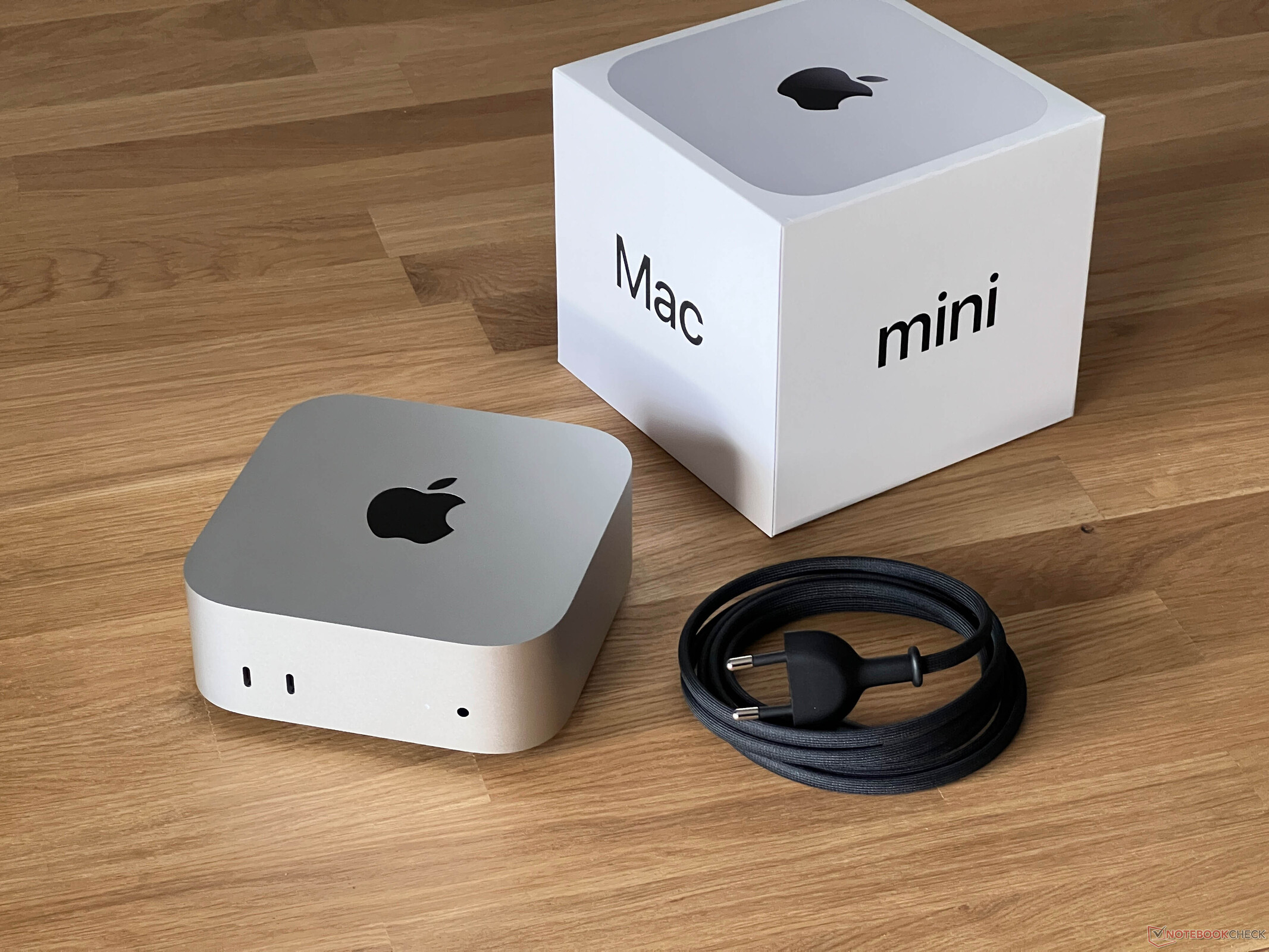
Apple Mac mini (M4, 2024 – Renewed)
A next-generation compact desktop powered by the Apple M4 chip, offering fast performance for everyday computing, productivity, and light creative workloads in a sleek minimalist design.
- ⚡ Apple M4 chip (10-core CPU)
- 💾 16GB RAM
- 🚀 256GB SSD storage
- 🖥 Compact and efficient desktop form factor
- 🔄 Renewed (refurbished) model
- 📱 Seamless integration with iPhone & iPad
Disclosure: As an Amazon Associate, we earn from qualifying purchases. This article may contain affiliate links. If you click and buy, we may receive a small commission at no extra cost to you.
Headless Setup Made Easy
You don’t even need a monitor or keyboard.
- Remote management via macOS Screen Sharing
- Connected directly to the router
- Fully stable and always-on
As a bonus, it doubles as a secondary Mac for testing or light work.
Apple Mac mini (M2 Pro, 2023)
A compact yet powerful desktop featuring the Apple M2 Pro chip, delivering excellent performance for creative work, multitasking, and professional workflows in a minimalist design.
- ⚡ M2 Pro chip (10-core CPU / 16-core GPU)
- 💾 16GB Unified Memory
- 🚀 512GB SSD storage
- 🖥 Compact and powerful desktop form factor
- 🔌 Gigabit Ethernet connectivity
- 📱 Seamless integration with iPhone & iPad
Disclosure: As an Amazon Associate, we earn from qualifying purchases. This article may contain affiliate links. If you click and buy, we may receive a small commission at no extra cost to you.
SSD Storage: Eliminating the Last Source of Noise
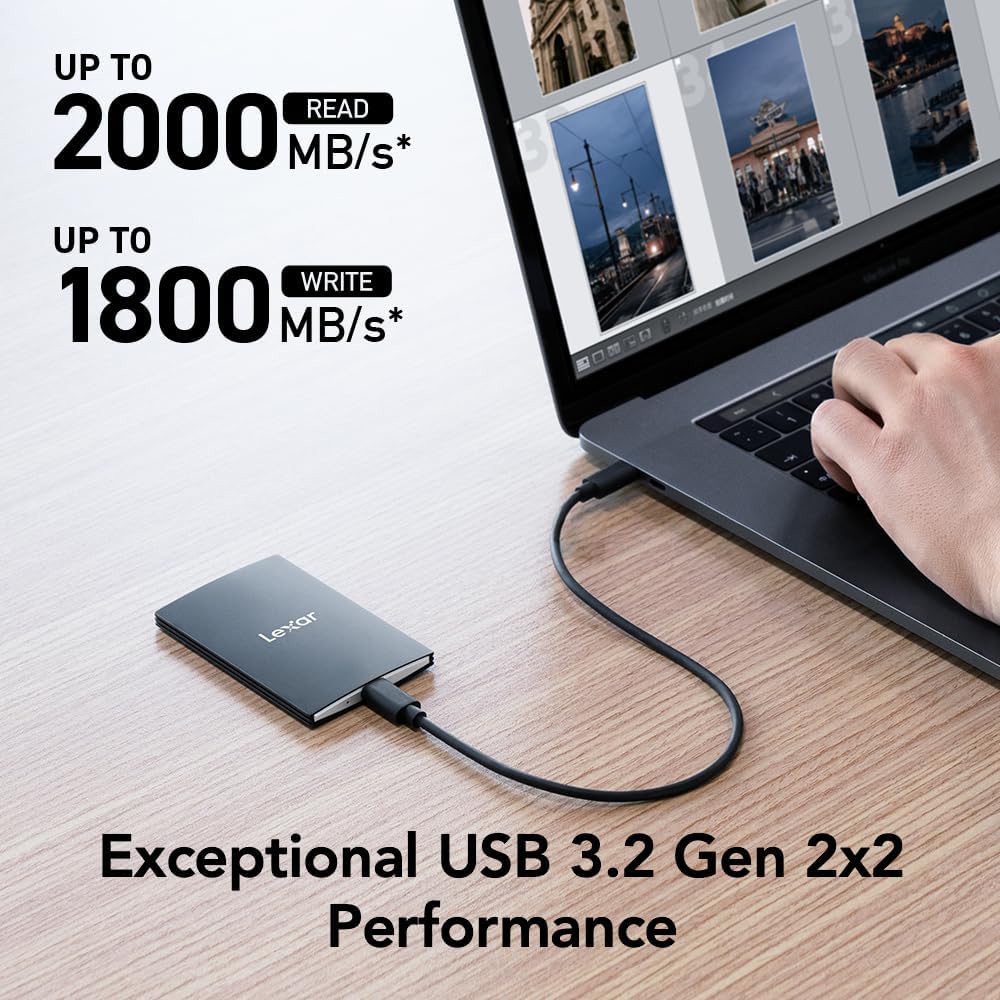
To complete the setup, I replaced frequently accessed media storage with two Lexar SL500 drives.
This brought several key benefits:
- No mechanical noise (unlike HDDs)
- Instant access speeds
- Improved Plex responsiveness
The difference is dramatic—no more humming drives or vibrations.
Lexar SL500 4TB Portable SSD
A high-performance portable SSD offering up to 2000MB/s speeds, designed for creators, gamers, and professionals who need fast and reliable external storage on the go.
- ⚡ Up to 2000MB/s read speeds
- 💾 Large 4TB storage capacity
- 🔌 USB 3.2 Gen 2×2 high-speed interface
- 📱 Compatible with laptops, smartphones, iPhone 15/16
- 🎮 Works with PS5 & Xbox
- 💼 Slim, lightweight, and portable design
Disclosure: As an Amazon Associate, we earn from qualifying purchases. This article may contain affiliate links. If you click and buy, we may receive a small commission at no extra cost to you.
Keeping a NAS for Cold Storage
I didn’t completely ditch my NAS.
My Synology system still runs in the background for:
- Cold storage (rarely accessed files)
- Time Machine backups
- Archived media
It remains connected to Plex but is rarely used—so it stays quiet most of the time.
Final Setup Overview
Here’s what the optimized Plex setup looks like:
- Main server: Mac Mini M4
- Primary storage: Lexar SL500 SSDs
- Secondary storage: Synology NAS (cold data)
This hybrid approach balances:
- Performance
- Silence
- Storage capacity
Is This Setup Worth It?
Let’s be honest—this isn’t the cheapest solution.
A Mac Mini M4 plus external SSDs represents a real investment. But the benefits are undeniable:
Pros
- Completely silent operation
- Excellent transcoding performance
- Fast media access
- Compact and clean setup
Cons
- Higher upfront cost
- Requires external storage management
Final Thoughts: A Game-Changer for Plex Users
If you care about your home media setup, upgrading to a Mac Mini-based Plex server is a huge quality-of-life improvement.
No more fan noise.
No more slowdowns.
No more compromises.
Just smooth streaming, instant playback, and total silence.
Once you experience this kind of setup, it’s very hard to go back.
And if you'd like to go a step further in supporting us, you can treat us to a virtual coffee ☕️. Thank you for your support ❤️!

We do not support or promote any form of piracy, copyright infringement, or illegal use of software, video content, or digital resources.
Any mention of third-party sites, tools, or platforms is purely for informational purposes. It is the responsibility of each reader to comply with the laws in their country, as well as the terms of use of the services mentioned.
We strongly encourage the use of legal, open-source, or official solutions in a responsible manner.
Comments