
Ubuntu 26.10, codenamed Stonking Stingray, is now available alongside updates to all ten official Ubuntu flavors. Each version shares Ubuntu’s core system components while offering a different desktop environment, set of applications, and user experience.
Whether you prefer KDE Plasma, Xfce, LXQt, Budgie, Cinnamon, or MATE, the latest release brings updated desktop software and improvements tailored to different needs. Some flavors focus on lightweight performance, others prioritize multimedia production or education, and several offer distinctive desktop experiences for everyday Linux users.
All ten official flavors are powered by the Linux kernel 7.3, according to the release information provided. Here’s a closer look at what’s new in each edition and which one might suit your computer best.
Ubuntu 26.10: All 10 Official Flavors at a Glance
Ubuntu 26.10 is available in ten official flavors, each maintaining its own desktop environment and selection of applications.
| Ubuntu flavor | Desktop environment | Best for |
|---|---|---|
| Kubuntu 26.10 | KDE Plasma 6.7.5 | Customization and a feature-rich desktop |
| Xubuntu 26.10 | Xfce 4.20 | Lightweight, traditional desktop computing |
| Lubuntu 26.10 | LXQt 2.4 | Older PCs and resource-efficient systems |
| Edubuntu 26.10 | GNOME 51 | Education and learning environments |
| Ubuntu Studio 26.10 | KDE Plasma 6.7.5 | Audio, video, graphics, and creative work |
| Ubuntu Budgie 26.10 | Budgie 10.10.3 | A polished, straightforward desktop |
| Ubuntu Cinnamon 26.10 | Cinnamon 6.6 | A familiar desktop layout |
| Ubuntu MATE 26.10 | MATE 1.26 | Traditional desktop workflows |
| Ubuntu Unity 26.10 | Unity 7.7 | The Unity desktop experience |
| Ubuntu Kylin 26.10 | UKUI 4.20 | A desktop experience tailored to its target audience |
All flavors share the Ubuntu 26.10 foundation, but their interfaces, default applications, and specialized features differ.
Kubuntu 26.10: KDE Plasma 6.7.5 and Updated KDE Apps

Kubuntu 26.10 is aimed at users who want a highly customizable desktop with a broad collection of built-in features. It ships with KDE Plasma 6.7.5, accompanied by KDE Gear 26.08.1 and KDE Frameworks 6.29.
The KDE desktop offers extensive options for configuring panels, widgets, window behavior, shortcuts, and appearance. Its integrated applications and system settings make it a strong alternative for users who prefer a traditional desktop layout with plenty of flexibility.
The updated KDE software components also bring improvements and fixes across the broader KDE application ecosystem.
Best for: Desktop users who value customization, integrated applications, and a feature-rich graphical environment.
Xubuntu 26.10: Xfce 4.20 for a Lightweight Desktop
Xubuntu 26.10 includes Xfce 4.20, continuing its focus on a lightweight and practical desktop experience.
Xfce is known for its traditional interface, modest resource requirements, and straightforward configuration. It can be an appealing option for users who want a responsive Linux desktop without the heavier visual effects and background services associated with some other environments.
Xfce 4.20 also introduced experimental Wayland support, although the maturity of Wayland functionality depends on the specific components and applications involved.
Best for: Users who prefer a traditional desktop, want to conserve system resources, or are looking for an alternative to more demanding desktop environments.
Lubuntu 26.10: LXQt 2.4 for Older Computers
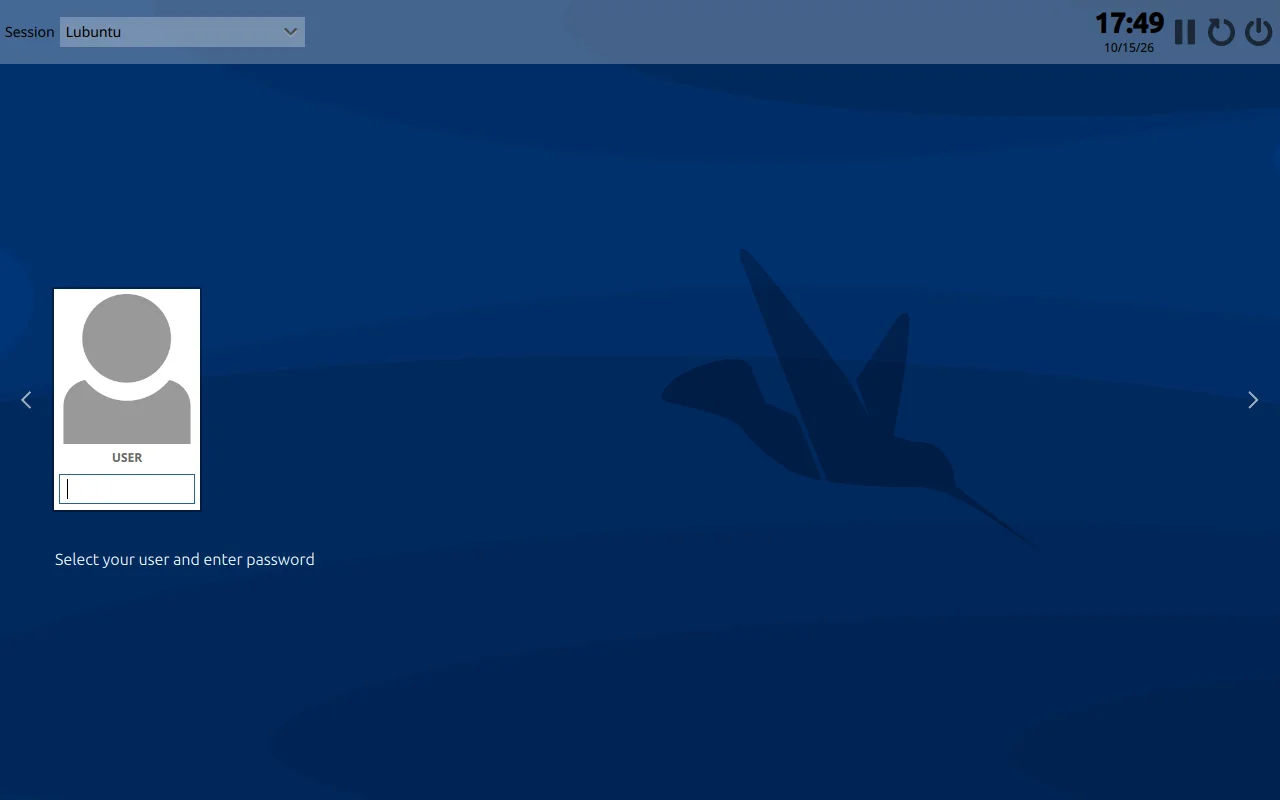
Lubuntu 26.10 ships with LXQt 2.4, maintaining its emphasis on efficiency and simplicity.
LXQt provides a lightweight desktop environment with a familiar application menu, taskbar, file manager, and system settings. Its relatively modest resource requirements make Lubuntu worth considering for older hardware and computers where memory and processing power are limited.
LXQt 2.4 also brings further improvements to Wayland support, helping advance compatibility with modern Linux display technologies.
As with any operating system, actual performance depends on the computer’s processor, RAM, storage, graphics hardware, and the applications being used.
Best for: Older PCs, entry-level hardware, and users who want a lightweight Linux desktop.
Ubuntu Studio 26.10: A Desktop for Creative Professionals
Ubuntu Studio 26.10 uses KDE Plasma 6.7.5, alongside the updated KDE software components included in Kubuntu.
Unlike a general-purpose Ubuntu installation, Ubuntu Studio focuses on creative work. Its intended audience includes musicians, audio engineers, video editors, photographers, and digital artists who need a Linux environment suited to multimedia production.
The desktop provides access to a broad software ecosystem for creative workflows, while the distribution’s specialized packages help users get started without assembling every tool individually.
Users upgrading from an older release should still check application versions, plugin compatibility, and hardware requirements before moving a production workstation to a new operating system version.
Best for: Musicians, content creators, and multimedia professionals who want a Linux-based creative workstation.
Ubuntu Budgie 26.10: New Widgets and Desktop Improvements

Ubuntu Budgie 26.10 introduces Budgie 10.10.3, together with several desktop enhancements designed to improve convenience and personalization.
Highlights include:
- Budgie Welcome updates: The welcome application receives changes related to Stonking configuration.
- Improved Polkit dialogs: Authentication prompts receive refinements.
- Budgie Radio widget: Users can access more than 1,000 internet radio stations.
- Daytime and nighttime wallpapers: The desktop gains support for wallpapers that change according to the time of day.
- Improved weather information: The Budgie Weather applet can display wind speed in different units.
These additions make Ubuntu Budgie an interesting choice for users who want a polished desktop with useful widgets and built-in personalization options.
Best for: Users who value desktop aesthetics, convenient widgets, and a streamlined everyday computing experience.
Ubuntu Unity 26.10: Unity 7.7 and Lomiri Applications
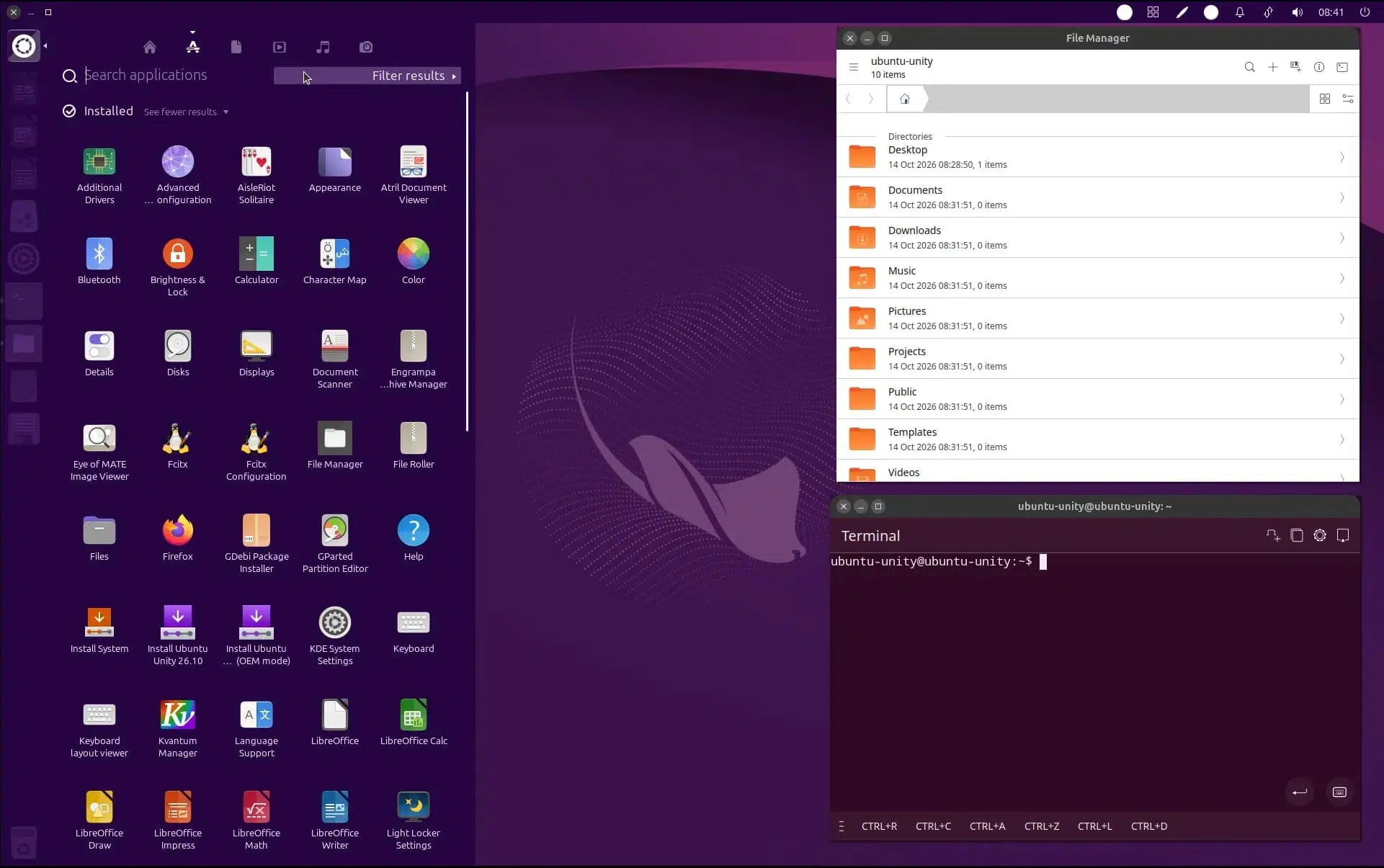
Ubuntu Unity 26.10 continues to offer the Unity desktop environment, shipping with Unity 7.7.
Unity provides a distinctive interface for users who prefer its particular desktop workflow rather than GNOME, KDE Plasma, or another mainstream Linux environment.
The release also includes three Lomiri applications by default:
- Lomiri Calculator
- Lomiri Files
- Lomiri Terminal
These additions provide basic calculator, file-management, and terminal functionality within the default application selection.
Best for: Users who prefer the Unity interface or want to continue using a desktop environment with a different workflow from standard Ubuntu Desktop.
Ubuntu Cinnamon 26.10: Cinnamon 6.6 and Updated Yaru Themes
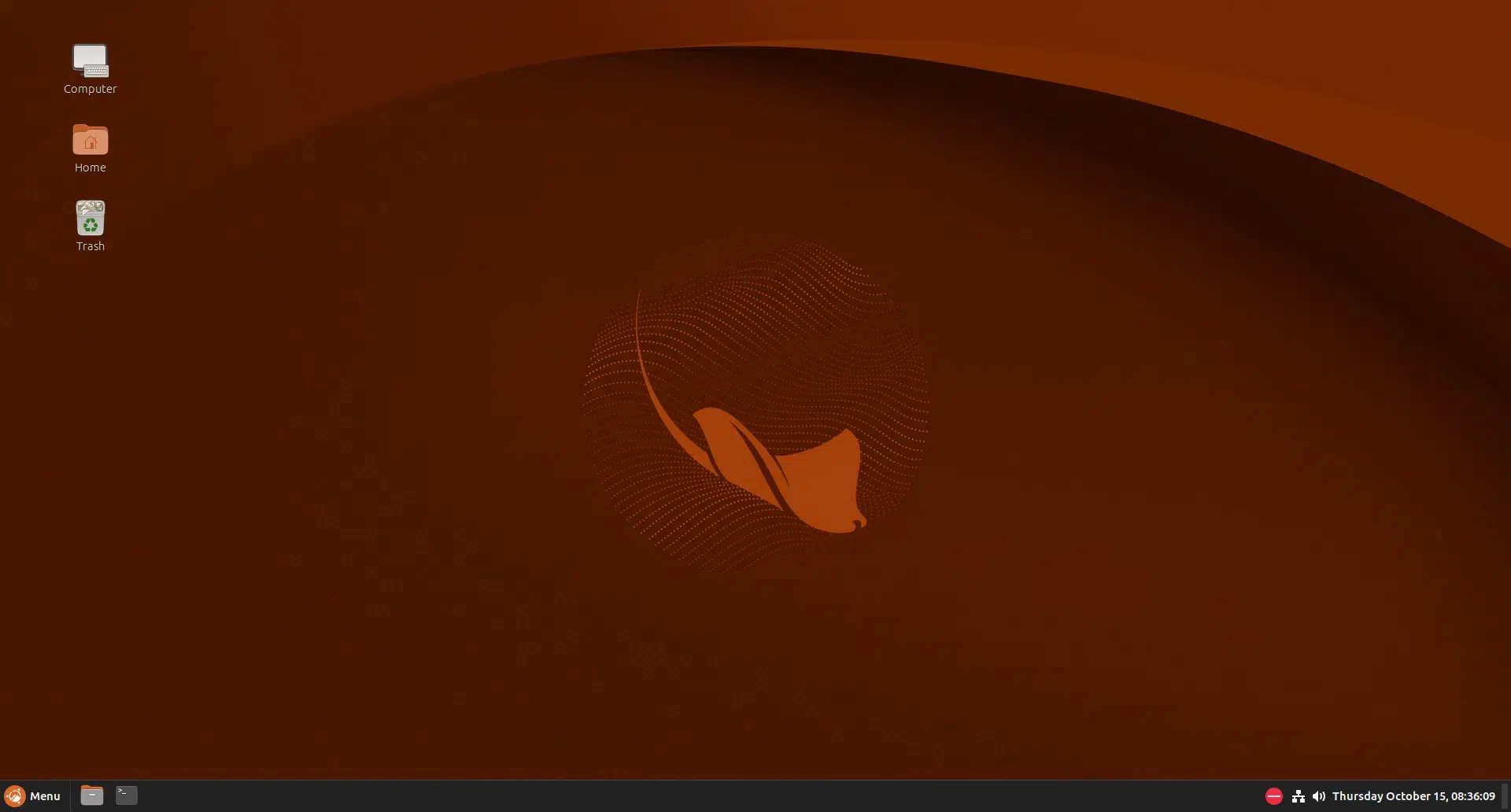
Ubuntu Cinnamon 26.10 features Cinnamon 6.6 and updated variants of the Yaru theme.
Cinnamon is known for its conventional desktop layout, with a panel, application menu, system tray, and familiar window-management behavior. This makes it an approachable option for users moving from Windows or those who prefer a desktop that keeps common controls readily accessible.
The updated Yaru theme variants provide additional visual refinement while maintaining the Ubuntu-inspired appearance.
Best for: Users who want a familiar desktop layout with a balance of customization and simplicity.
Edubuntu 26.10: GNOME 51 for Education
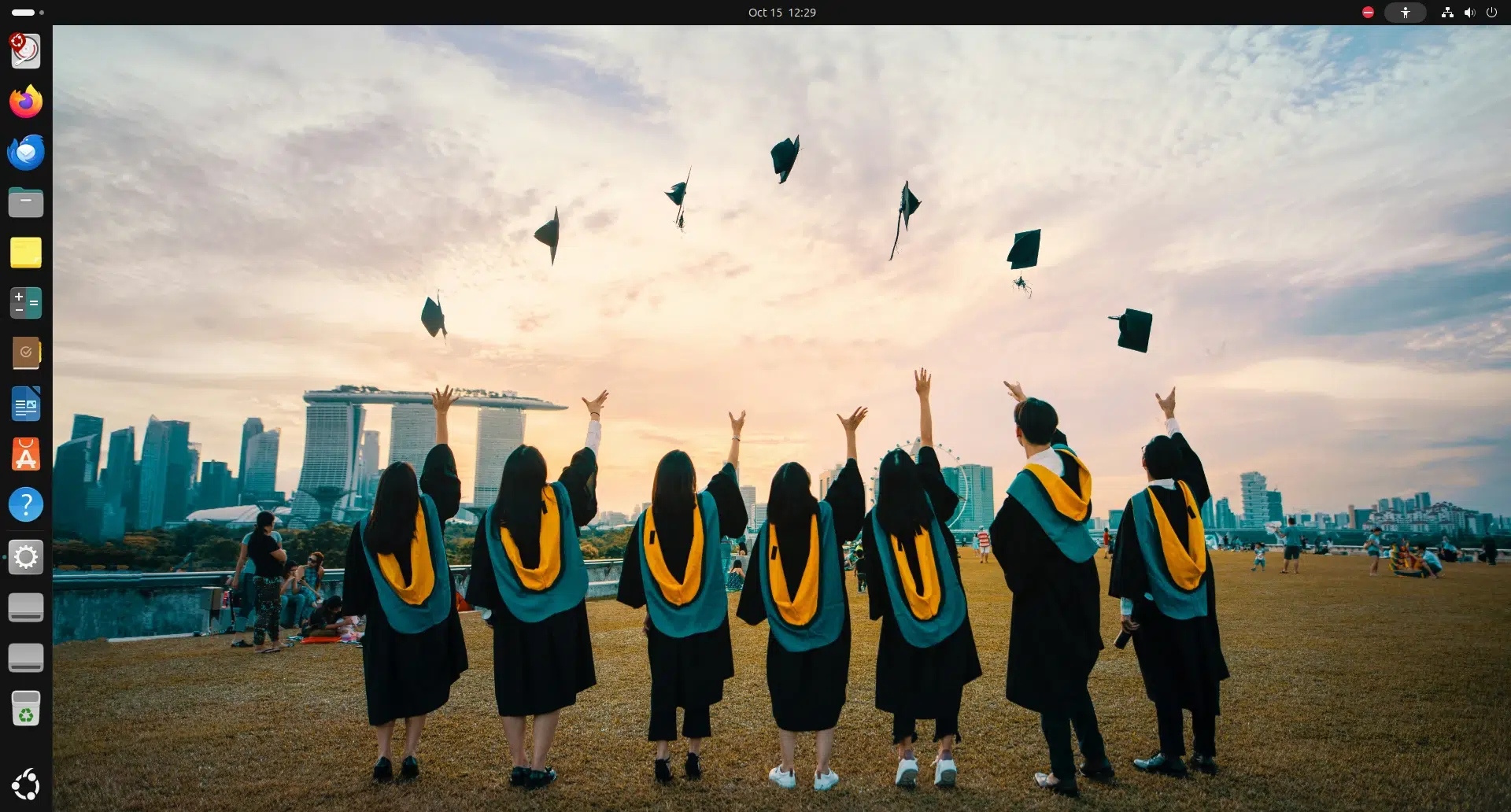
Edubuntu 26.10 uses GNOME 51 and is designed for educational environments.
Its purpose is to provide a Linux desktop suitable for students, teachers, schools, and other learning settings. Rather than focusing exclusively on general-purpose desktop features, Edubuntu brings together software and tools intended to support teaching and learning.
The GNOME desktop provides a consistent graphical environment, while the distribution’s educational focus makes it worth considering for shared computers and learning-oriented installations.
Schools and administrators should review the included applications and their own classroom requirements before deploying the new version across multiple computers.
Best for: Students, teachers, schools, and families looking for an education-oriented Linux distribution.
Ubuntu MATE 26.10: Traditional Desktop With Updated System Tools
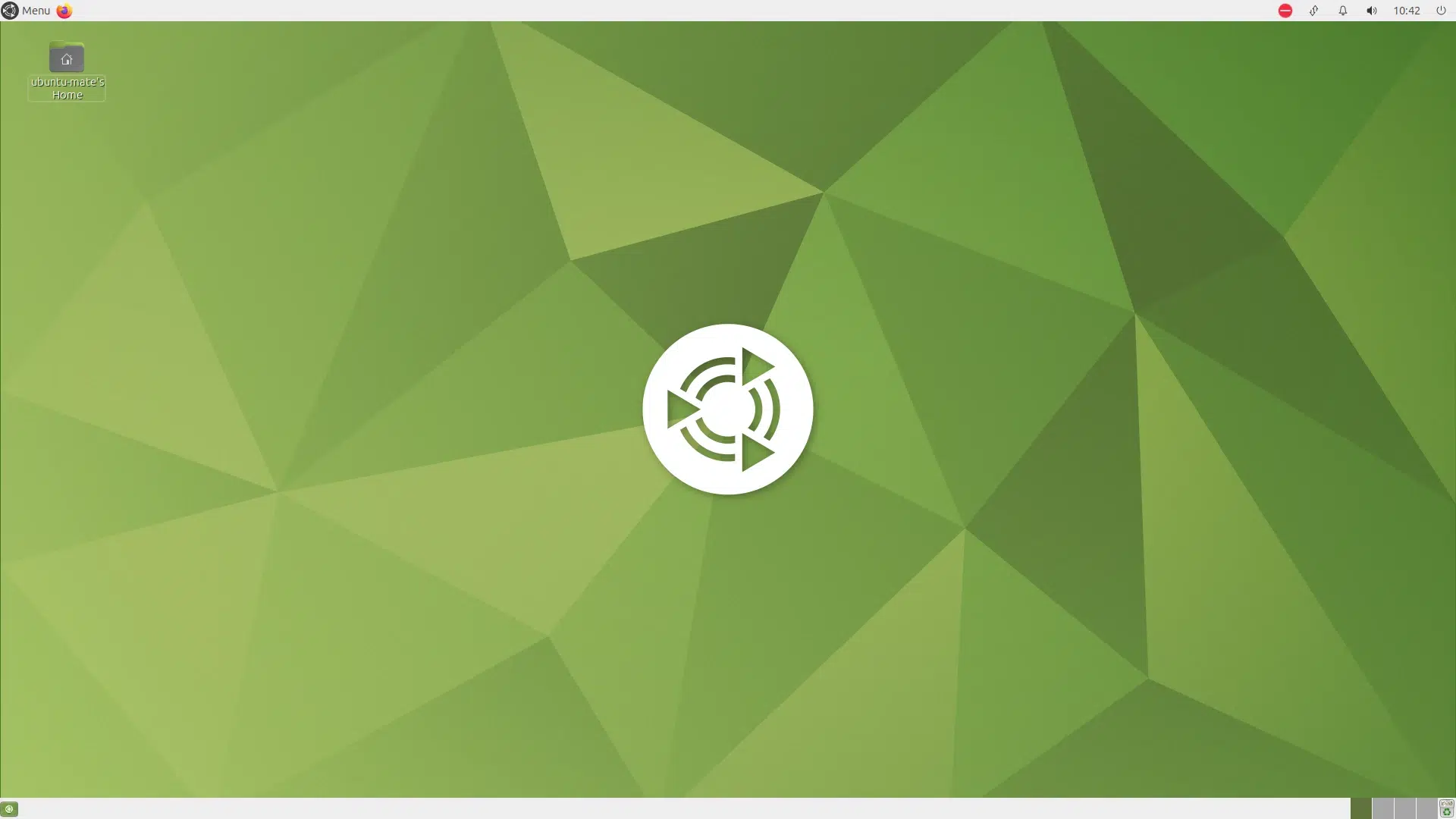
Ubuntu MATE 26.10 continues to use MATE 1.26, retaining its traditional desktop layout and familiar controls.
One of the notable changes in this release is the adoption of Netplan as the default network configuration utility, replacing ifupdown. The distribution also switches to dracut for generating initramfs and initrd images instead of initramfs-tools.
These changes are particularly relevant to system administrators and advanced users who manage networking, boot configuration, or customized installations.
MATE remains a practical option for users who prefer a conventional desktop environment without the interface changes associated with some newer desktop designs.
Best for: Users who favor traditional desktop workflows and administrators interested in Ubuntu’s underlying system configuration.
Ubuntu Kylin 26.10: UKUI 4.20
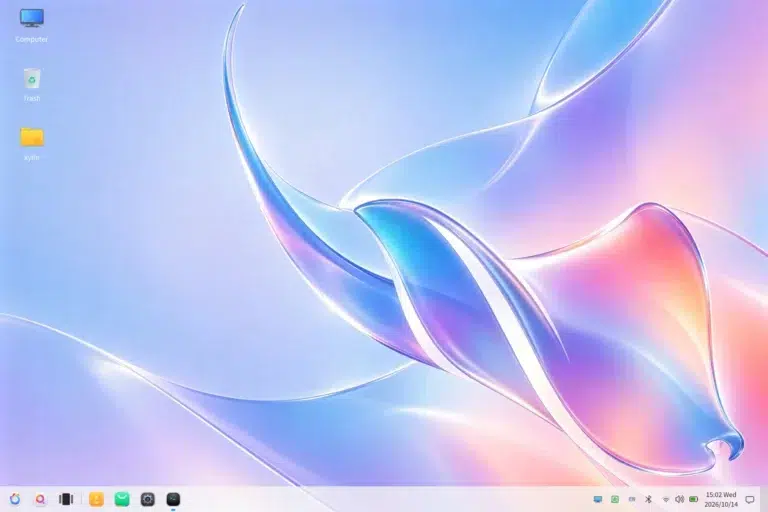
Ubuntu Kylin 26.10 includes UKUI 4.20, the desktop environment associated with the Ubuntu Kylin distribution.
UKUI provides its own interface and collection of desktop components, giving Ubuntu Kylin a distinct experience compared with the other official flavors.
As with the other editions, Ubuntu Kylin shares the core Ubuntu 26.10 platform while maintaining its own desktop and application choices.
Best for: Users specifically interested in the UKUI desktop environment and the Ubuntu Kylin ecosystem.
How to Download Ubuntu 26.10 Flavors
All ten official Ubuntu flavors are available through the Ubuntu releases website. Before downloading, check that you select the correct edition and architecture for your computer.
You can start here:
- Kubuntu 26.10
- Xubuntu 26.10
- Lubuntu 26.10
- Edubuntu 26.10
- Ubuntu Studio 26.10
- Ubuntu Budgie 26.10
- Ubuntu Cinnamon
- Ubuntu MATE
- Ubuntu Unity
- Ubuntu Kylin
You can also visit the official Ubuntu releases directory to find available downloads. If a particular flavor’s image is not listed there, use that flavor’s official website for its release announcement and download instructions.
Before installing, back up important files and verify the downloaded image where checksums are provided. If you rely on your computer for work, consider testing the new release on a spare machine or in a virtual machine first.
Which Ubuntu 26.10 Flavor Should You Choose?
The best flavor depends on your hardware and how you use your computer.
- Choose Kubuntu if you want a customizable desktop packed with features.
- Choose Xubuntu if you prefer Xfce and a lightweight, traditional interface.
- Choose Lubuntu if low resource usage is your priority.
- Choose Ubuntu Studio if you work with audio, video, or other creative applications.
- Choose Ubuntu Budgie for a polished interface with convenient widgets.
- Choose Ubuntu Cinnamon if you prefer a familiar desktop layout.
- Choose Ubuntu MATE for a traditional desktop and an environment with updated system tools.
- Choose Edubuntu for educational software and learning environments.
- Choose Ubuntu Unity if you prefer the Unity desktop.
- Choose Ubuntu Kylin if you want to use UKUI.
Final Thoughts
Ubuntu 26.10 brings all ten official flavors onto the same release cycle, with updates spanning KDE Plasma, Xfce, LXQt, Budgie, Cinnamon, GNOME, MATE, Unity, and UKUI.
The differences between these editions matter more than their shared version number. Lightweight desktops can suit older computers, KDE Plasma offers extensive customization, Ubuntu Studio targets creative workflows, and Edubuntu focuses on education. Meanwhile, updates such as Budgie’s new radio widget and Ubuntu MATE’s networking and initramfs changes offer more specific benefits to their respective users.
Before upgrading, review the release notes for your preferred flavor and confirm that your applications and hardware are compatible. That way, you can choose the Ubuntu 26.10 edition that best fits your needs.
Add Tech2Geek as a preferred source on Google to see more of our latest tech articles.
Support Tech2Geek ❤️
Did this guide help you? If Tech2Geek saves you time or helps you solve a problem,
consider buying me a coffee. ☕
Your support helps keep Tech2Geek independent and free.
Comments