

With Windows 10 support ending in October 2025 and millions of PCs officially incompatible with Windows 11, Microsoft has unintentionally created the perfect conditions to push users toward Linux. While major players like Ubuntu, Linux Mint, Fedora, and Zorin OS are already preparing for this influx, smaller and lesser-known projects are also stepping into the spotlight.
VailuxOS is one of those niche Linux distributions. Its mission is clear: offer Windows users an easy escape route by recreating a Windows 11–style experience on Linux, minimizing culture shock as much as possible. The big question is whether this will be enough to win over users—or whether VailuxOS will simply become another short-lived experiment buried deep in the DistroWatch archives.
The “Velux” That Wants to Replace the Window
Yes, the wordplay is obvious—but it fits the project perfectly.
VailuxOS is developed by a small German team that believes there’s a gap between “Linux for enthusiasts” and “Windows for people who feel stuck.” The team currently consists of five members: Wilhelm Zeiger, who leads the project, Thorsten Roland on development, Christian Sudhof handling technical aspects, Theresa Dreier managing social media, and Heinrich Dreier overseeing the organization.
Their core idea is refreshingly simple:
Instead of telling users to “learn Linux,” VailuxOS adapts Linux to Windows habits.
System settings, software installation, window controls, and desktop layout are all designed to feel immediately familiar. The Start menu looks like Windows 11, the taskbar is centered, weather widgets are included, and system settings follow a Windows-style structure. The goal is to make former Windows users feel at home from the first boot.
Under the Hood: Debian 13 and Modern Linux Tech
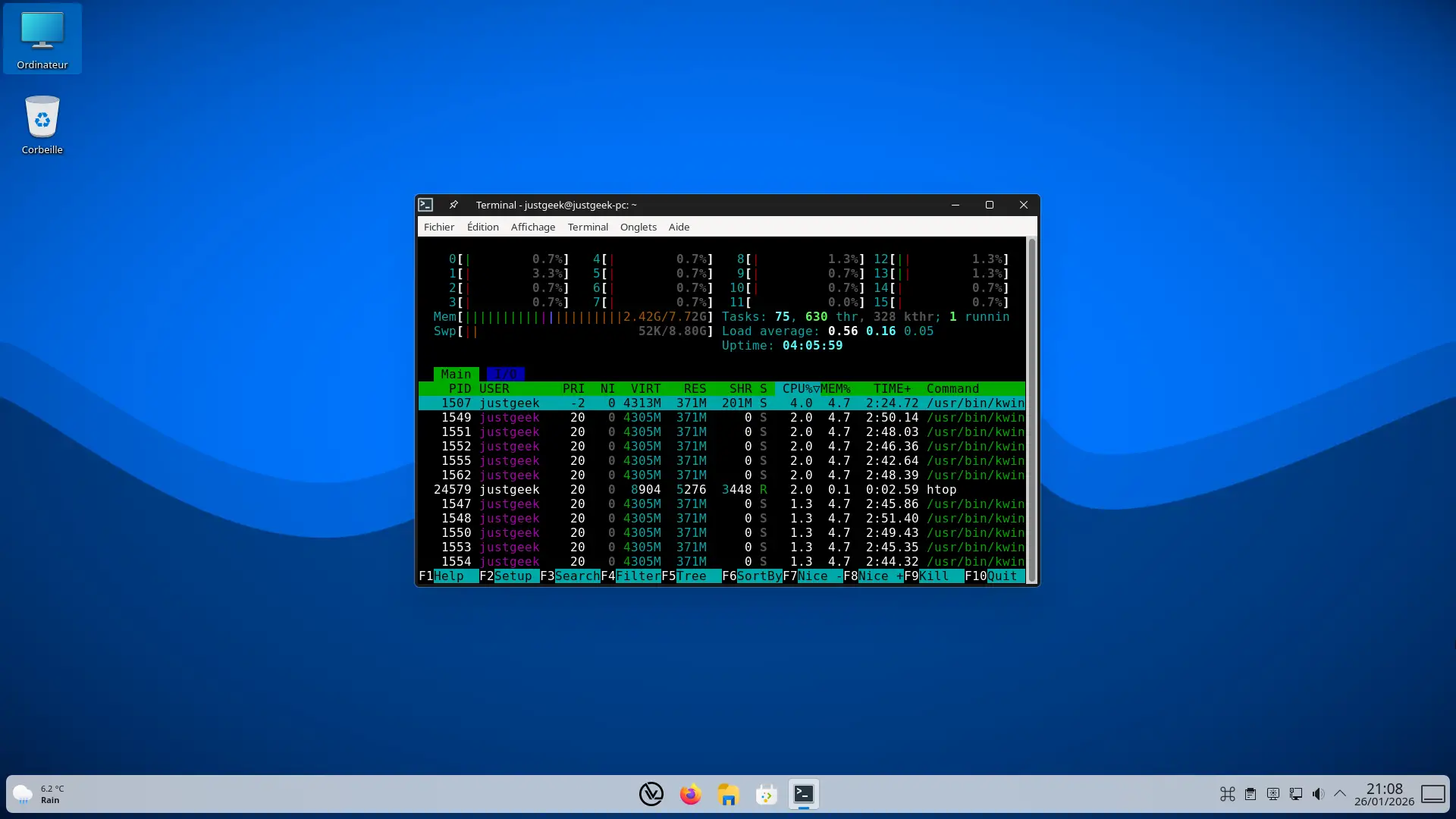
Technically, VailuxOS makes some notable choices. The developers abandoned Ubuntu LTS in favor of Debian 13, paired with the Linux 6.12.57 kernel. The system uses KWin on Wayland, providing a modern graphics stack and smooth performance.
A full installation takes up about 8.8 GB, which is fairly reasonable for a Linux distribution that ships with a curated set of preinstalled applications. It’s not ultra-lightweight, but it’s far from bloated.
Minimum System Requirements
| Component | Requirement |
|---|---|
| Processor | Dual-core 2 GHz or faster |
| RAM | 4 GB |
| Storage | 25 GB disk space (9 GB for base install) |
| Graphics | 3D-accelerated GPU with at least 256 MB VRAM |
| Display | Minimum 1024×768 resolution |
| Installation Media | DVD or USB flash drive |
| Internet | Recommended |
KDE Plasma 6 Styled Like Windows 11
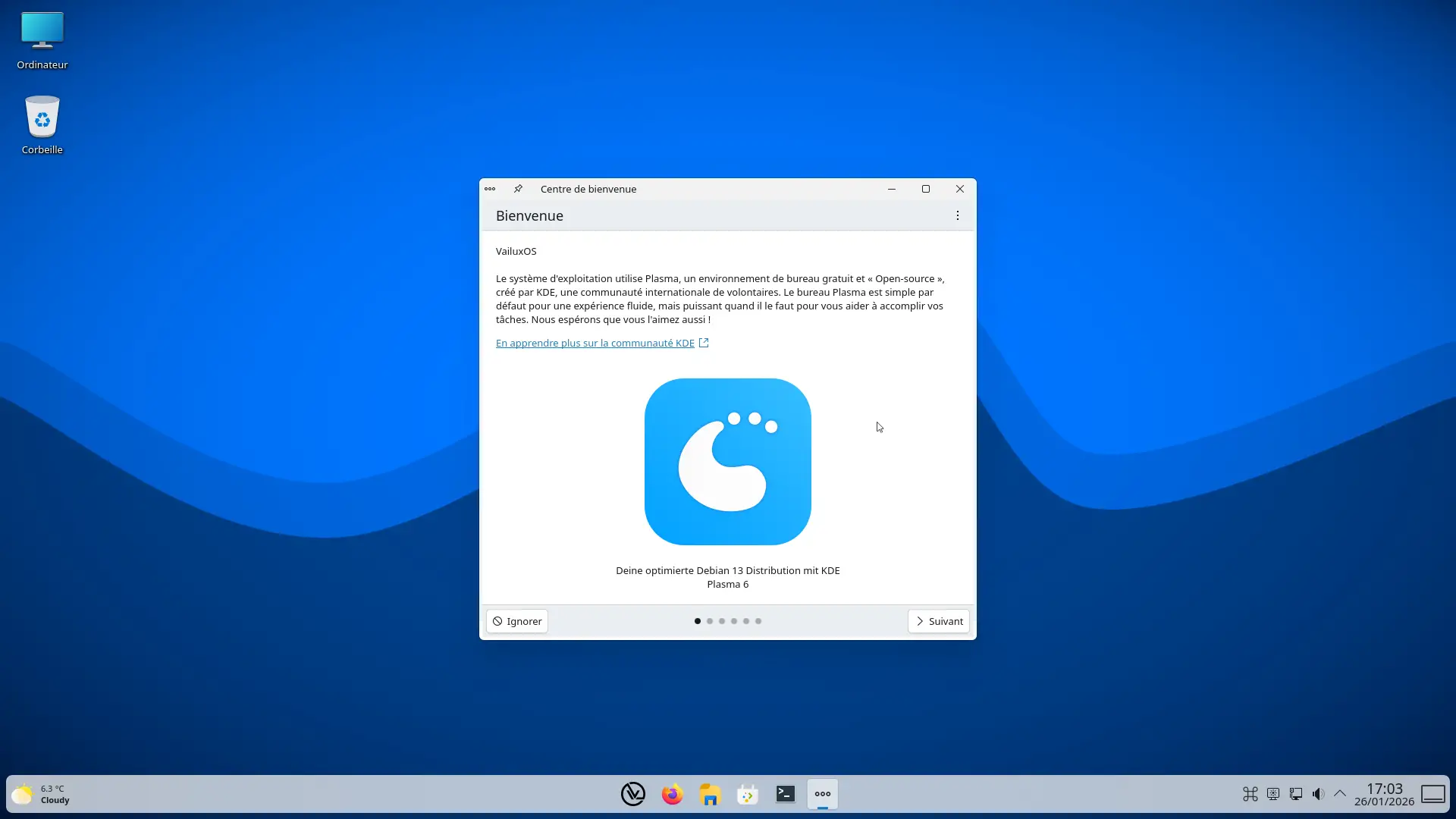
VailuxOS doesn’t try to reinvent the desktop. Instead, it builds on KDE Plasma 6, one of the most powerful and customizable desktop environments in the Linux ecosystem.
What makes VailuxOS different is how heavily KDE has been reworked to mimic Windows 11.
The Start menu is the most obvious example: a search bar at the top, pinned applications underneath, and quick access to recent files—almost indistinguishable from Microsoft’s design.
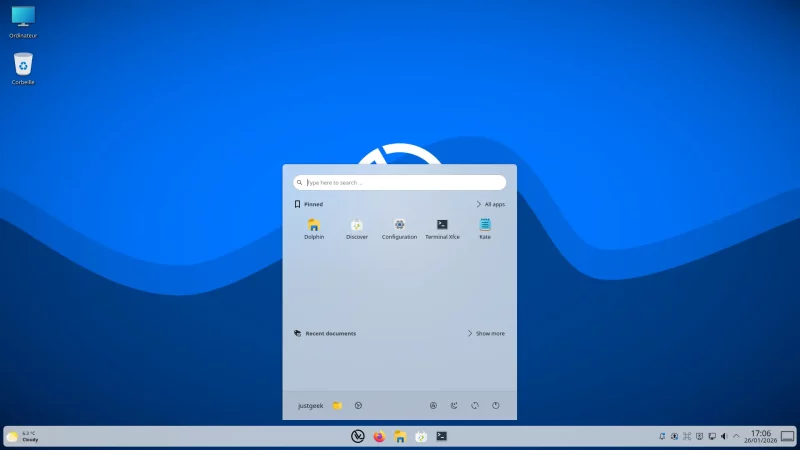
The taskbar follows the same philosophy, with centered icons and a right-aligned system tray showing the clock, volume, network status, and notifications. A Windows user can sit down at VailuxOS and instantly know where everything is.
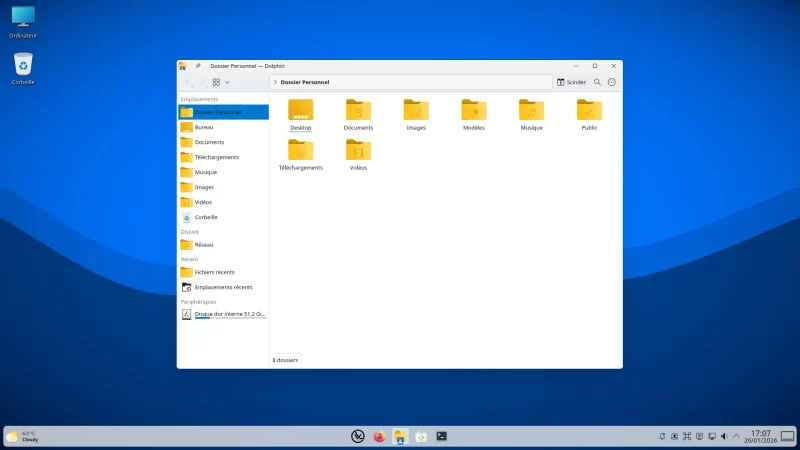
The Dolphin file manager—KDE’s equivalent of File Explorer—uses a familiar layout, with quick access folders on the left for Desktop, Documents, Downloads, Music, Pictures, and Videos.
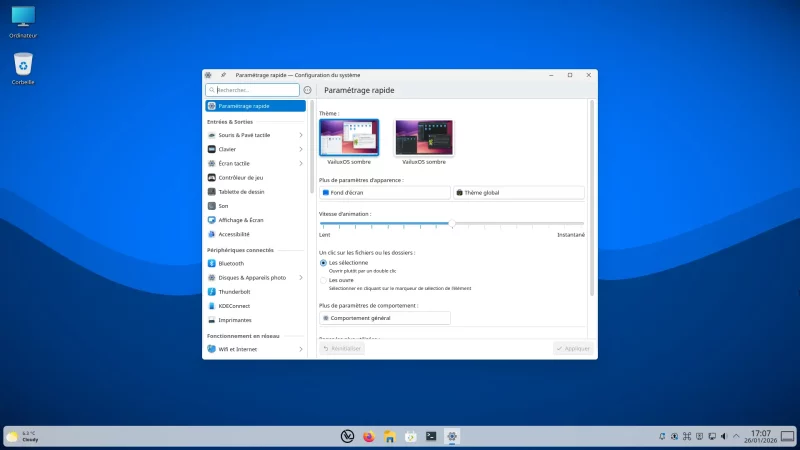
System settings are also clearly inspired by Windows, organized into straightforward categories like mouse and touchpad, keyboard, display, sound, Bluetooth, and connected devices.
Despite this Windows-like appearance, it’s still full KDE Plasma underneath. Power users can completely reshape the desktop, change themes, tweak effects, and add widgets. The Windows 11 look is simply the default—not a limitation.
A Software Selection Built for Everyday Users
VailuxOS doesn’t stop at interface design. It also ships with a sensible selection of preinstalled applications aimed at covering everyday needs right out of the box.
For productivity, the distro includes the full LibreOffice suite: Writer, Calc, Impress, Draw, and Math—providing a solid replacement for Microsoft Office.
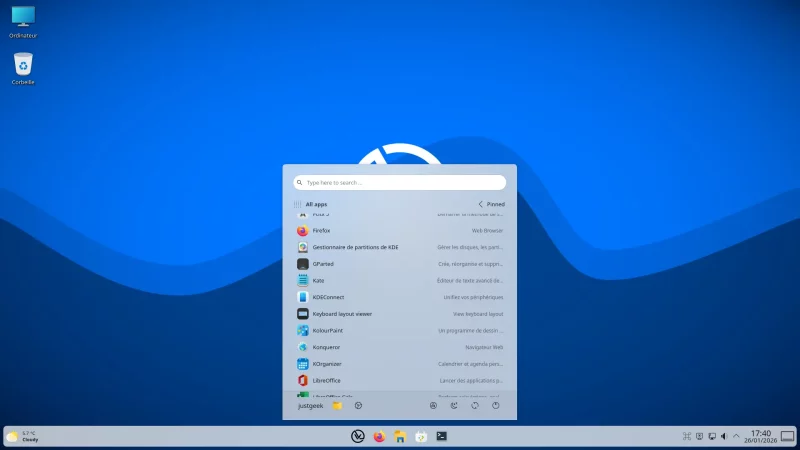
On the system and utility side, you’ll find:
- Firefox as the default web browser
- Kate for advanced text editing
- Dolphin for file management
- KOrganizer for calendar and scheduling
- Spectacle for screenshots
- Ark for archive management
Additional tools like KolourPaint, Shotwell for photo management, Konqueror, and KDE Connect (for smartphone integration) are also included.
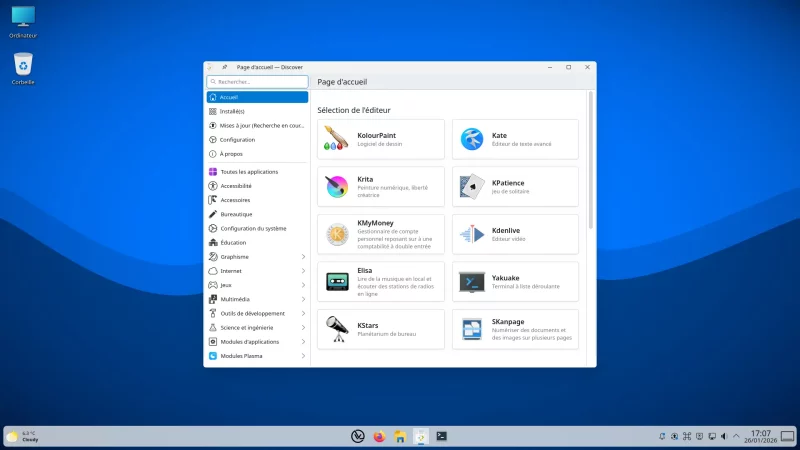
For installing additional software, VailuxOS relies on KDE Discover, which provides access to more than 4,700 applications that can be installed with a single click.
The Reality Check: Where VailuxOS Falls Short
As polished as VailuxOS looks, it’s important to be realistic about what a small, niche Linux distribution represents.
Limited Support and Community
With only five developers and a small user base, support is the biggest concern. If you encounter a hardware issue or a serious bug, you’re far less likely to find instant answers compared to mainstream distros like Ubuntu or Linux Mint. There simply aren’t thousands of tutorials, YouTube videos, or Reddit threads to fall back on.
Long-Term Sustainability
A team of five people is fragile. If one or two key contributors step away, development could slow dramatically—or stop altogether. That raises legitimate concerns about long-term updates and security maintenance.
Transparency Questions
VailuxOS claims to be released under the GPLv3 license and promises a public GitLab repository. However, at the moment, the available source code is limited, making it difficult to fully audit the system or contribute meaningfully to its development.
Final Verdict:
For personal use, testing, or simply discovering Linux in a familiar environment, VailuxOS is genuinely interesting. It lowers the barrier for Windows users and demonstrates that Linux doesn’t have to feel foreign or intimidating.
However, for a primary work machine or professional environment, the risks are hard to ignore. Until the project matures and builds a stronger community, established alternatives like Linux Mint, Zorin OS, or Ubuntu remain far safer choices.
VailuxOS shows promise—but whether it becomes a real Windows replacement or just another footnote in Linux history is something only time will tell. 😉
And if you'd like to go a step further in supporting us, you can treat us to a virtual coffee ☕️. Thank you for your support ❤️!

We do not support or promote any form of piracy, copyright infringement, or illegal use of software, video content, or digital resources.
Any mention of third-party sites, tools, or platforms is purely for informational purposes. It is the responsibility of each reader to comply with the laws in their country, as well as the terms of use of the services mentioned.
We strongly encourage the use of legal, open-source, or official solutions in a responsible manner.
Comments