
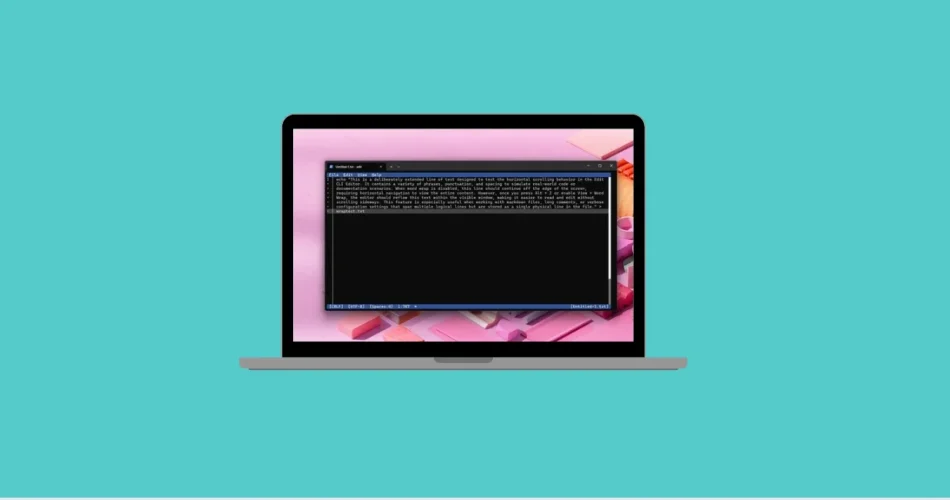
It took a while, but Microsoft has finally delivered a long-awaited tool for developers, sysadmins, and terminal enthusiasts. Starting with the latest versions of Windows 11 (24H2 and 25H2), a new lightweight utility called Edit is now available directly from the command line.
Previously released on GitHub as an open-source project, Edit is now fully integrated into Windows. At just 250 KB in size, it may look tiny, but it’s powerful enough to let you quickly edit text files without ever leaving the terminal.
What Is Edit and How Does It Work?
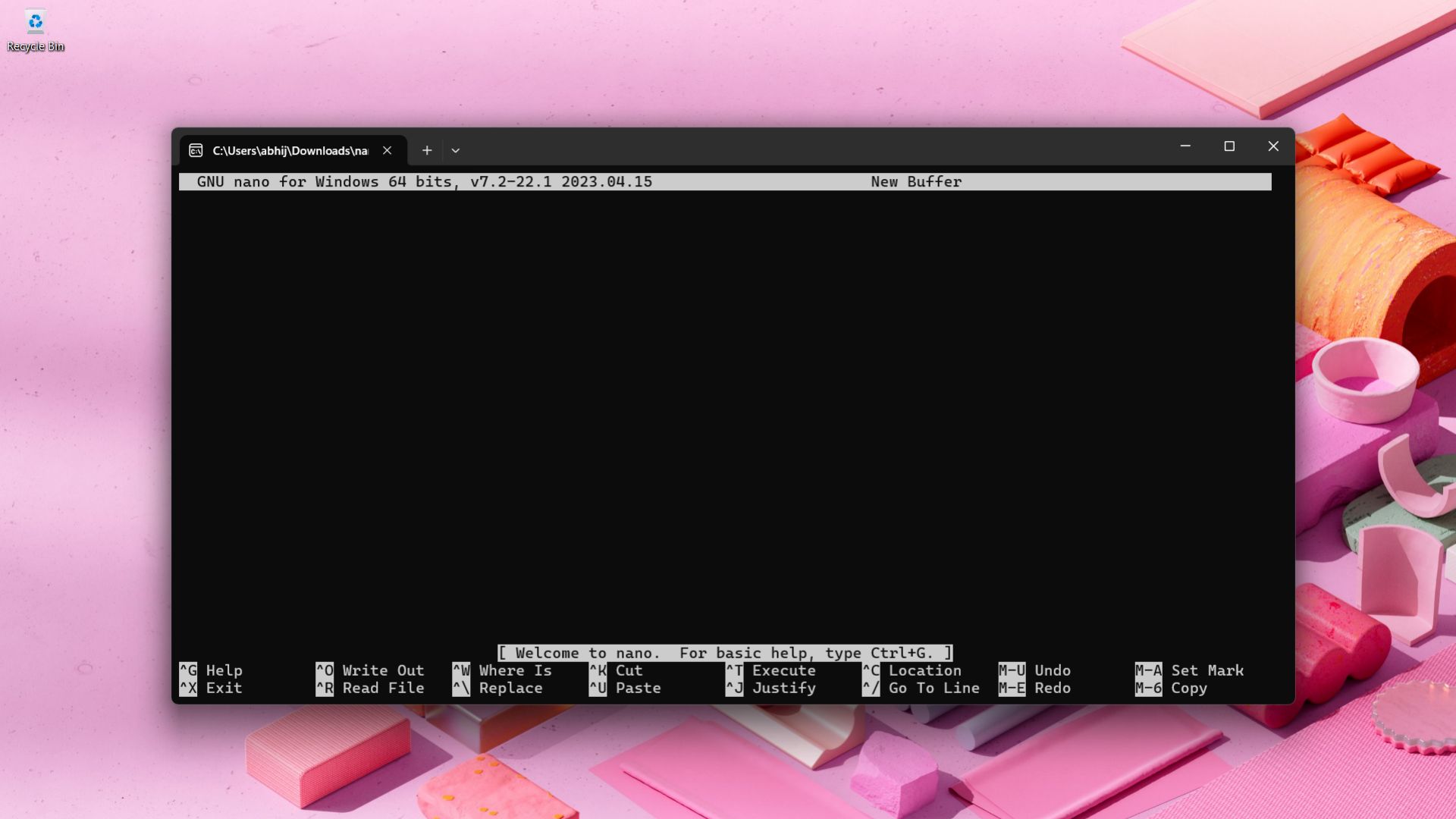
Edit is a built-in command-line text editor designed for quick file edits inside the Windows terminal environment. Instead of launching third-party tools like Notepad++ or switching to GUI apps, users can now stay entirely within the command line.
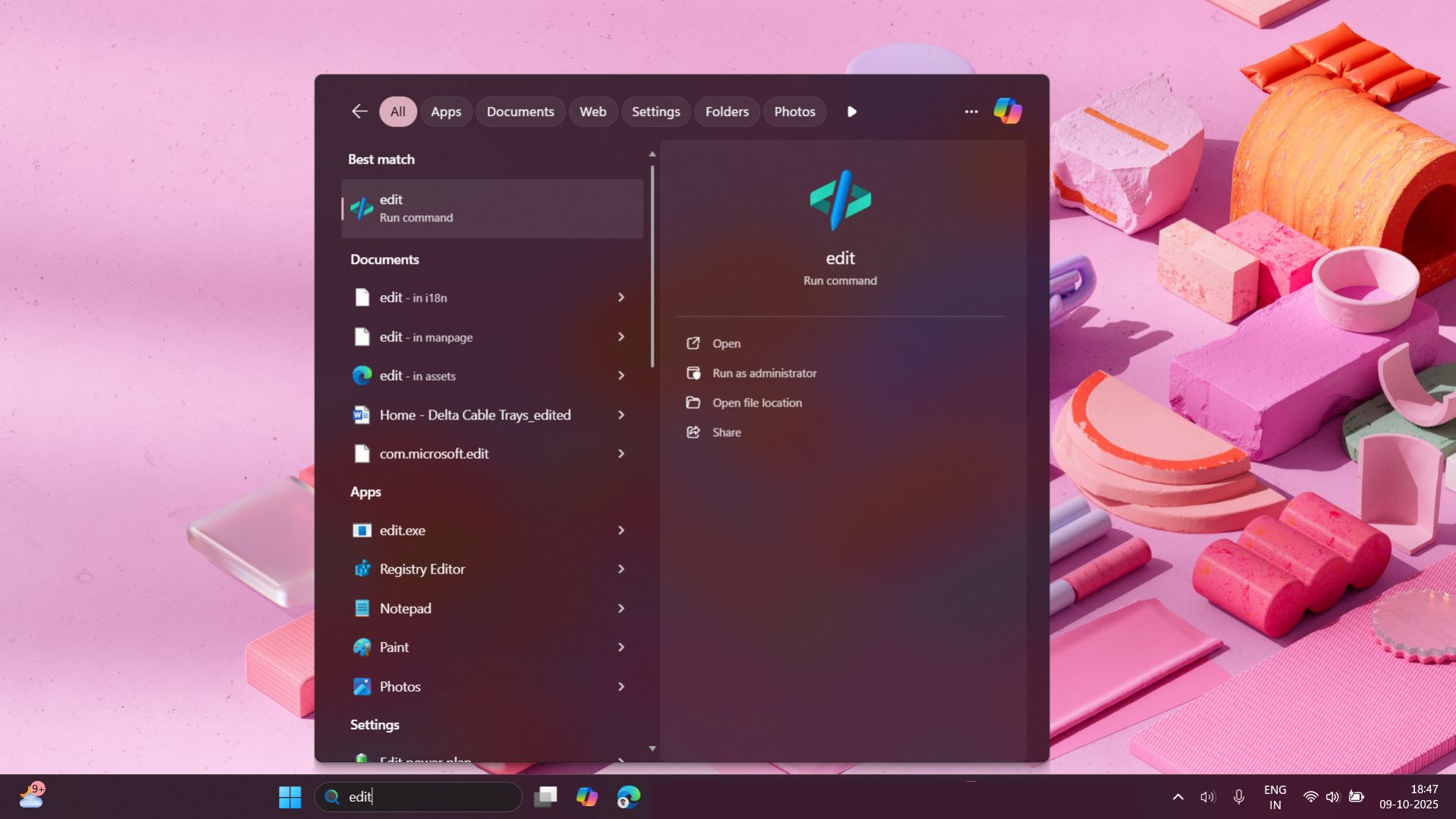
Running Edit is simple:
- To open the editor directly:
edit

- To open a specific file:
edit myfile.txt
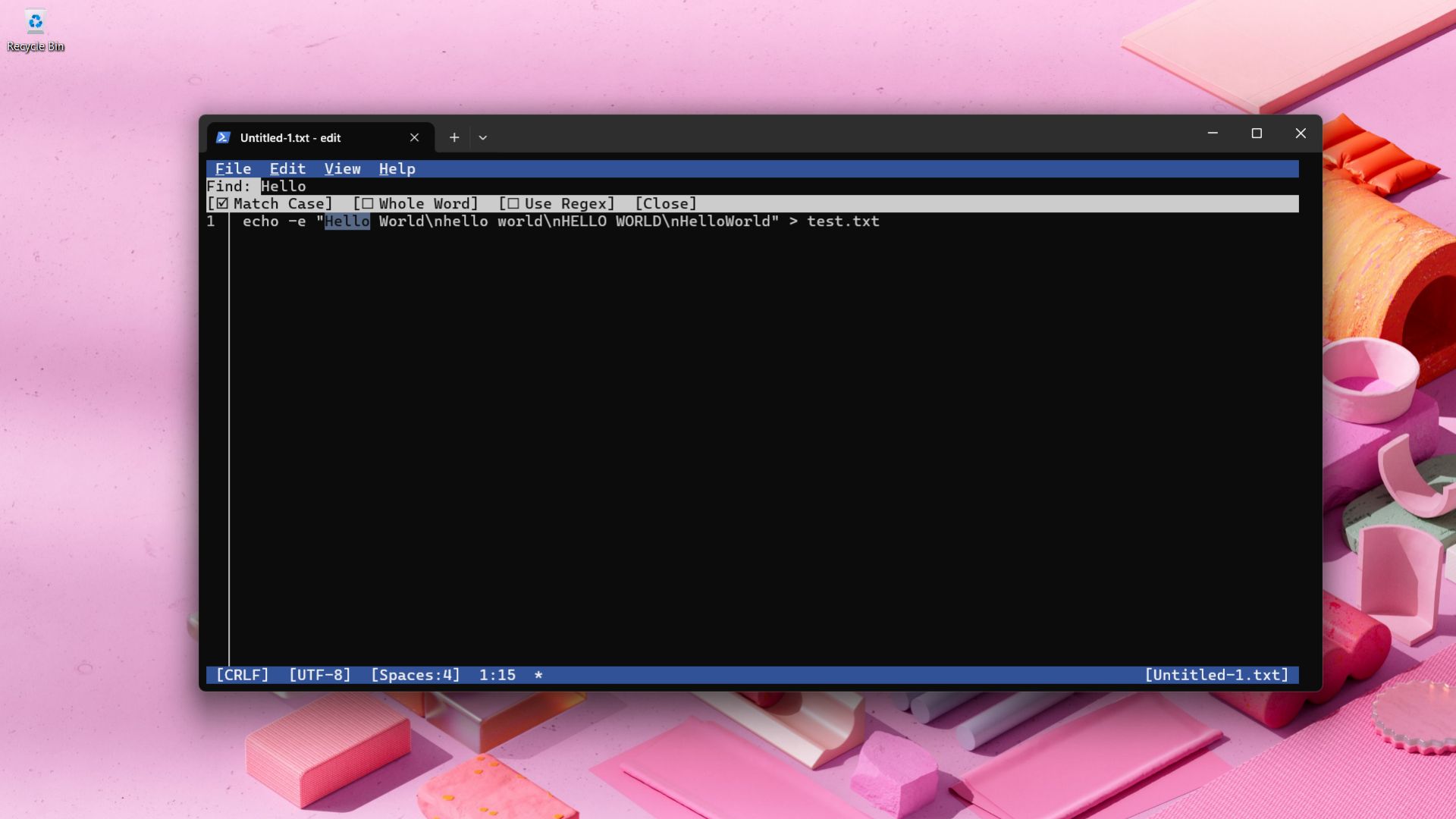
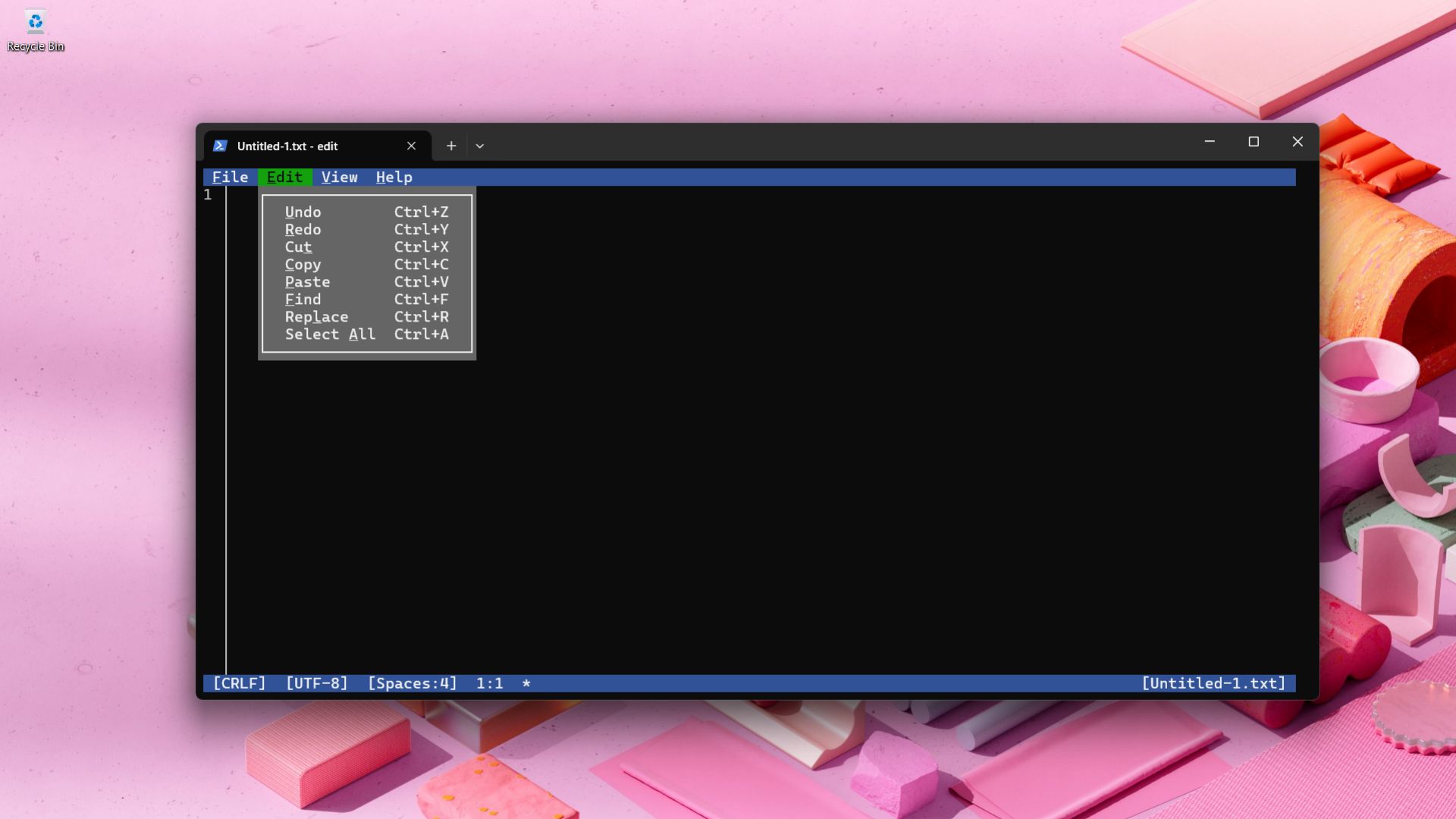
Once launched, Edit greets you with a nostalgic MS-DOS–style interface: black background, blue borders, retro typography, and line numbering on the left. It’s not flashy, but for straightforward editing, it gets the job done efficiently.
Key Features of Edit in Windows 11
Despite its tiny footprint (244 KB to be exact), Edit comes packed with surprisingly handy features:
- Find and Replace (Ctrl + F): Search with case sensitivity, whole word matching, or even regular expressions.
- Word Wrap (Alt + Z): Automatically wraps long lines for easier readability.
- Mouse Support: Select text and navigate menus using your mouse.
- Multiple File Tabs (Ctrl + P): Switch between open files within the same session.
- Basic Editing Tools: Copy, paste, undo, save, and other essentials.
It’s lightweight and minimal, but for quick fixes inside the terminal, Edit offers everything most users will need—without cluttering the desktop with extra windows.

A Retro-Looking Tool with Modern Roots
While Edit feels like a throwback to the old MS-DOS editor, it’s far from outdated. Microsoft has built it as an open-source project on GitHub, written in Rust and licensed under MIT. This means anyone can inspect the code, report bugs, or contribute improvements.
The motivation was simple: after Microsoft phased out the old MS-DOS editor, 64-bit versions of Windows lacked a proper CLI text editor. Edit fills this gap with a lightweight, modern, and natively supported solution that works seamlessly across the latest Windows 11 builds.
👉 Official GitHub Repository: github.com/microsoft/edit
Conclusion:
With the introduction of Edit, Microsoft has taken a small but meaningful step toward making Windows 11 friendlier for developers and power users. It may not replace advanced editors like Visual Studio Code or Notepad++, but for quick edits in the terminal, it’s fast, reliable, and refreshingly simple.
Lightweight, retro-styled, and open source, Edit isn’t just a nostalgic nod to MS-DOS—it’s a practical utility that finally bridges a long-standing gap in Windows.
And if you'd like to go a step further in supporting us, you can treat us to a virtual coffee ☕️. Thank you for your support ❤️!

We do not support or promote any form of piracy, copyright infringement, or illegal use of software, video content, or digital resources.
Any mention of third-party sites, tools, or platforms is purely for informational purposes. It is the responsibility of each reader to comply with the laws in their country, as well as the terms of use of the services mentioned.
We strongly encourage the use of legal, open-source, or official solutions in a responsible manner.
Comments