

In 2026, choosing your operating system is no longer just about interface preference — it’s about extracting every ounce of performance from your CPU and GPU.
On one side, you have Windows 11: the industry standard with unmatched software compatibility, AAA gaming support, and polished user experience.
On the other, CachyOS: an Arch-based Linux distribution engineered for low latency, aggressive CPU optimizations (x86-64-v3/v4), bleeding-edge kernels, and maximum responsiveness.
If you care about frame rates, system latency, security posture, and long-term control over your machine, this deep comparison will help you decide which OS truly fits your hardware and goals.

Quick Verdict (TL;DR)
- Best plug-and-play gaming experience: Windows 11
- Best raw system responsiveness on modern CPUs: CachyOS
- Best anti-cheat and creative suite compatibility: Windows 11
- Fastest update cadence and kernel innovation: CachyOS
- Strongest privacy posture out of the box: CachyOS
- Lowest maintenance for non-technical users: Windows 11
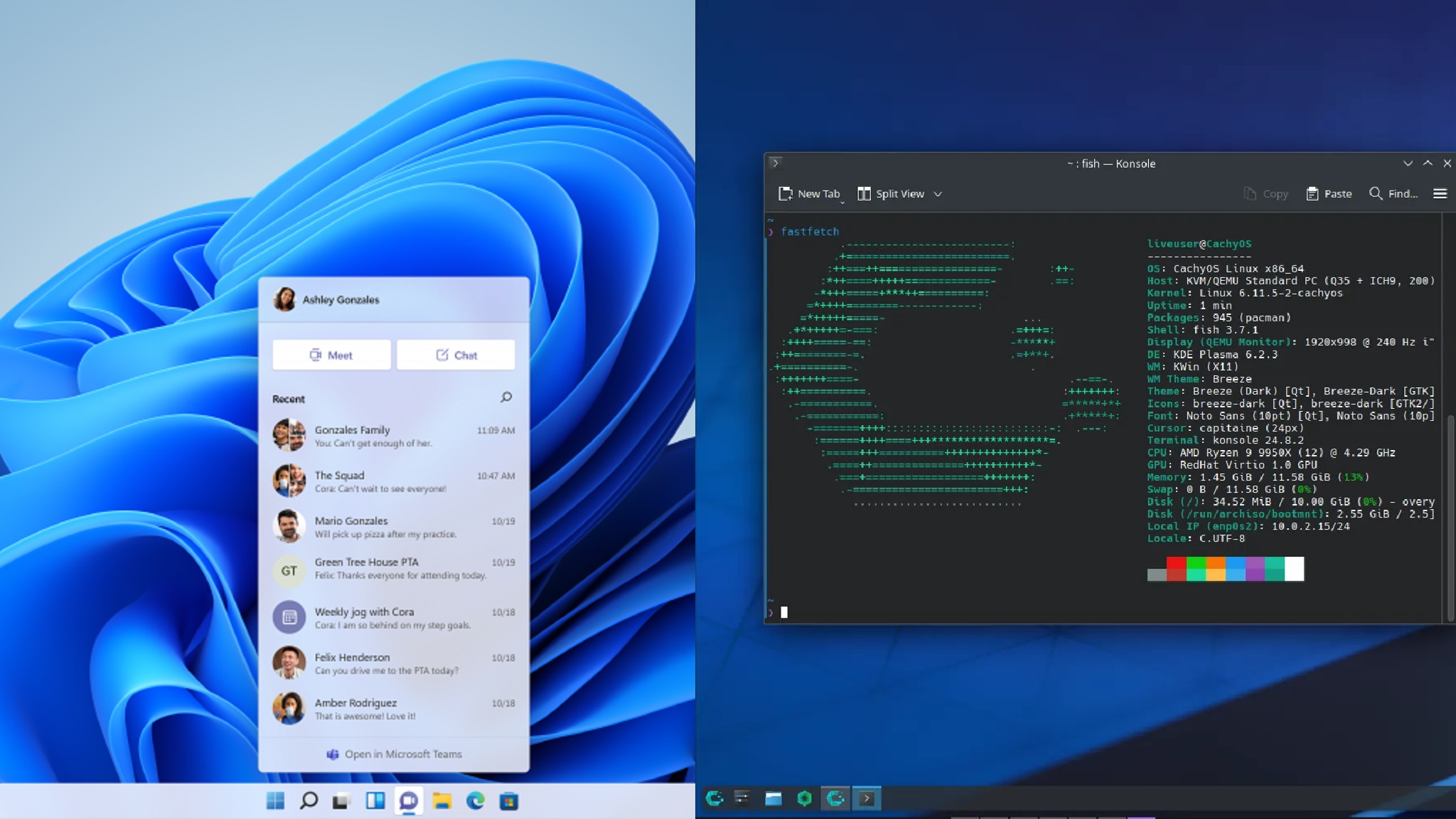
Performance Comparison
1. Desktop Responsiveness & CPU Scheduling
Windows 11
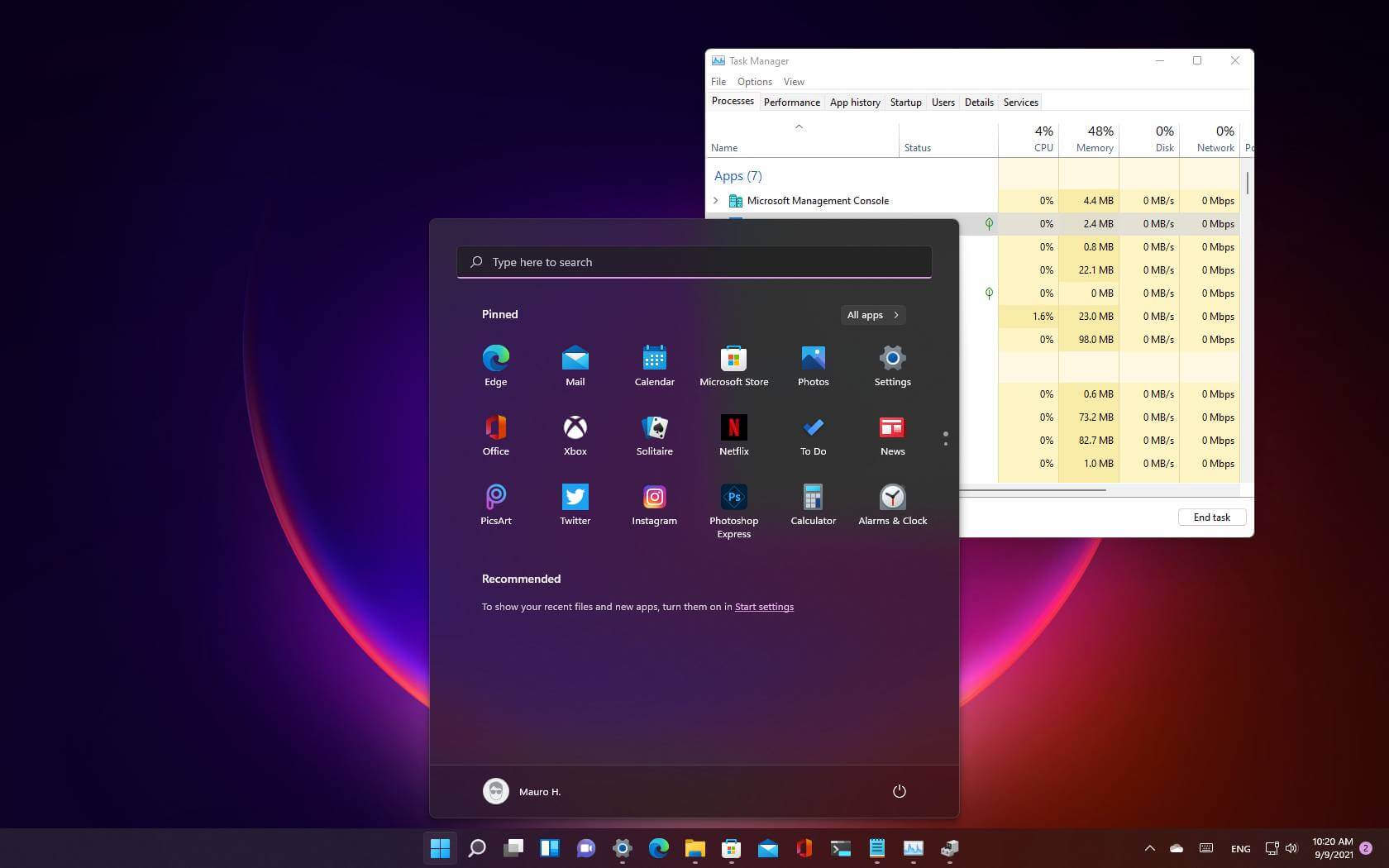
Windows 11 is optimized for hybrid CPUs (P-cores and E-cores) and modern scheduling models. It balances foreground performance and background services effectively.
Strengths:
- Excellent hybrid CPU awareness
- Stable multitasking under heavy mixed workloads
- Strong support for vendor-specific performance enhancements
However, virtualization-based security (VBS/HVCI) and background services can slightly impact peak responsiveness.
CachyOS
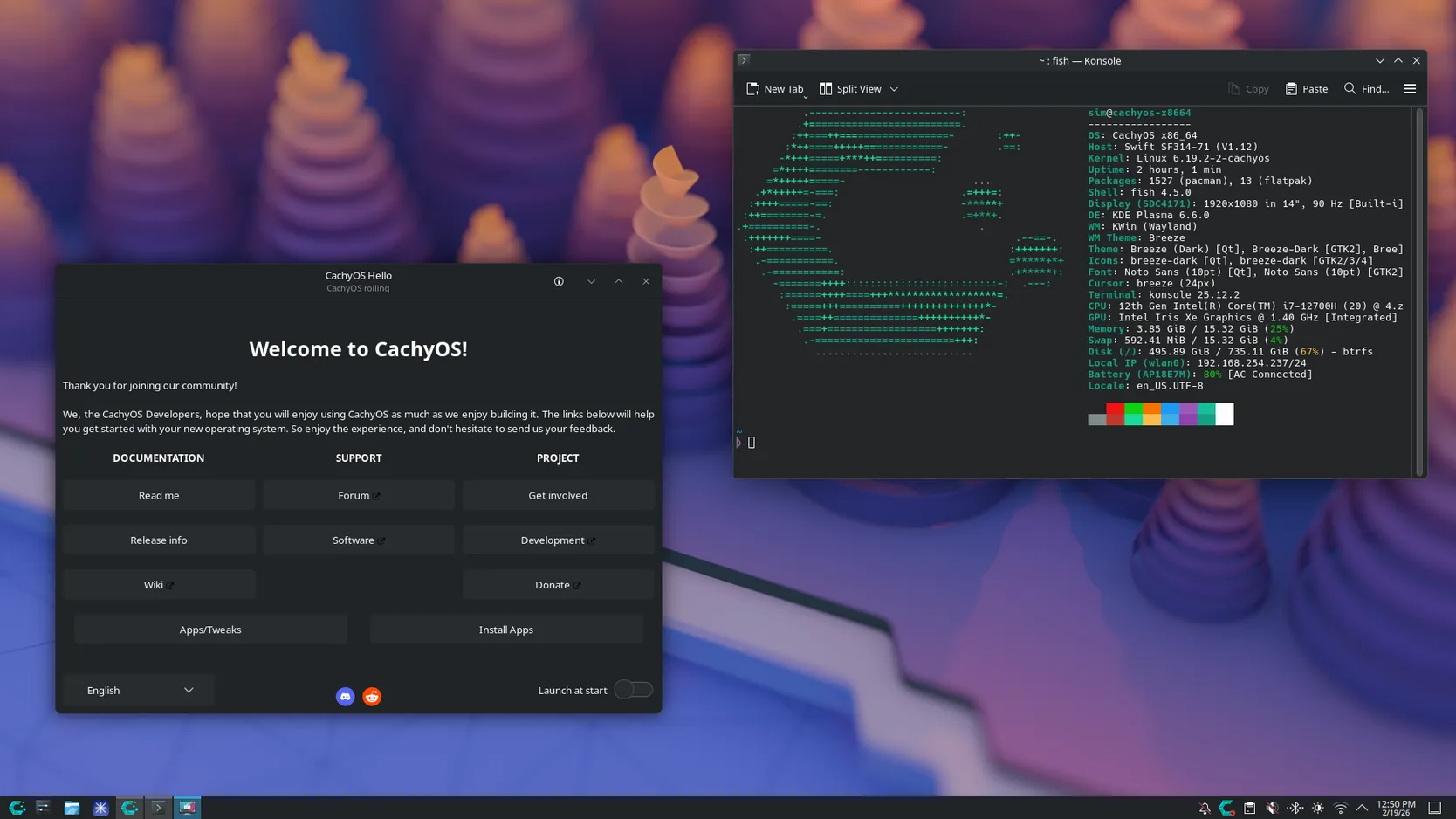
CachyOS ships with performance-tuned kernels and offers alternative schedulers designed to reduce input latency and improve interactivity.
Strengths:
- Optimized for modern multi-core CPUs
- Lower system overhead
- Aggressive compiler flags and kernel tuning
- Reduced input-to-display latency
On modern AMD and Intel CPUs, CachyOS often feels noticeably faster in UI responsiveness and development workloads.
Performance Winner (Responsiveness): CachyOS
2. Memory & Resource Usage
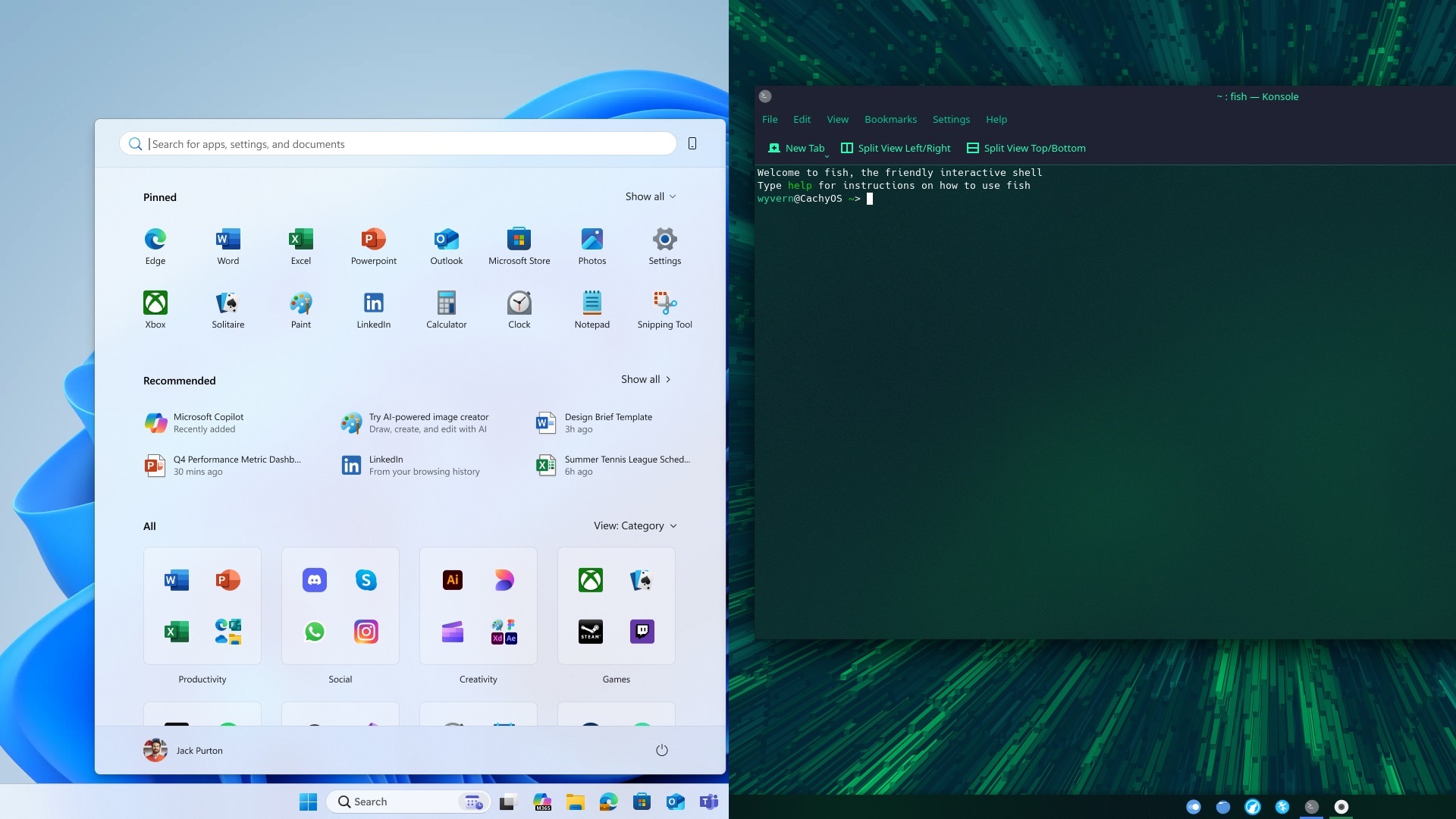
Windows 11
- Higher idle RAM usage
- Background services and security layers consume additional memory
- Stable under load but heavier baseline footprint
CachyOS
- Lower idle RAM consumption
- Lightweight desktop options available
- More memory headroom for games and builds
For older systems or 16GB RAM setups where efficiency matters, CachyOS typically feels lighter.
Efficiency Winner: CachyOS
3. Storage & I/O Performance
Windows 11:
- Mature NTFS filesystem
- Excellent NVMe optimization
- DirectStorage integration
- Strong OEM firmware ecosystem
CachyOS:
- Flexible filesystems (ext4, Btrfs, XFS)
- Tunable I/O schedulers
- ZRAM for better multitasking
- Snappier compilation and file-heavy workloads
For developers compiling code or handling containers, CachyOS can feel more responsive. For broad hardware consistency and plug-and-play reliability, Windows 11 remains dominant.
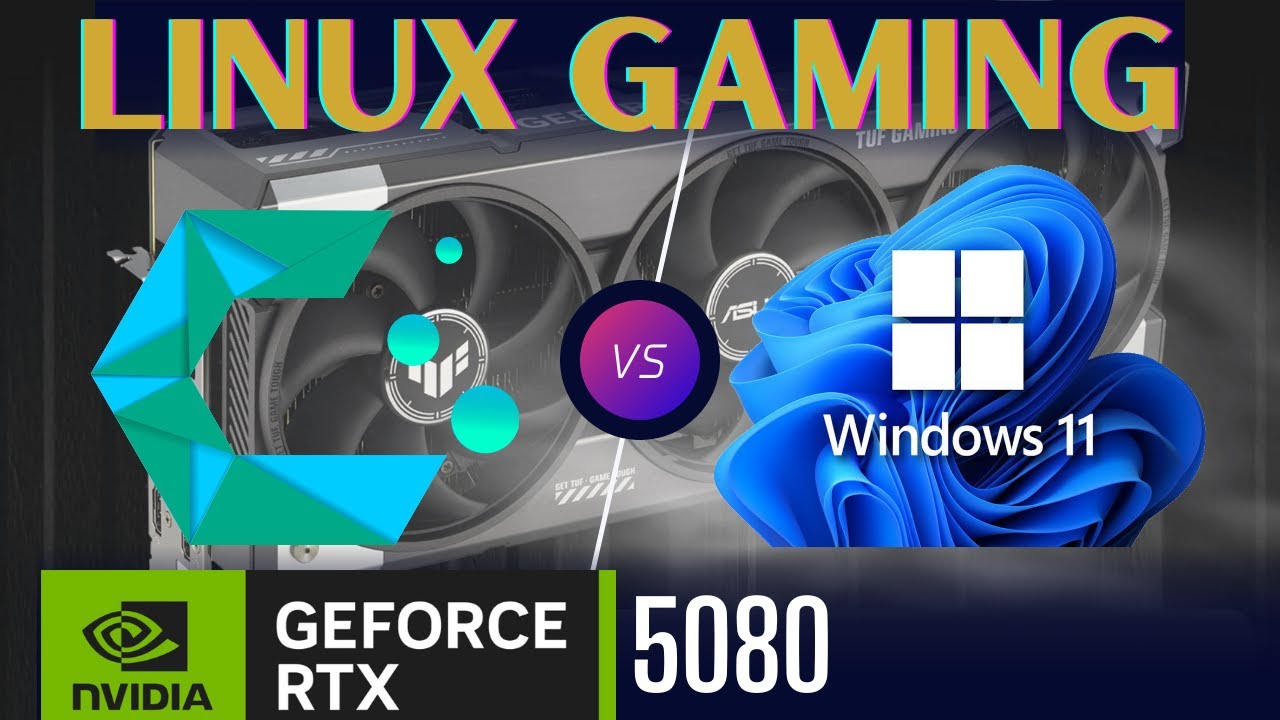
Gaming Performance: FPS, Compatibility & Latency
Gaming is where this battle gets serious.
Game Compatibility
Windows 11
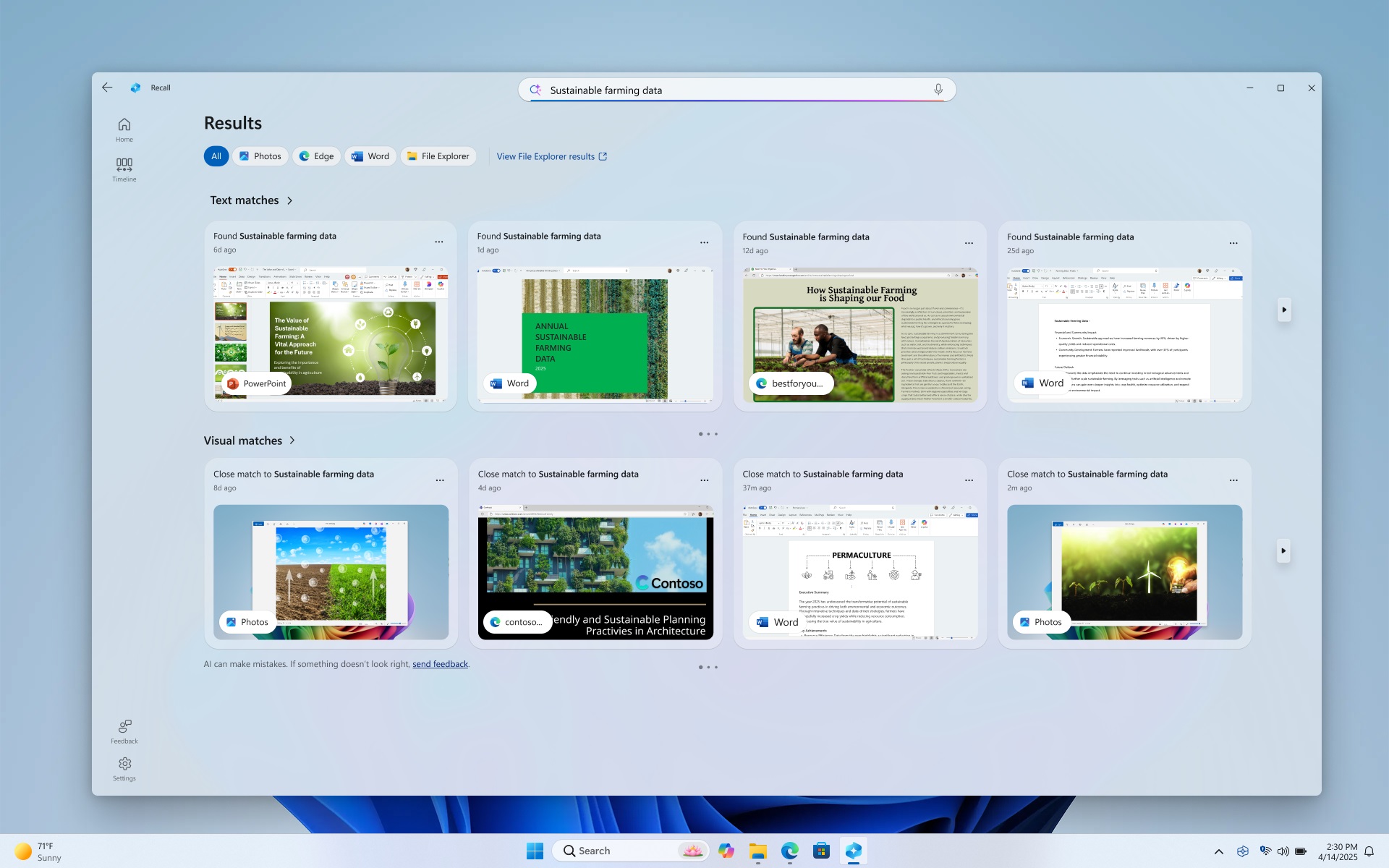
- Native support for nearly all PC games
- DirectX 12 Ultimate
- Full anti-cheat compatibility
- Day-one AAA optimization
- Broad vendor driver support
If you play competitive multiplayer titles with kernel-level anti-cheat systems, Windows 11 remains the safest choice.
CachyOS
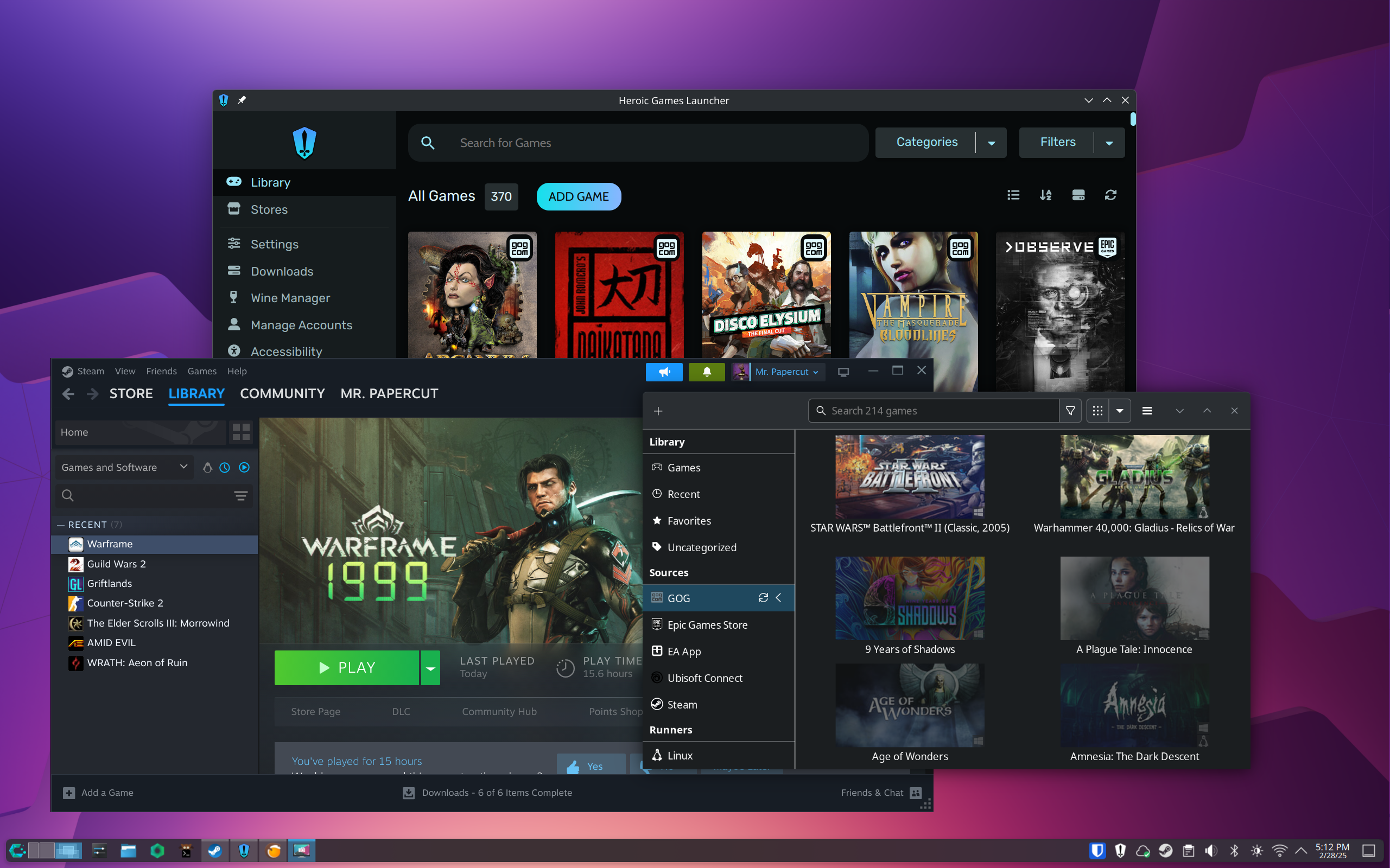
Gaming on CachyOS relies heavily on Steam + Proton compatibility.
Strengths:
- Excellent Vulkan performance
- Frequent Mesa driver updates
- Strong AMD and Intel GPU support
- Low-latency kernel advantages
Limitations:
- Some anti-cheat titles remain Windows-only
- Proprietary GPU features may lag slightly behind
For single-player titles and Proton-supported games, performance can rival or occasionally surpass stock Windows setups — particularly on AMD GPUs.
Gaming Compatibility Winner: Windows 11
Frame Rates & Input Latency
Windows 11:
- Better support for vendor-exclusive technologies
- DirectStorage
- NVIDIA Reflex and advanced GPU features
CachyOS:
- Lower background overhead
- Tuned kernel improves frame pacing
- Excellent Vulkan-based engine performance
In supported games, the experience on CachyOS can feel incredibly smooth, especially when optimized properly.
Performance Benchmarks (1080p High/Ultra)
Real-world performance on Linux distributions like CachyOS depends heavily on GPU driver maturity. AMD’s open-source Linux drivers are widely regarded as robust and well-optimized, while NVIDIA’s Linux drivers—though improving—can still lag behind Windows in certain titles, especially with ray tracing enabled.
The following benchmarks compare Windows 11 and CachyOS using:
- AMD Radeon RX 9070 XT
- NVIDIA GeForce RTX 5080
- AMD Ryzen 7 9700X CPU
- 1080p resolution at High/Ultra settings
- FPS data sourced from the Ancient Gameplays YouTube channel
Note: This comparison evaluates operating system performance—not AMD vs NVIDIA hardware superiority.
Gaming FPS Comparison Table
| Game | Windows 11 (AMD) | CachyOS (AMD) | Windows 11 (NVIDIA) | CachyOS (NVIDIA) |
|---|---|---|---|---|
| The Witcher 3 | 161 FPS | 160 FPS | 164 FPS | 166 FPS |
| The Witcher 3 (RT) | 98 FPS | 90 FPS | 98 FPS | 87 FPS |
| Plague Tale: Requiem | 161 FPS | 173 FPS | 167 FPS | 175 FPS |
| Cyberpunk 2077 | 189 FPS | 194 FPS | 201 FPS | 167 FPS |
| Cyberpunk 2077 (RT) | 131 FPS | 105 FPS | 142 FPS | 123 FPS |
| RoboCop: Rogue City | 111 FPS | 110 FPS | 114 FPS | 86 FPS |
| Ghost of Tsushima | 128 FPS | 118 FPS | 132 FPS | 87 FPS |
| The Last of Us Part II | 150 FPS | 131 FPS | 160 FPS | 96 FPS |
| Marvel’s Spider-Man 2 | 129 FPS | 125 FPS | 133 FPS | 102 FPS |
| Starfield | 102 FPS | 100 FPS | 111 FPS | 62 FPS |
| The Elder Scrolls IV: Oblivion | 111 FPS | 110 FPS | 114 FPS | 86 FPS |
| Silent Hill 2 Remake | 115 FPS | 114 FPS | 131 FPS | 98 FPS |
| Kingdom Come: Deliverance 2 | 109 FPS | 108 FPS | 143 FPS | 136 FPS |
Benchmark Analysis: Windows 11 vs CachyOS
AMD Radeon GPU Results
On average, CachyOS is only 3.98% slower than Windows 11 when paired with the Radeon RX 9070 XT.
In several titles—including Cyberpunk 2077 and Plague Tale: Requiem—CachyOS actually outperforms Windows 11. This demonstrates near-parity performance thanks to AMD’s strong Linux driver support and Vulkan optimization.
However, ray tracing performance still tends to favor Windows slightly, especially in demanding titles.
Verdict for AMD users:
CachyOS delivers gaming performance nearly identical to Windows 11. In practical terms, most players won’t notice the difference.
NVIDIA RTX GPU Results
With the RTX 5080, CachyOS averages 24.15% slower performance compared to Windows 11.
While some games show close results—like Kingdom Come: Deliverance 2—many modern AAA titles reveal a noticeable performance gap. Ray tracing workloads particularly favor Windows, where driver optimization and DirectX 12 Ultimate integration are stronger.
This confirms that NVIDIA’s Linux driver stack, while improving, still does not consistently reach 1:1 Windows performance parity.
Verdict for NVIDIA users:
Windows 11 remains the better choice for maximum FPS and ray tracing performance on RTX GPUs.
What These Benchmarks Really Mean
If You Use AMD Graphics
CachyOS is a highly viable gaming OS. The performance difference is minimal, and in some cases Linux even wins. Combined with lower system overhead and a tuned kernel, it can feel extremely responsive.
If You Use NVIDIA Graphics
Windows 11 offers more consistent top-tier performance, especially in newer AAA titles and ray-traced games. Linux gaming is playable—but not always optimal for competitive or performance-sensitive players.
Security & Privacy Comparison
Windows 11 Security Features
- TPM 2.0 hardware root of trust
- Secure Boot
- BitLocker encryption
- Microsoft Security
- VBS and HVCI isolation
Enterprise-grade security is strong, but enabling all protection layers may reduce gaming performance slightly.
Windows also includes telemetry that cannot be fully disabled in consumer editions.
CachyOS Security Model
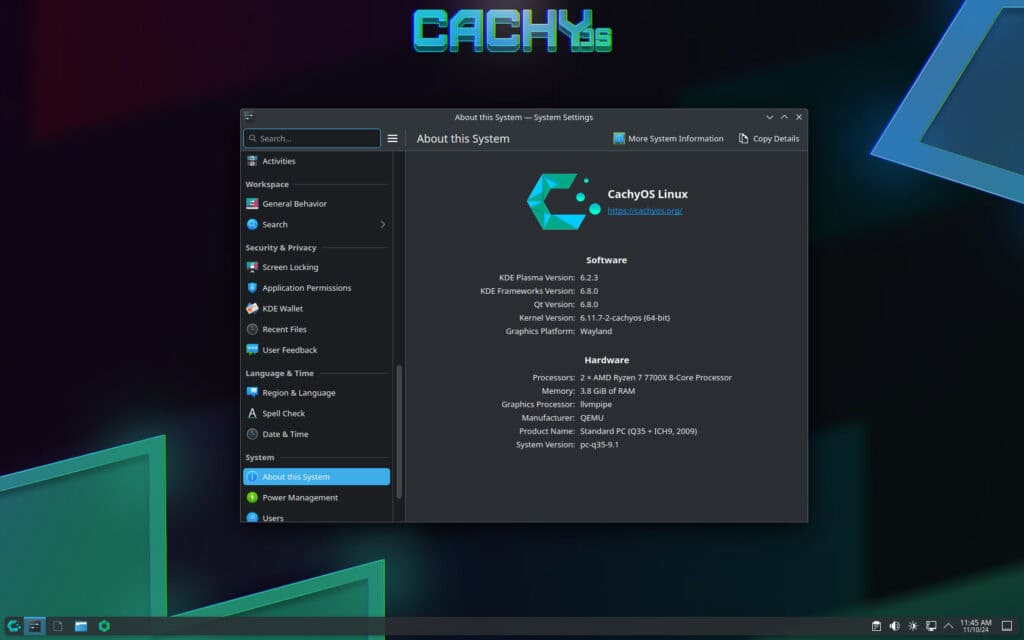
- Rapid rolling updates
- Modern Linux security primitives (namespaces, seccomp, ASLR)
- AppArmor/SELinux support
- Lower default attack surface
- Minimal telemetry
CachyOS prioritizes transparency and user control, making it attractive to privacy-focused users.
Privacy Winner: CachyOS
Stability & Maintenance
Windows 11:
- Predictable monthly update cycle
- OEM driver validation
- Best for “set it and forget it” users
CachyOS:
- Rolling release model
- Faster feature and kernel updates
- Requires occasional manual maintenance
If you prefer minimal system management, Windows is easier. If you enjoy staying on the cutting edge, CachyOS offers faster innovation.
Best OS by Use Case
| Use Case | Best Choice |
|---|---|
| Competitive multiplayer gaming | Windows 11 |
| Day-one AAA releases | Windows 11 |
| Linux development & containers | CachyOS |
| Privacy-focused daily driver | CachyOS |
| Creative suites (Adobe, Autodesk) | Windows 11 |
| Lightweight performance on older CPUs | CachyOS |
| Mixed peripherals & VR support | Windows 11 |
Hardware Considerations
- Heavy NVIDIA proprietary feature usage → Windows 11
- Modern AMD GPU + Vulkan games → CachyOS shines
- Low RAM or older CPUs → CachyOS feels faster
- Enterprise workstation with specific tools → Windows 11
Migration Advice
If you depend on Windows-only apps or anti-cheat titles, consider dual-booting both systems.
If your workflow is primarily open-source and Proton-compatible gaming, CachyOS can function as a full-time operating system — provided you validate your must-play titles first.
Final Verdict: Compatibility vs Control
In 2026, the choice between Windows 11 and CachyOS comes down to priorities.
Choose Windows 11 if you want:
- Maximum game compatibility
- Creative suite reliability
- Broad hardware and peripheral support
- Minimal system tweaking
Choose CachyOS if you want:
- Lower latency and faster responsiveness
- Privacy-first computing
- Bleeding-edge kernel updates
- Deep system control and tuning
For many power users, the ultimate solution isn’t choosing one — it’s running both. Windows 11 for proprietary ecosystems and competitive gaming. CachyOS for development, experimentation, and raw performance.
Your hardware is powerful in 2026. The real question is: do you want maximum compatibility or maximum control?
And if you'd like to go a step further in supporting us, you can treat us to a virtual coffee ☕️. Thank you for your support ❤️!

We do not support or promote any form of piracy, copyright infringement, or illegal use of software, video content, or digital resources.
Any mention of third-party sites, tools, or platforms is purely for informational purposes. It is the responsibility of each reader to comply with the laws in their country, as well as the terms of use of the services mentioned.
We strongly encourage the use of legal, open-source, or official solutions in a responsible manner.
Comments