

Video conferencing tools like Zoom, Google Meet, and Microsoft Teams have become everyday essentials for remote work and online meetings. But convenience often comes at a cost.
These platforms typically rely on US-based servers governed by laws like the Cloud Act, offer limited end-to-end encryption in some cases, and frequently update their terms—especially with the growing integration of AI features.
If protecting your conversations truly matters, it’s worth exploring more privacy-conscious alternatives. Some tools prioritize end-to-end encryption, transparent infrastructure, and even open-source code. Here are four standout options: kMeet, Proton Meet, Jitsi Meet, and Nextcloud Talk.
kMeet: Free Swiss Video Conferencing with No Time Limits

kMeet is developed by Infomaniak, an independent Swiss hosting provider based in Geneva. It’s completely free, with no time restrictions and no limit on the number of meetings. Even better, you don’t need an account to start or join a call.
All data is routed through Infomaniak’s Swiss servers, with no ads or data resale. End-to-end encryption is enabled by default on desktop apps and Chromium-based browsers, though it’s not yet available on mobile devices.
kMeet is built on Jitsi Meet technology but hosted on Infomaniak’s own infrastructure.
Key features include:
- Screen sharing
- Built-in chat
- Waiting rooms
- Virtual backgrounds
- Collaborative whiteboard
- Meeting recording via kDrive
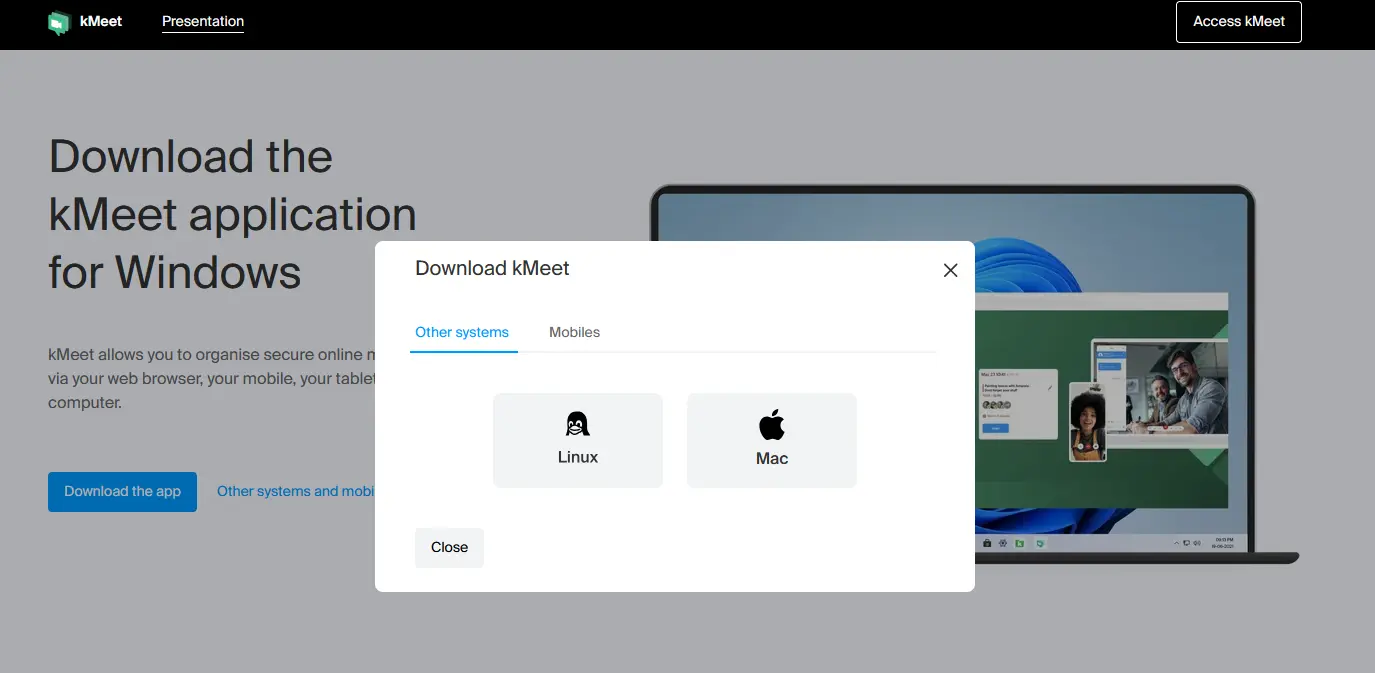
Available on Windows, macOS, Linux, Android, iOS, and web browsers.
Proton Meet: End-to-End Encryption Powered by MLS
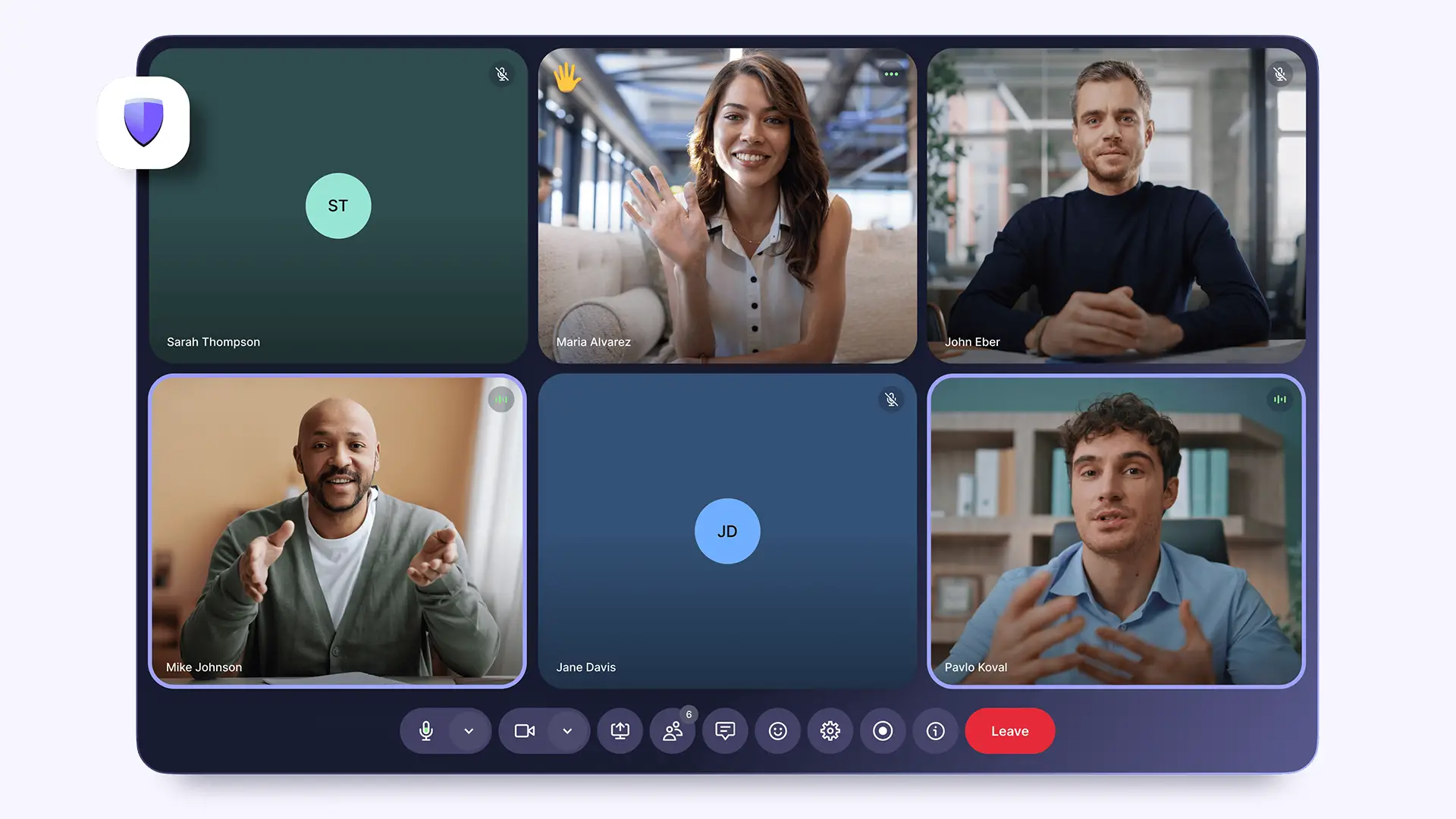
Launched in March 2026, Proton Meet is the latest addition from Proton AG, the Swiss company behind Proton Mail.
This open-source platform focuses heavily on privacy. Audio, video, chat, and screen sharing are all encrypted directly on your device before transmission. Proton uses the MLS (Messaging Layer Security) protocol—an open standard validated by the IETF and independently audited. Even Proton cannot access your meeting content.
Usage limits:
- No account: up to 3 participants
- Free account: up to 50 participants (1-hour sessions)
- Paid plans: up to 250 participants, 24-hour meetings
Features include:
- Screen sharing
- Real-time chat
- Background blur
- Noise suppression
- Waiting rooms
- Calendar integrations (Proton, Google, Microsoft)
Accessible via browser and apps on all major platforms.
Jitsi Meet: 100% Open Source and No Signup Required

Jitsi Meet is a fully open-source project originally created by Emil Ivov and now maintained by 8×8.
It’s completely free, requires no account, and has no official time limits. Anyone can inspect the code on GitHub—or even host their own instance for full control.
While encryption is enabled by default, true end-to-end encryption only works in peer-to-peer (P2P) calls between two participants. For larger meetings, data is encrypted in transit (TLS) but routed through Jitsi servers.
Highlights:
- Unlimited meeting duration
- No registration required
- Breakout rooms
- Live streaming (YouTube, PeerTube)
- Noise suppression
Performance on public servers may drop beyond ~30 participants. For larger events, self-hosting or Jitsi’s paid service (JaaS) is recommended.
Jitsi Meet is available as a browser and as an app on Windows, macOS, Linux , Android , and iOS .
Nextcloud Talk: Secure Video Calls Within a Full Collaboration Suite

Nextcloud Talk is part of the broader Nextcloud ecosystem, which includes file storage, messaging, calendars, and document editing.
Unlike other tools on this list, Nextcloud Talk isn’t a standalone service—it’s designed for self-hosting or deployment through a trusted provider. This gives you full control over your data.
End-to-end encryption is supported but must be properly configured. By default, calls operate in peer-to-peer mode, limiting meetings to around four participants. For larger meetings, a High Performance Backend (HPB) must be deployed.
Features include:
- Screen sharing
- Built-in chat
- Whiteboard
- Meeting recording
- Waiting rooms
- Live streaming
- AI-generated summaries (latest versions)
The service is accessible via browser and as an application on Windows, macOS, Linux , Android and iOS .
Which Privacy-Focused Video Tool Should You Choose?
Here’s a quick comparison of the key features:
| Feature | kMeet | Proton Meet | Jitsi Meet | Nextcloud Talk |
|---|---|---|---|---|
| Free Plan | Yes | Yes | Yes | Yes (self-hosted) |
| Max Participants (Free) | Unlimited | 50 | Theoretical unlimited | ~4 (P2P) |
| Max Duration | Unlimited | 1 hour | Unlimited | Unlimited |
| End-to-End Encryption | Yes (except mobile) | Yes (MLS) | Partial (P2P only) | Available (config-dependent) |
| Account Required | No | Optional | No | Yes |
| Hosting | Switzerland | Switzerland | Public/self-hosted | Self-hosted |
| Open Source | No | Yes | Yes | Yes |
Final Thoughts
As concerns about data privacy continue to grow, relying solely on mainstream video conferencing tools may not be the best choice—especially for sensitive conversations.
Solutions like kMeet, Proton Meet, Jitsi Meet, and Nextcloud Talk prove that you don’t have to sacrifice privacy for functionality. Whether you want a plug-and-play secure tool or full control through self-hosting, there’s an option that fits your needs.
Choosing the right platform ultimately comes down to your priorities: ease of use, scalability, or maximum data sovereignty. But one thing is clear—privacy-first video conferencing is no longer a niche; it’s becoming essential.
And if you'd like to go a step further in supporting us, you can treat us to a virtual coffee ☕️. Thank you for your support ❤️!

We do not support or promote any form of piracy, copyright infringement, or illegal use of software, video content, or digital resources.
Any mention of third-party sites, tools, or platforms is purely for informational purposes. It is the responsibility of each reader to comply with the laws in their country, as well as the terms of use of the services mentioned.
We strongly encourage the use of legal, open-source, or official solutions in a responsible manner.
Comments