

How to Change Scroll Direction in Windows 11 (Touchpad and Mouse) – 25H2 Guide
Learn how to change touchpad and mouse scroll direction in Windows 11 25H2, including natural scrolling and registry methods.
Master Windows 11 with the latest updates, tips, and tutorials. Improve performance, security, and productivity on your PC.
Learn how to change touchpad and mouse scroll direction in Windows 11 25H2, including natural scrolling and registry methods.

Learn how to add or remap a Copilot key on Windows 11 25H2 using Microsoft PowerToys and launch Copilot with a single key.

Since the launch of Windows 11, a small but annoying issue has bothered many users during installation. When using a Microsoft account, Windows automatically generates the user folder based on…

Windows 11 March 2026 Patch Tuesday (KB5079473) adds Sysmon integration, WebP wallpaper support, taskbar speed test, and fixes six actively exploited zero-day flaws.

Windows 11 Build 26300.7965 introduces Administrator Protection, a security feature requiring authentication for admin tasks and enabling just-in-time privileges.

Windows 11 build 28020.1685 introduces voice typing for File Explorer file renaming and improves Storage cleanup for Windows.old and update files.

Windows 12 may not launch in 2026 as Microsoft focuses on improving Windows 11. Here’s what users expect from the future of Windows.

Learn how to set Google Chrome as the default browser in Windows 11 25H2 using Chrome settings or Windows Default Apps.
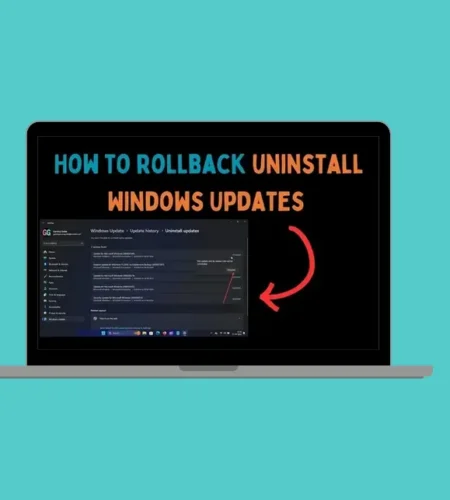
Learn how to roll back builds and uninstall updates in Windows 11 25H2. Step-by-step guide to remove feature updates, quality updates, and fix update problems.
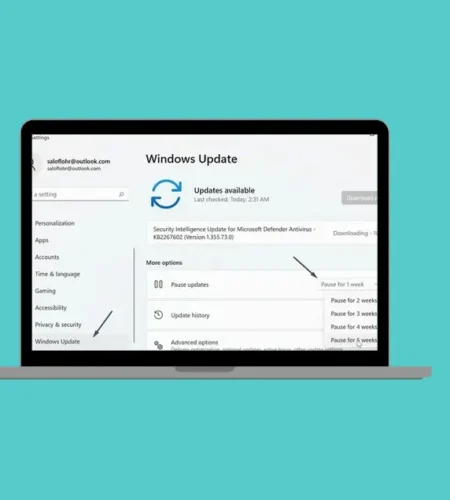
Learn how Windows updates work in Windows 11 25H2. Understand KB numbers, Patch Tuesday, feature updates, preview updates, and how to fix update problems.
Windows 11 may soon allow users to remove and customize Quick Settings tiles. Leaks reveal new options, better battery controls, and improved taskbar tools.
Windows 11’s new native NVMe driver bypasses SCSI, boosting SSD performance, lowering latency, and reducing CPU usage. Early tests show major gains.