
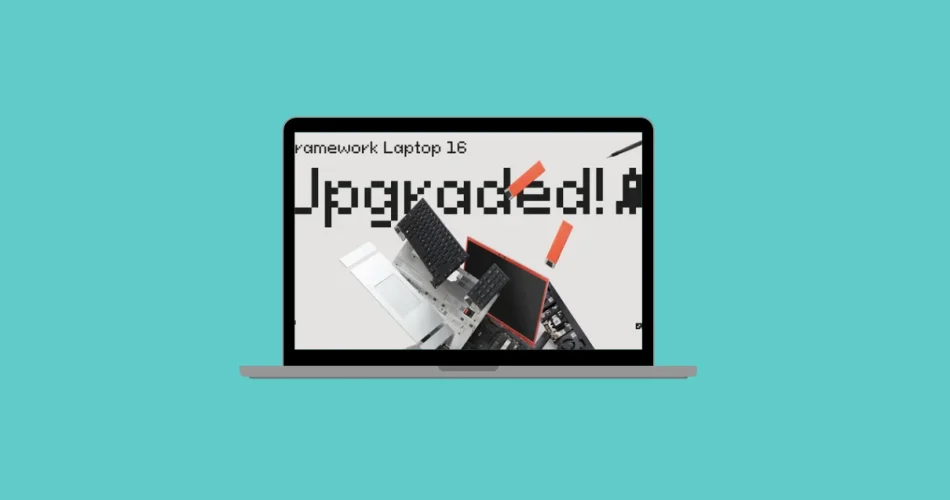
Swapping a laptop GPU as easily as on a desktop PC? Framework promised it—and now it’s here. After two years of development, the Framework Laptop 16 takes a major step forward with the introduction of an interchangeable NVIDIA GeForce RTX 5070 module, fully compatible with existing models already in circulation.
It’s a bold bet—but one that looks like it might finally pay off.
Before getting too excited, let’s add some context: this concept isn’t new. Lenovo, Asus, and MSI all tried modular laptop GPUs in the past, but the support was short-lived. Availability issues, poor compatibility, and abandoned upgrades quickly killed the idea. Framework claims to be doing the opposite—long-term upgrade paths, spare parts readily available, and a strong community backing the project. And this time, the plan seems solid.
Here’s a breakdown of the new hardware, upgrade options, pricing, and what it all means—whether you already own a Laptop 16 or are thinking about buying one.
What’s New in the Framework Laptop 16
A Swappable GeForce RTX 5070 GPU

The star of the show is, of course, the new NVIDIA GeForce RTX 5070 module. It joins the existing AMD RX 7700S option and can be installed in any Laptop 16 model, thanks to the expansion bay system first introduced in 2023.
Swapping is simple: just unscrew six screws, remove the old module, and slot in the new one—whether you’re moving from AMD to NVIDIA or vice versa.
Key specs and improvements:
- 8GB GDDR7 VRAM
- Based on NVIDIA’s Blackwell architecture
- 30–40% performance boost over the RX 7700S
- Improved cooling with redesigned fans, Honeywell thermal material, and support for 100W TGP
- Built-in USB-C port with both video output and up to 240W power delivery


Powered by AMD Ryzen AI 300 Processors
Framework also updated its motherboards with AMD Ryzen AI 300 series CPUs, built on a 4nm process:
- Ryzen AI 7 350 – 8 cores / 16 threads
- Ryzen AI 9 HX 370 – 12 cores / 24 threads
Both support a sustained 45W TDP and come with Radeon 860M or 890M iGPUs, making them strong options even without a dedicated GPU—especially for Linux users.
A 240W USB-C Charger
The original 180W charger sometimes struggled to keep up under heavy gaming loads, causing the battery to drain even while plugged in. Framework fixes this with a new 240W USB-C charger, fully compliant with USB-PD 3.1, more compact than comparable Anker or Ugreen bricks, and sold separately for $140 (€120).

G-SYNC-Ready Display
The 16-inch QHD+ 165Hz display (2560 × 1600, 16:10) now supports NVIDIA G-SYNC, in addition to FreeSync. However, only the new 2nd-gen panel supports G-SYNC out of the box—Framework is still exploring firmware updates for earlier models.
Other Small but Notable Improvements
- 1080p webcam (same as the Laptop 13)
- Sturdier top chassis for better durability
- Keyboard no longer wakes the laptop when the lid is closed
- Up to 4 external display outputs via expansion ports (previously 3)
- Optional Linux-friendly keyboards without the Windows logo
Pricing, Availability, and Upgrade Paths
The new Framework Laptop 16 is already available for pre-order, with shipping expected in November 2025. As usual, there are two main options:
- Pre-built version – with Windows 11 and ready-to-go hardware
- DIY edition – no RAM, storage, or OS included, for full customization
Pricing details:
- Laptop 16 (new generation): starting at ~ $1,875 (1,689 €)
- RTX 5070 module only: ~ $820 (740 €)
- New motherboard with Ryzen AI 300: variable depending on model
- USB-C 240W charger: ~ $133 (120 €)
- RX 7700S module (new version): ~ $445 (400 €)
Crucially, all components remain compatible with the original Laptop 16 (2023), so existing users can upgrade piece by piece instead of replacing the entire laptop.
For budget-conscious buyers, Framework is keeping the previous-gen Laptop 16 (Ryzen 7 7840HS) in stock, starting at $1.695 (€1,459) (DIY edition).
✅ Source: Framework
And if you'd like to go a step further in supporting us, you can treat us to a virtual coffee ☕️. Thank you for your support ❤️!

We do not support or promote any form of piracy, copyright infringement, or illegal use of software, video content, or digital resources.
Any mention of third-party sites, tools, or platforms is purely for informational purposes. It is the responsibility of each reader to comply with the laws in their country, as well as the terms of use of the services mentioned.
We strongly encourage the use of legal, open-source, or official solutions in a responsible manner.
Comments