

Hanuman Jayanti is more than a festival—it’s a powerful celebration of devotion, strength, and unwavering faith. In 2026, a new digital trend is transforming how people express that devotion: AI-generated photo edits. Across Instagram, WhatsApp, and YouTube Shorts, boys are creating stunning, cinematic visuals inspired by Lord Hanuman—all powered by AI tools like Google Gemini.
If you’ve seen glowing saffron edits, divine auras, or epic warrior-style visuals and wondered how they’re made, you’re in the right place. This complete guide will show you how to create your own Hanuman Jayanti AI photo edits, with powerful prompts, expert tips, and creative ideas to stand out.
Why Hanuman Jayanti AI Photo Edits Are Trending
Creating a Hanuman Jayanti edit isn’t just about aesthetics—it’s a personal expression of faith and identity. These AI-generated visuals combine spirituality with modern design, allowing users to create something meaningful and visually striking.
Here’s why the trend is exploding:
- Spiritual connection: Visualizing yourself alongside Lord Hanuman creates a deeper emotional impact
- Social media appeal: Unique, high-quality edits stand out instantly
- Creative freedom: AI tools make professional-level editing accessible to everyone
- Festival hype: Devotional content performs extremely well during Hanuman Jayanti
From glowing temples to warrior poses, these edits capture the energy of “Jai Bajrangbali” in a bold, modern way.
What Is a Hanuman Jayanti AI Photo Prompt?
An AI prompt is simply a detailed instruction you give to an AI tool like Google Gemini to generate or edit an image.
A strong Hanuman Jayanti prompt usually includes:
- Subject: Your photo or a boy’s image
- Theme: Lord Hanuman, devotion, divine power
- Style: Cinematic, ultra-realistic, glowing aura
- Lighting: Golden rays, firelight, soft glow
- Mood: Powerful, spiritual, fearless
- Background: Temples, forests, mountains, or cosmic scenes
The more descriptive your prompt, the more impressive your result will be.
Best Hanuman Jayanti AI Photo Prompts for Boys (Gemini Ready)
Use these ready-made prompts directly in Google Gemini or customize them to match your style.
🔥 Prompt 1: Devotional Blessing Scene
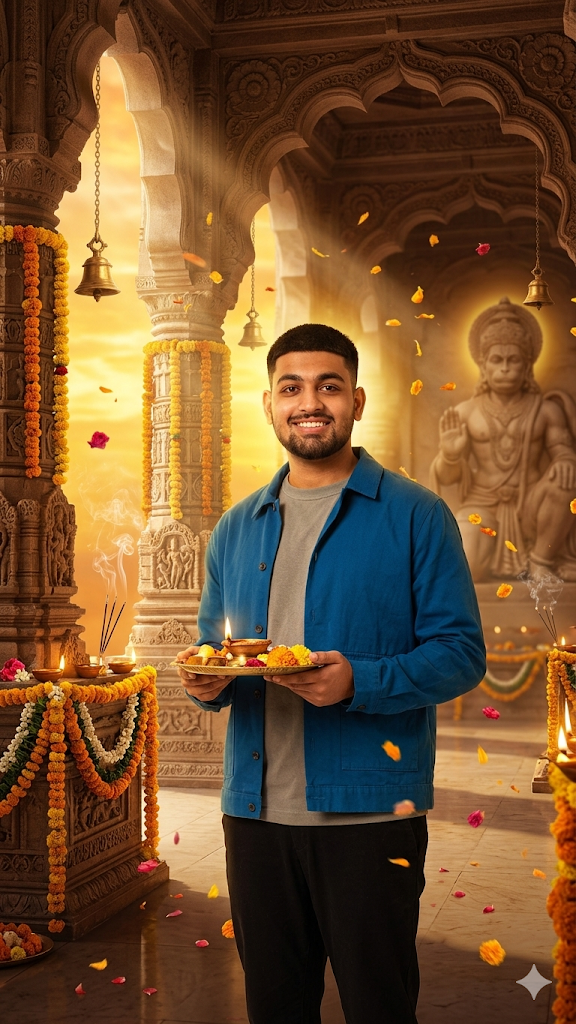
Create a powerful Hanuman Jayanti devotional scene: a young man in traditional attire stands calmly in soft saffron and golden tones, while a majestic Lord Hanuman appears behind him in a blessing pose, surrounded by a glowing divine aura. Add floating flower petals, a softly blurred temple background, emotional spiritual atmosphere, cinematic composition, ultra-realistic skin detail, and volumetric light rays.
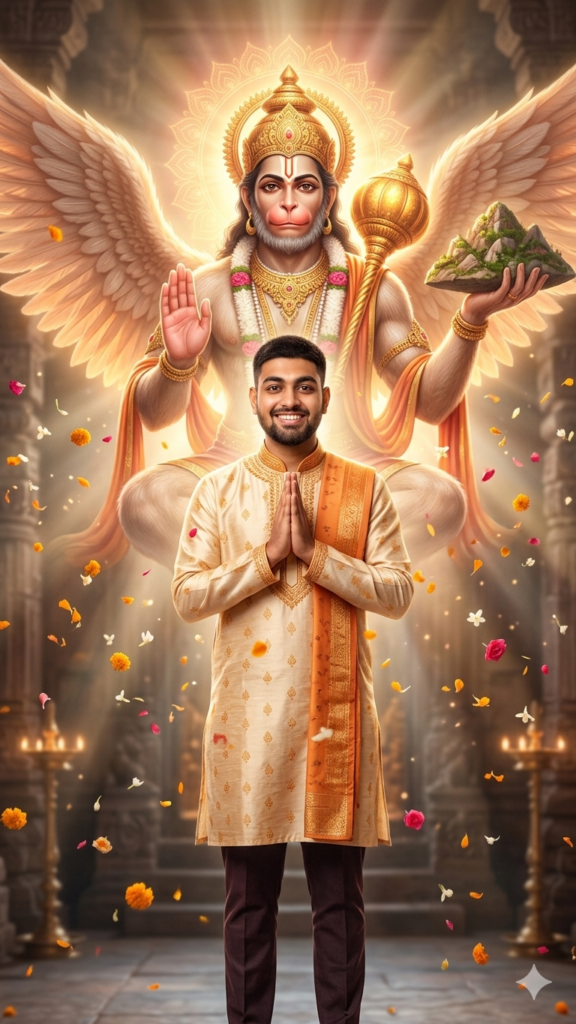
⚔️ Prompt 2: Hanuman Warrior Energy
Generate an ultra-detailed cinematic temple interior with Lord Hanuman seated in a warrior pose on a stone platform, holding a gada. A young devotee sits confidently in front, facing the camera. Use dramatic fire lighting, deep shadows, smoky atmosphere, and a color palette of dark red, brown, and fiery orange. Add sharp focus, 8K resolution, and epic mythological poster style.
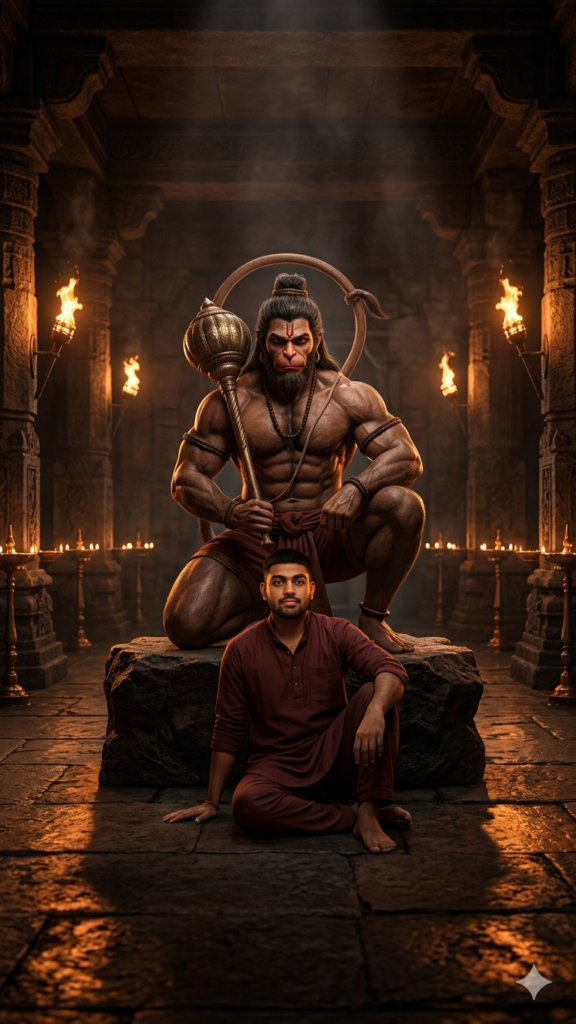
🌿 Prompt 3: Divine Forest Protector
Create a vertical ultra-realistic portrait of Lord Hanuman standing powerfully in a mystical forest with golden sunlight filtering through trees. A young devotee sits beside him, showing calm devotion. Add fog, glowing particles, rich green tones, cinematic HDR lighting, and a peaceful yet powerful spiritual mood.
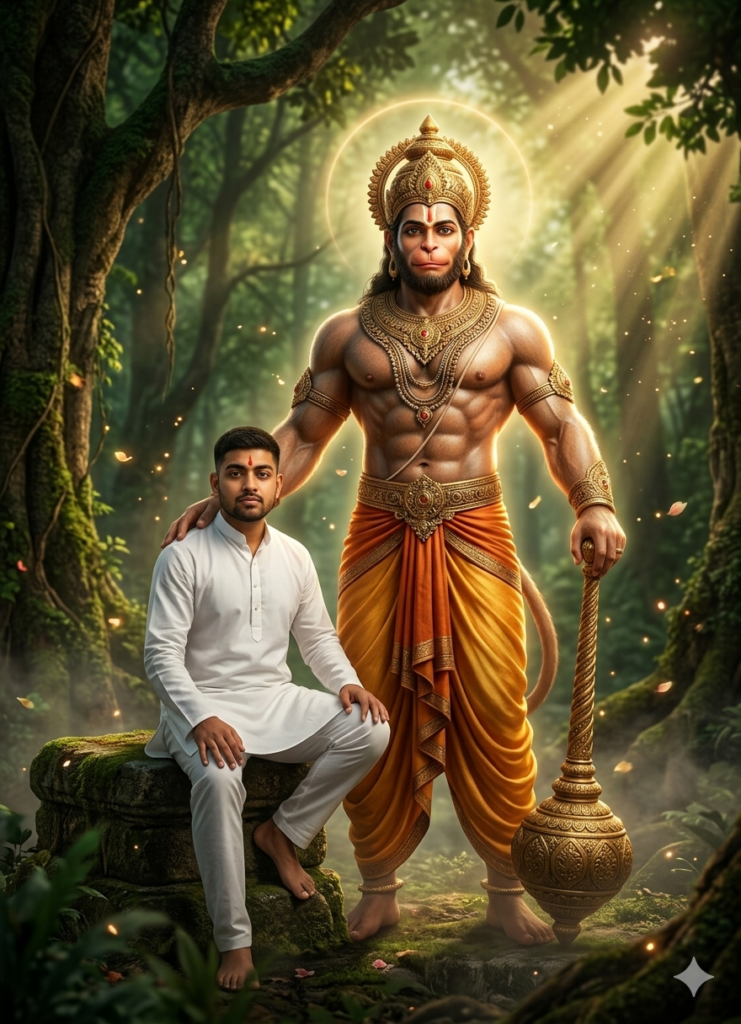
🧘 Prompt 4: Meditation & Aura Energy
Design a cinematic spiritual artwork of a young man meditating in lotus pose, wearing saffron attire. Behind him stands a massive golden Hanuman figure radiating energy. Include glowing “Jai Shri Ram” text forming a circular aura, temple pillars, mist, and soft divine lighting with high contrast and 8K detail.
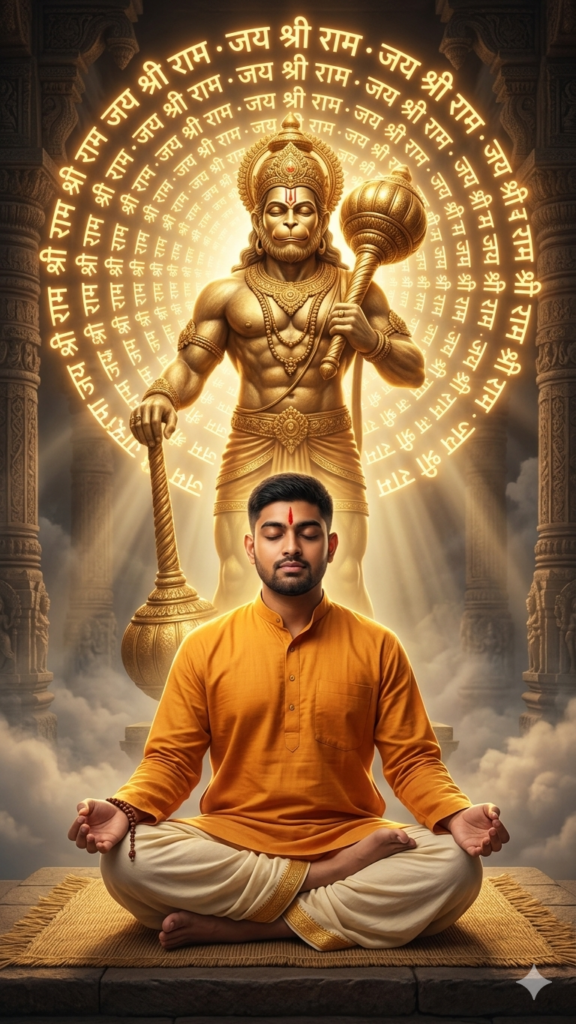
🛕 Prompt 5: Temple Festival Aura
Generate a 4K devotional wallpaper set in a grand Indian temple with glowing saffron skies, marigold garlands, diyas, incense smoke, and floating petals. Add subtle Hanuman symbolism in the background with golden light rays and cinematic depth for a premium festival look.
Pro Tips to Get the Best AI Photo Results
To make your edits look truly professional, follow these tips:
1. Be Extremely Specific
Avoid vague instructions. Instead of “make it spiritual,” describe elements like lighting, colors, and environment.
2. Focus on Lighting
Lighting is everything. Use phrases like:
- Golden aura glow
- Dramatic backlight
- Fire-lit shadows
- Soft divine rays
3. Add Emotional Keywords
Words like powerful, devotional, fearless, and divine help shape the final result.
4. Always Request High Quality
Include terms like:
- 4K resolution
- Ultra-realistic
- Cinematic quality
- HDR
5. Experiment & Iterate
Don’t stop at one version. Try different:
- Backgrounds
- Poses
- Lighting styles
- Spiritual elements
Where to Share Your Hanuman Jayanti AI Edits
Once your edit is ready, here’s where it will perform best:
- Instagram: Reels, carousels, and trending festival posts
- WhatsApp: Use as a profile picture (DP)
- Facebook: Reach family and broader audiences
- Snapchat: Quick sharing with friends
- YouTube Shorts: Show your editing process
Festival-themed content often goes viral—especially when it’s unique and visually powerful.
Final Thoughts
AI is redefining how people celebrate traditions, and Hanuman Jayanti is no exception. With tools like Google Gemini, anyone can create breathtaking devotional visuals without advanced editing skills.
All you need is a well-crafted prompt, a clear vision, and a bit of creativity. Whether you want a bold warrior-style edit or a calm spiritual scene, these Hanuman Jayanti AI photo prompts can turn your ideas into stunning reality.
This Hanuman Jayanti, go beyond обычные posts—create something that truly reflects devotion, strength, and identity. And most importantly, share your creation with pride.
And if you'd like to go a step further in supporting us, you can treat us to a virtual coffee ☕️. Thank you for your support ❤️!

We do not support or promote any form of piracy, copyright infringement, or illegal use of software, video content, or digital resources.
Any mention of third-party sites, tools, or platforms is purely for informational purposes. It is the responsibility of each reader to comply with the laws in their country, as well as the terms of use of the services mentioned.
We strongly encourage the use of legal, open-source, or official solutions in a responsible manner.
Comments