

Are you eager to dive into the world of Roblox on your Chromebook? With the growing compatibility of Chromebooks for gaming, it’s become easier than ever to join in on the fun without needing high-end hardware. This guide will walk you through simple steps to access and enjoy Roblox, whether your device supports the Google Play Store or you’re using a school-issued Chromebook with restrictions. Let’s get started on your gaming journey!
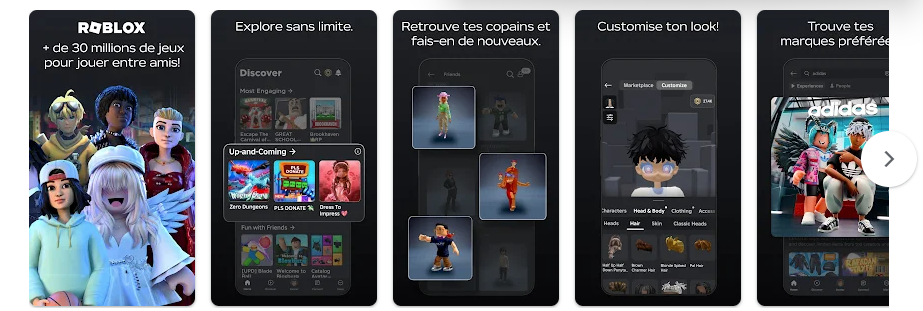
Installing Roblox via the Google Play Store
If your Chromebook is equipped with access to the Google Play Store, installing Roblox is a straightforward process.
Step 1: Open the Settings app on your Chromebook. If you haven’t enabled the Google Play Store yet, find the option and switch it on.
Step 2: Fire up the Google Play Store app from your app drawer.
Step 3: In the search bar, type “Roblox” and press Enter. You can also access the game directly through this link to Roblox.
Step 4: Click on the “Install” button and wait for the download to complete.
Step 5: Once the installation is finished, launch the Roblox app. Log in using your Roblox credentials to access your account.
Step 6: Now you’re all set! Start exploring and playing your favorite Roblox games.
Playing Roblox in the Browser on School Chromebooks
What if you’re using a school-issued Chromebook that restricts access to the Google Play Store? You can still enjoy Roblox through a browser-based solution.
Step 1: For users outside the U.S., connect to a VPN and select a U.S. server to bypass regional restrictions.
Step 2: Navigate to the now.gg website, a cloud gaming platform that enables access to Roblox via your web browser.
Step 3: Search for “Roblox” on the site and click on “Play.” The game will begin to load.
Step 4: You will be prompted to log in. Enter your Roblox account details to continue.
Step 5: You’re ready to enjoy Roblox! Dive into the various games available at your fingertips.
Conclusion
Playing Roblox on your Chromebook opens a world of fun and creativity, whether through a straightforward installation from the Google Play Store or using a browser-based method. With these techniques, you can easily access and immerse yourself in the vast Roblox universe. So gather your friends, choose a game, and let the adventures begin on your Chromebook!
And if you'd like to go a step further in supporting us, you can treat us to a virtual coffee ☕️. Thank you for your support ❤️!

We do not support or promote any form of piracy, copyright infringement, or illegal use of software, video content, or digital resources.
Any mention of third-party sites, tools, or platforms is purely for informational purposes. It is the responsibility of each reader to comply with the laws in their country, as well as the terms of use of the services mentioned.
We strongly encourage the use of legal, open-source, or official solutions in a responsible manner.
Comments