

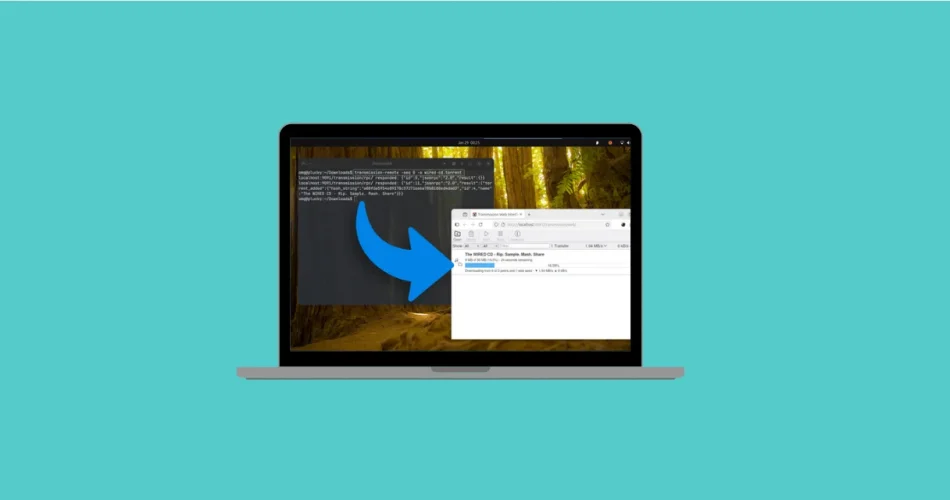
After more than a year of development, the open-source Transmission BitTorrent client has received a major update. Transmission 4.1.0 is now available, bringing meaningful performance improvements, long-requested features, and polished interface updates across GTK, Qt, and WebUI builds.
The Transmission team describes this release as the result of long-term refinement rather than quick iteration—and it shows. From improved networking performance to better accessibility and modern UI behavior, Transmission 4.1.0 is a solid step forward for one of the most lightweight torrent clients available.
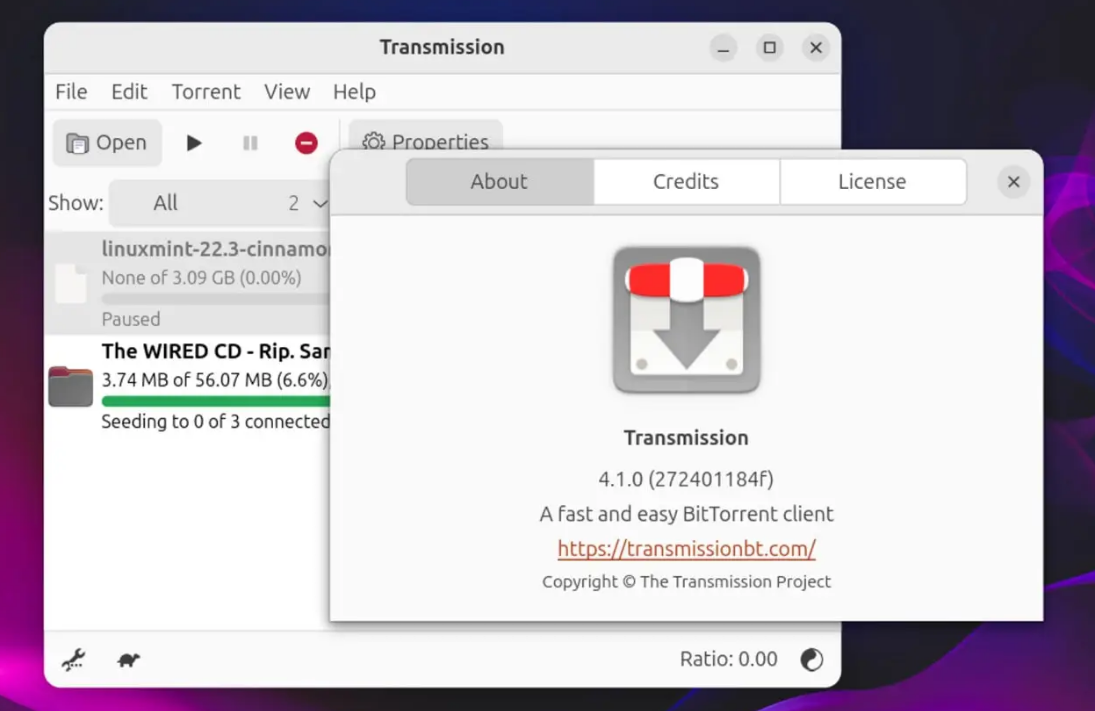
What’s New in Transmission 4.1.0
Transmission 4.1.0 focuses on three major areas: network performance, resource efficiency, and user experience. The changes benefit all supported platforms, including Windows, macOS, and Linux.
Full IPv6 Support and Smarter Networking
One of the most important upgrades in this release is full IPv6 support, including:
- IPv6 local peer discovery
- Dual-stack UDP tracker support
- Improved peer connectivity in modern networks
In addition, µTP (Micro Transport Protocol) performance has been significantly improved compared to the 4.0.x series, resulting in faster and more responsive peer communication—especially on congested networks.
Latency when sending protocol messages to peers has also been reduced, improving overall torrent responsiveness.
Lower CPU and RAM Usage Across Platforms
Behind the scenes, Transmission 4.1.0 introduces optimizations to libtransmission, the core library used by all Transmission clients.
According to the developers, these changes lead to:
- Reduced CPU usage
- Lower memory consumption
- Better performance on low-end and older systems
This keeps Transmission true to its reputation as a lightweight BitTorrent client, even as new features are added.
User Interface Improvements in GTK, Qt, and WebUI
Native System Icons in the Qt Client
The Qt version of Transmission now uses native system icons for menus and toolbars:
- macOS users see SF Symbols
- Windows users get Segoe UI icons
- Linux systems use XDG-standard icon names
This gives the app a more polished, platform-native feel instead of a one-size-fits-all interface.
Better Linux Desktop Integration
On Linux, the Qt build now follows Human Interface Guidelines (HIG) more closely:
- Fewer icons in menus on GNOME
- More icon-rich menus on KDE
The result is an interface that feels more at home on each desktop environment.
GTK Client: Native File Dialogs and Accessibility Boosts
The GTK version of Transmission gains several quality-of-life improvements:
- Native file chooser dialogs instead of generic ones
- Improved accessibility support
- Properly labeled and selectable value fields
These changes make Transmission far more usable with screen readers and other assistive technologies.
WebUI Enhancements
The built-in WebUI also sees improvements, including:
- Drag-and-drop torrent support
- Better handling of remote connections
- Improved responsiveness
This is particularly useful for users running transmission-daemon on servers or NAS devices.
Additional Notable Features in Transmission 4.1.0
Beyond networking and UI changes, this release includes several practical enhancements:
- JSON-RPC 2.0–compliant RPC API
- Torrent verification after download completion
- Proxy server support for web connections
- Automatic checks for existing local files after changing torrent location
- Improved dark mode support on macOS
A full breakdown of platform-specific fixes and improvements is available in the official Transmission release notes on GitHub.
Sequential Downloading Finally Arrives (With Limitations)
One of the most requested features—sequential downloading—is finally supported in Transmission 4.1.0.
What Is Sequential Downloading?
Instead of downloading torrent pieces randomly, sequential downloading fetches pieces in order. This is especially useful for:
- Streaming or previewing video files
- Accessing content before the download is complete
This feature has long been popular in clients like qBittorrent.
How to Use Sequential Downloading in Transmission
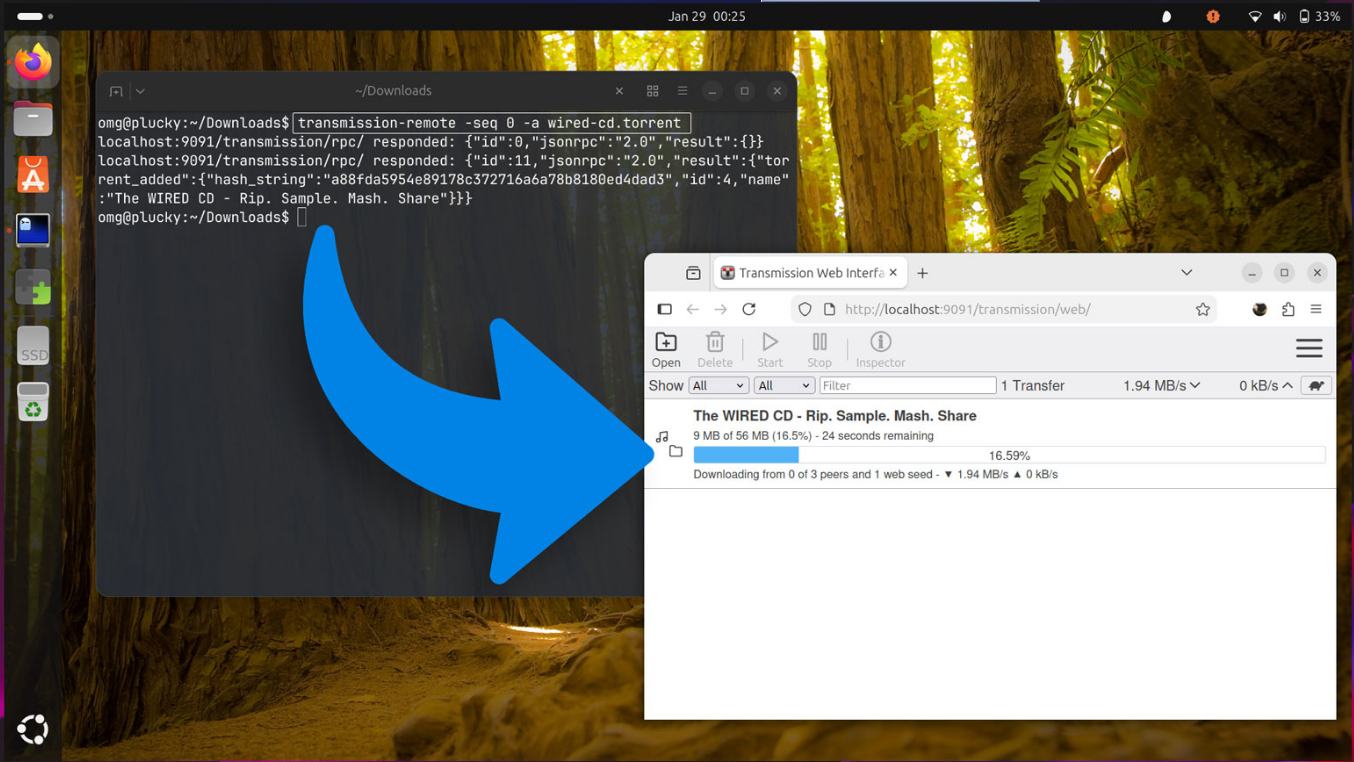
There’s one catch: sequential downloading is not available in the GUI (yet).
It can only be enabled via:
transmission-daemon- The command-line tool
transmission-remote
To enable it when adding a torrent, use the --sequential-download (or -seq) flag and specify the starting piece.
Example:
transmission-remote --sequential-download 0 -a torrent-file.torrent
Short form:
transmission-remote -seq 1 -a /Downloads/myepic.torrent
This starts downloading pieces sequentially from the specified point.
Downsides of Sequential Downloading
Sequential downloading isn’t always ideal. When many peers prioritize early pieces:
- Overall swarm performance can suffer
- Download speeds may drop for popular torrents
This is less of an issue for older or low-activity torrents, but it’s something to keep in mind.
How to Install Transmission 4.1.0
Windows, macOS, and Linux Downloads
You can download Transmission 4.1.0 directly from the official Transmission website. Installers and packages are available for:
- Windows
- macOS
- Most Linux distributions
The source code is also available if you prefer to compile it yourself.
Ubuntu, Snap, and Flatpak Options
- Ubuntu: Transmission is included in the “extended” install option, but usually at an older version. Ubuntu 26.04 LTS may include 4.1.0 if it lands in Debian in time.
- Snap: An unofficial snap exists. Stable is still on 4.0.6, but 4.1.0 is currently in the edge channel.
- Flatpak: There is an unverified Flathub listing, though it hasn’t been updated yet.
Keep in mind that Snap and Flatpak are sandboxed, which can limit file system and network access. Always verify permissions before using Transmission for advanced or remote tasks.
Final Verdict
Transmission 4.1.0 is a meaningful upgrade that strengthens the client’s core values: speed, simplicity, and efficiency. With better IPv6 support, lower resource usage, modernized interfaces, and the long-awaited arrival of sequential downloading (even if CLI-only), this release proves Transmission is still very much alive and evolving.
If you rely on a lightweight, no-nonsense BitTorrent client, Transmission 4.1.0 is absolutely worth upgrading to.
And if you'd like to go a step further in supporting us, you can treat us to a virtual coffee ☕️. Thank you for your support ❤️!

We do not support or promote any form of piracy, copyright infringement, or illegal use of software, video content, or digital resources.
Any mention of third-party sites, tools, or platforms is purely for informational purposes. It is the responsibility of each reader to comply with the laws in their country, as well as the terms of use of the services mentioned.
We strongly encourage the use of legal, open-source, or official solutions in a responsible manner.
Comments