

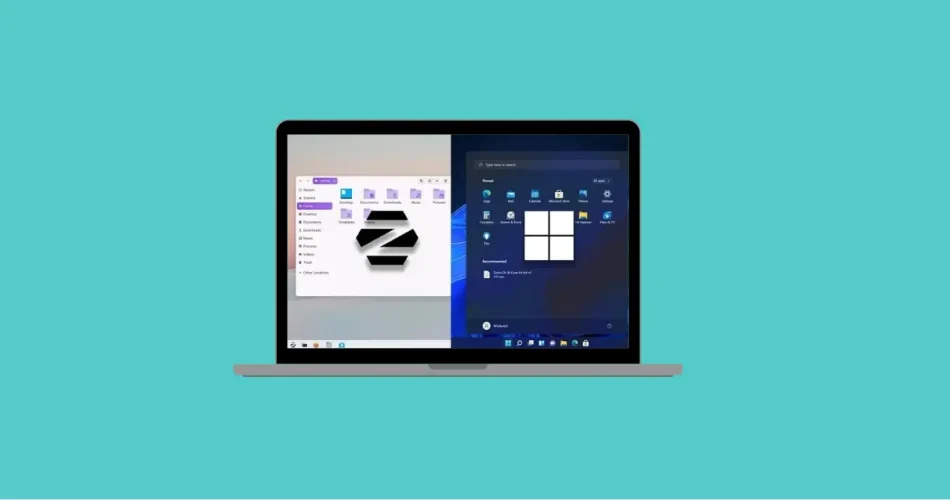
Choosing an operating system isn’t just a technical decision — it shapes your entire digital experience. From boot speed and gaming performance to software compatibility and privacy, your OS determines how efficiently you work, create, and play.
In this in-depth comparison, we break down the real-world differences between Windows 11 and Zorin OS 18. Whether you’re a gamer, a professional, a student, or simply exploring alternatives to Windows, this guide will help you decide which platform fits your workflow best.
1. Performance Benchmarks: Speed, Responsiveness & Resource Usage
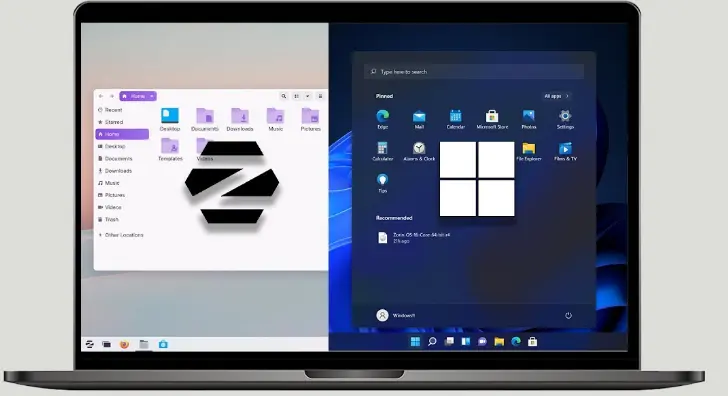
Performance is often the first concern when comparing operating systems — and both Windows 11 and Zorin OS 18 take very different approaches.
Windows 11: Optimized for Modern Hardware
Windows 11 is engineered specifically for newer Intel and AMD processors, requiring TPM 2.0 and Secure Boot support. Microsoft redesigned the system architecture to improve:
- Boot times
- Multitasking responsiveness
- Memory management
- Virtualization performance
On modern SSD-equipped systems, Windows 11 boots quickly and handles heavy multitasking reliably. It also integrates advanced graphics and scheduling optimizations that benefit high-performance workloads.
However, Windows 11 runs numerous background services, security modules, and telemetry processes. On mid-range or older hardware, this can result in higher RAM and CPU usage compared to Linux alternatives.
Zorin OS 18: Lightweight, Efficient, and Smooth
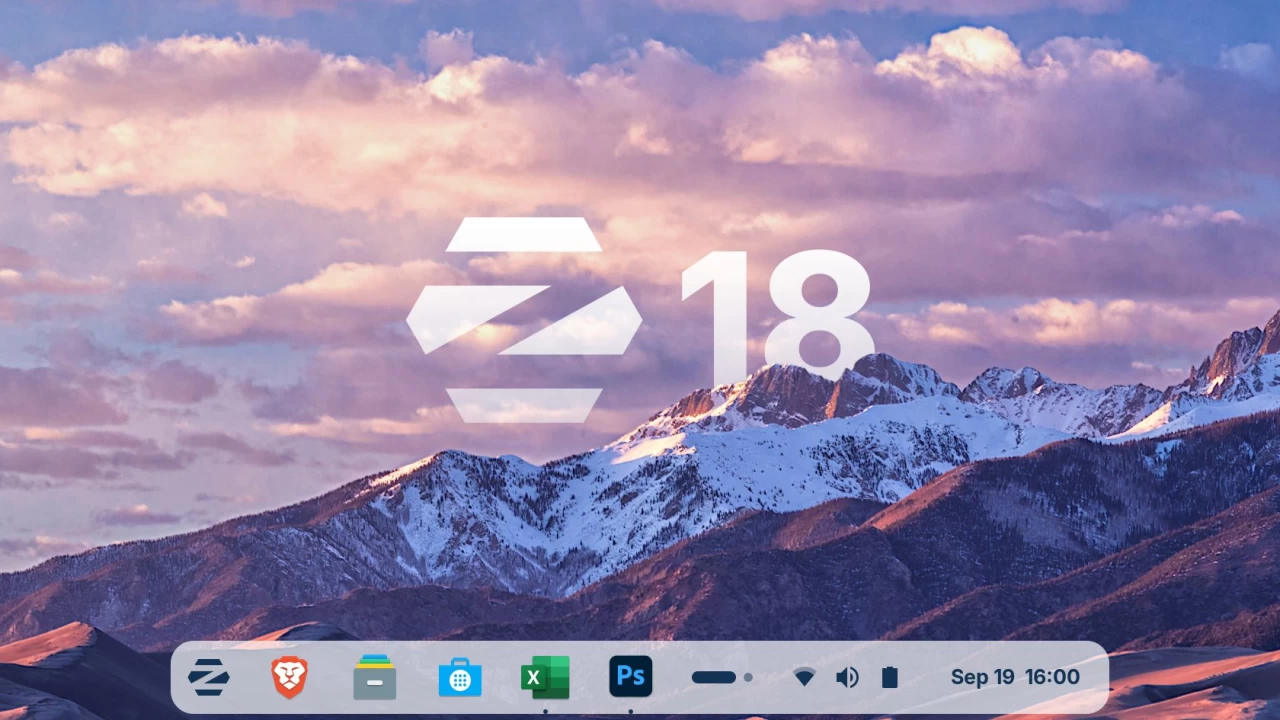
Zorin OS 18 is built on Ubuntu’s long-term support foundation, but with a streamlined and optimized desktop experience. Unlike Windows, it removes unnecessary background processes and bloatware.
The result?
- Faster boot times on older hardware
- Lower RAM usage at idle
- Snappy application launches
- Excellent stability under sustained workloads
On modest laptops or aging desktops, Zorin OS 18 often feels noticeably more responsive. Its lightweight architecture means more system resources are available for applications rather than background tasks.
Performance takeaway:
- For modern high-end systems and commercial software optimization → Windows 11 excels.
- For efficiency, stability, and older hardware → Zorin OS 18 stands out.
2. Gaming & Graphics: Which OS Delivers Better FPS?
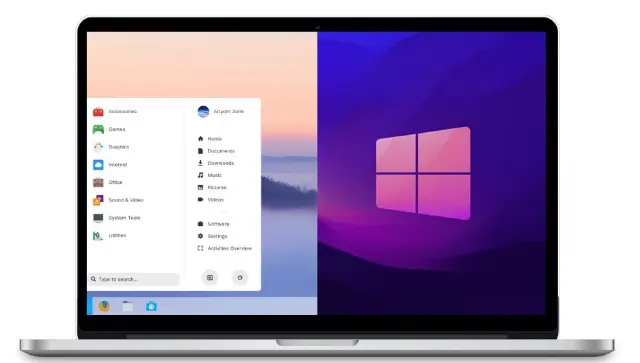
Gaming remains one of the most decisive factors for many users.
Windows 11: The Undisputed Gaming Leader
Windows dominates the gaming ecosystem. With full support for DirectX 12, GPU driver optimizations from NVIDIA and AMD, and native compatibility with nearly every AAA title, Windows 11 offers:
- Higher average frame rates
- Better driver support
- Full anti-cheat compatibility
- Native support for most major games
Titles like Cyberpunk 2077 and Microsoft Flight Simulator are optimized specifically for Windows environments. For competitive gaming and AAA releases, Windows 11 remains the gold standard.
Zorin OS 18: Linux Gaming Is Catching Up
Gaming on Linux has improved dramatically thanks to Proton (developed by Valve) and Steam Play. Zorin OS 18 supports:
- Steam with Proton compatibility
- Lutris for game management
- Native Linux games
- Indie and retro titles
However, performance can sometimes lag slightly behind Windows in demanding AAA games. Certain anti-cheat systems may also limit compatibility.
That said, for casual gamers, indie enthusiasts, and users who enjoy Linux-native titles, Zorin OS 18 delivers a surprisingly smooth experience — especially given its lower system overhead.
Gaming verdict:
If gaming is your top priority → Windows 11 wins clearly.
If you play casually or prefer indie/Linux titles → Zorin OS 18 is perfectly viable.
3. Software Compatibility & Daily Applications
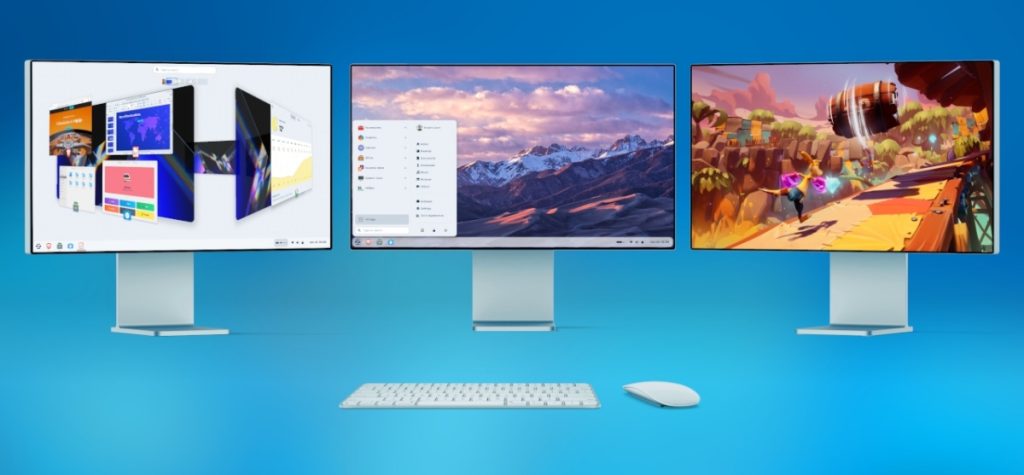
For many users, application support is the deciding factor.
Windows 11: Maximum Software Availability
Windows has the broadest software ecosystem available. It supports:
- Microsoft Office
- Adobe Creative Cloud
- Autodesk products
- Enterprise accounting software
- Specialized engineering tools
Hardware peripherals also work seamlessly thanks to widespread driver support.
If your career depends on proprietary commercial software, Windows 11 remains the safest and most practical choice.
Zorin OS 18: Powerful Open-Source Alternatives
Zorin OS 18 focuses on open-source flexibility and cross-platform compatibility.
Popular alternatives include:
- LibreOffice instead of Microsoft Office
- GIMP instead of Photoshop
- Blender for 3D design
- VS Code and Chrome (fully supported)
With Flatpak and Snap packaging systems, Zorin OS 18 supports thousands of modern apps beyond traditional Linux repositories.
For students, developers, writers, and web-based professionals, Zorin OS 18 provides everything needed — often at zero cost.
Software reality:
- Need industry-standard proprietary software? → Windows 11.
- Comfortable with open-source tools or web apps? → Zorin OS 18 works beautifully.
4. Security, Privacy & System Philosophy
Here’s where the philosophical divide becomes clear.
Windows 11: Enterprise-Grade Security, Centralized Control
Windows 11 includes:
- Secure Boot
- TPM 2.0 integration
- Advanced threat protection
- Automatic security updates
Microsoft maintains strong vulnerability patching cycles. However, Windows collects telemetry data, and users have limited control over system-level services.
Privacy-conscious users may find this restrictive.
Zorin OS 18: Transparency & User Control
As an open-source system, Zorin OS 18 provides:
- Minimal telemetry
- No forced ads
- No mandatory restarts
- Full customization options
Security patches are distributed quickly through Ubuntu’s LTS foundation. Because the source code is open, vulnerabilities are often identified and resolved transparently.
Additionally, Zorin OS 18 allows deep customization — from desktop appearance to system behavior — without hidden restrictions.
Privacy verdict:
- Want convenience and built-in enterprise security? → Windows 11.
- Want privacy, transparency, and control? → Zorin OS 18.
5. Final Verdict: Which Operating System Is Right for You?
There is no universal winner — only the right tool for your needs.
Choose Windows 11 if you:
- Play AAA or competitive games
- Depend on Adobe, Microsoft Office, or specialized enterprise tools
- Want maximum hardware compatibility
- Prefer a familiar mainstream environment
Choose Zorin OS 18 if you:
- Value privacy and open-source philosophy
- Use cross-platform or web-based applications
- Want better performance on older hardware
- Prefer customization and system control
- Want a free alternative to Windows
Both operating systems are powerful, stable, and capable. The best choice depends on how you use your computer and what you prioritize: compatibility and gaming dominance, or efficiency and freedom.
If you’re curious, try Zorin OS in a virtual machine before making the leap. Or explore Windows 11’s advanced features more deeply if you haven’t yet.
Your ideal operating system isn’t about hype — it’s about alignment with your workflow, hardware, and digital philosophy.
And if you'd like to go a step further in supporting us, you can treat us to a virtual coffee ☕️. Thank you for your support ❤️!

We do not support or promote any form of piracy, copyright infringement, or illegal use of software, video content, or digital resources.
Any mention of third-party sites, tools, or platforms is purely for informational purposes. It is the responsibility of each reader to comply with the laws in their country, as well as the terms of use of the services mentioned.
We strongly encourage the use of legal, open-source, or official solutions in a responsible manner.
Comments